
Roei Tzoref
Legend
February 1, 2019
Answered

always open pdf document as linked in illustrator

  • February 1, 2019
  • 1 reply
  • 532 views

Hi,

I like to fill my pdf documents in illustrator, and I want to import them as links to illustrator (merge everything) mainly because I don't want illustrator to try to find the fonts (which is usually missing) and give me errors. I check import as links and off I go.

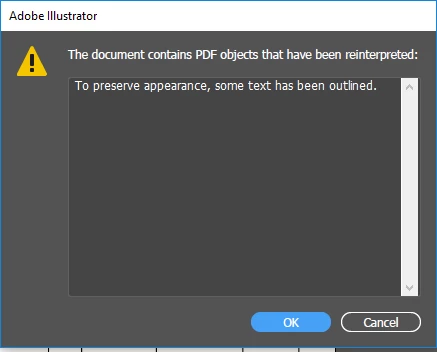
for example, sometimes when I open some multi-page document or a single page it gives me this:

message #1
sometimes followed by this:
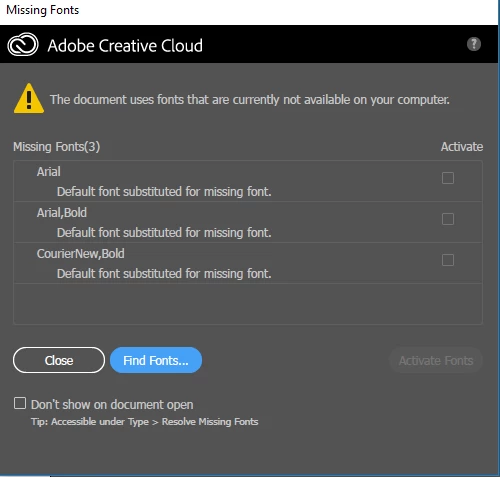
this is NOT what I want.

some other times it gives me this:

message #2
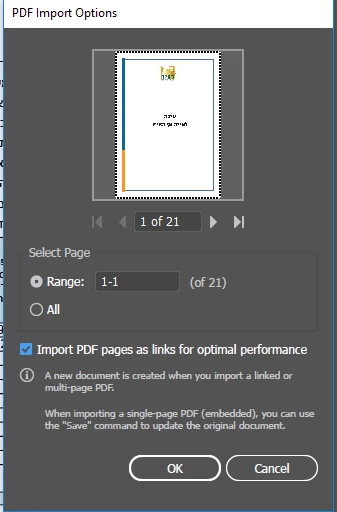
this is what I want.

so I thought maybe if I open the pdf in acrobat and try to export as optimized remove some checkboxes to make it "merged" but no dice, it still gives me message #1.

a workaround if this is just a single document is to open an A4 document in illustrator and use Place, but I want a solution for multi-page and also avoid unnecessary steps.


so my question is how do I make illustrator always get message #1? is it something to do with the preparation I can make in Acrobat? or is this some preference in Illustrator?

thanks for the help

This topic has been closed for replies.
Correct answer Monika Gause

That's how the feature works, yes.

As an ACP you should have access to Acrobat Pro.

1 reply

Monika Gause
Community Expert
Community Expert
February 1, 2019

If you want the PDF to always be linked, you need to always place it into a new document. If you open a single page, it can't be linked.

And what do you mean with "I like to fill my PDF documents in Illustrator"? Is that a form? Then use Acrobat.

Roei Tzoref
Legend
February 1, 2019

Thanks for the comment Monica.

And what do you mean with "I like to fill my PDF documents in Illustrator"? Is that a form? Then use Acrobat.

I find it for now much easier doing that in Ai Than in Acrobat. also, Acrobat changed some of the features and now you can only use a paid app of some sort to get full functionality in filling forms. I haven't got to the bottom of this issue.

If you want the PDF to always be linked, you need to always place it into a new document. If you open a single page, it can't be linked.

I see now that if it's one page document only - it will never be linked until I place it. guess that was my mistake thinking that a multi-page document is not linked. I was sure I had a multipagw document that was gave me errors about missing fonts and only showed me one page. As I am testing now and see that only if it's multi-page it can be linked, and if it's one page, I have to create a document and place it. is that true by your experience?

Monika Gause
Community Expert
Monika GauseCommunity ExpertCorrect answer
Community Expert
February 1, 2019

That's how the feature works, yes.

As an ACP you should have access to Acrobat Pro.