Sorry about the inconvenience caused by this issue. We are working on it and by the time it is fixed completely, please Sign out and sign in back to the Creative Cloud Desktop app. If that doesn't work then follow the instructions given in this help article. For more details, please refer to this community link.
Forgive me for not speaking French my Error code 205 occoured with the recent update to Illustrator 2022 there was a double issue in that there was a file extension in the RunwithList in the registry that didn't the installer have permissions to modify - this was solved via the Support instructions however when the update finally installed if you ran it, it immediatly failed with the 205 Error Code & forced you to shut down - after reading a few other related Forums I uninstalled the Illustrator App & logged/signed out of the Creative Cloud desktop app (with the usual warnings) then re signed in waited a minute or so while it reactivated all the fonts etc then reinstalled Illustrator & Low & behold the error has gone away - the other forums indicated there could be a security issue - so it was my 1st step to try, fortunatly it worked - hope this helps others
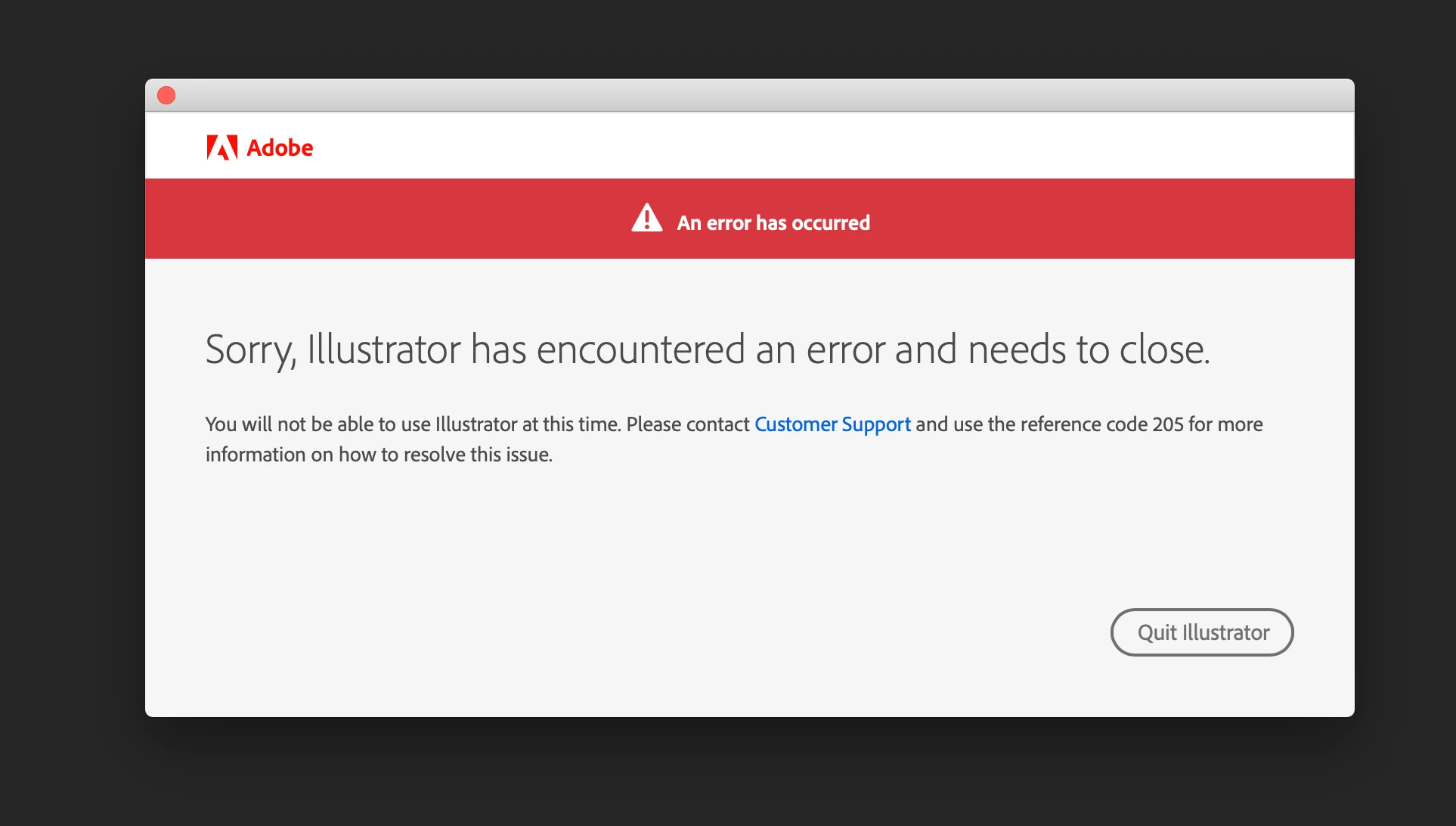
Adobe me dit "Adobe à rencontrer un problème et doit se fermer - Vous ne pouvez pas utiliser Illustrator pour le moment. Contactez le service clientèle et précisez le code de référence 205 pour savoir comment résoudre le problème", je suis étudiant et mon compte m'est délivré par l'organisme ou je suis la formation.
Je suis sur une version étudiante et illustrator plante au démarrage en me disant
"Vous ne pouvez pas utiliser ILLUSTRATOR pour le moment. Contactez le service clientèle et précisez le code de référence 205 pour savoir comment résoudre le problème"
J'ai essayer de contacter le service clientèle mais étant sous version entreprise car étudiant on me dit que je n'y est pas accès.
Adobe Illustrator keeps showing me the Error and the message says to contact customer support and use the reference code 205 to solve the issue. Can someone help me with this? I can't open the Illustrator and Acrobat. Others are working fine.
Thank you for this. 🙂 I've done all the steps but did not worked. PS and Indesign works fine. I just don't understand why just the Illustrator and Acrobat are not working. Is there any way I can do to resolve this?
I updated my Illustrator recently and when I opened it, it keeps on prompting that there was an error 205. I did everything including changing or connections, firewalls and everything but non seems to work. My other apps work except Illustrator. Please help in need to do my work. Thanks
Hi Marlinton, I tried searching for the dlm log. However my latest logs are back in 2019. What should I do? And how does the download network works? I am quite confuse on it.




 AdChoices