

Participating Frequently
September 27, 2024
Answered

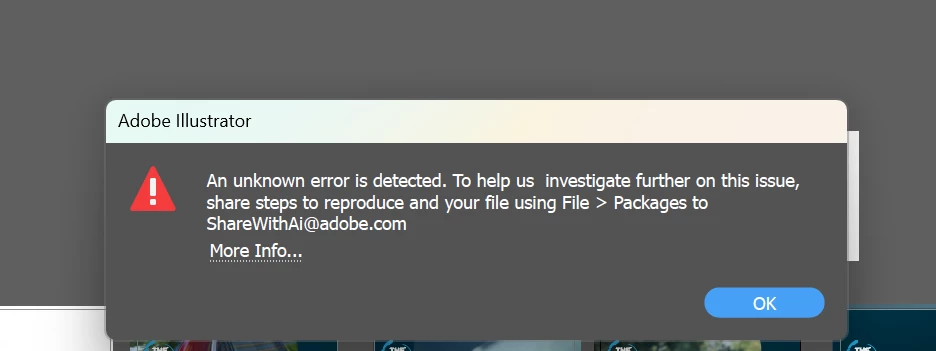
An unknown error is detected.
  • September 27, 2024
  • 2 replies
  • 945 views

 whenever i trying save my project this error accour i dont no why and what should i do 

Correct answer Monika Gause

when i press ctrl+s or save,

not all files but almost 90% 


So you have an already existnfile aneyou press Ctrl+S and then you get thpopup?


Where are those files saved?

If not on your local harddrive, please copy them there. Then try again

Also: please turn off "Save in background" in the Illustrator Preferences > File handling.

2 replies

Participant
July 8, 2025

There is another way to save the file in such scenarios:

  1. For Mac users, force quit Illustrator.

  2. Launch the software again.

  3. It will prompt you for file recovery—click "OK."

You will get the file exactly as it was when you last tried to save it. It worked for me, so I thought of sharing it here.

Monika Gause
Community Expert
Community Expert
September 27, 2024

Exactly when does Illustrator do this? After you enter the options for the file?

What's in the file?

Where are you traing to save it?

Participating Frequently
September 27, 2024

whenever i try to save my procject in my laptop 

Monika Gause
Community Expert
Community Expert
September 27, 2024

Does that happen before or after you hit Save and enter the options?

What's in the file?

Does it happen with all files?


More information helps.
