Participating Frequently
November 9, 2018
Answered

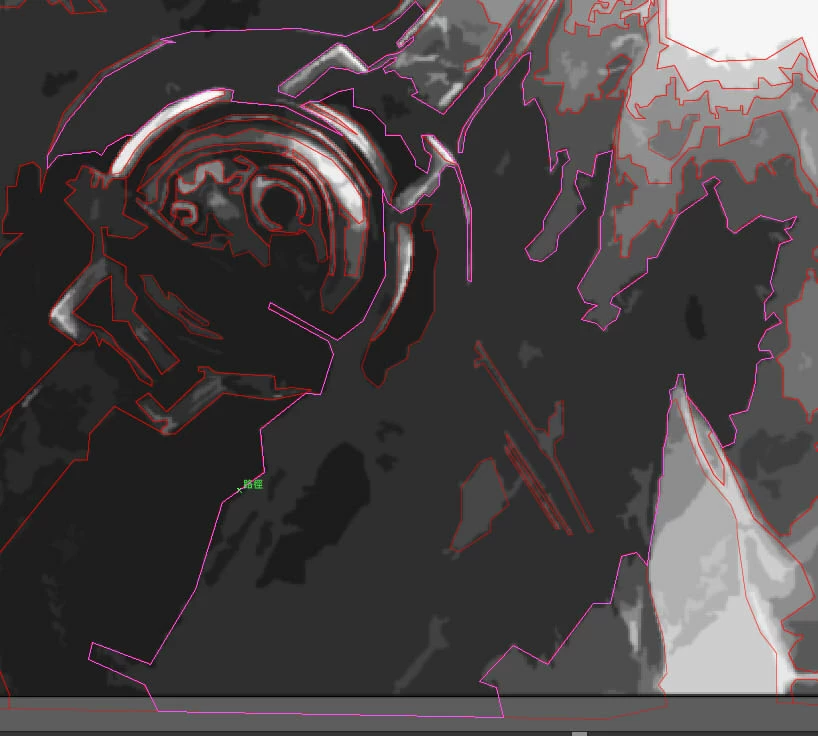
Anchor point is missing on guide line
  • November 9, 2018
  • 1 reply
  • 1000 views

When the mouse hoover on the path, the guide line shows without anchor points. Anchor points will only show once the path is selected.

I tried ctrl+u, ctrl+h, but none of them work. I also try to set the preference to default, but alt+shift+ctrl isn't working for some how.

I tried to re-install it, but the problem still exists. I really need help, thanks!

This topic has been closed for replies.
Correct answer Doug A Roberts

This may have been removed as part of the interface 'clean up' a couple of versions ago, but I don't have any earlier versions installed to check.

1 reply

Doug A Roberts
Community Expert
Community Expert
November 9, 2018

Has this behaviour changed for you? I just checked CC2019 and 2018 and neither appear to display the anchors on mouse over the path.

Participating Frequently
November 9, 2018

The Illustrator's version is CS6, and the anchors do show when the path is hoover in the beginning.

The problem occurred when I was using illustrator, so I believed it happened because I accidentally changed something.

Doug A Roberts
Community Expert
Doug A RobertsCommunity ExpertCorrect answer
Community Expert
November 9, 2018

This may have been removed as part of the interface 'clean up' a couple of versions ago, but I don't have any earlier versions installed to check.