


Answered
Annoying new smart guide after update
I don't actually know for sure if these are smart guides or some other type of guide, but after the most recent update, this cross-hair started showing up over my cursor when the rectangle tool is selected:
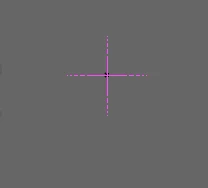
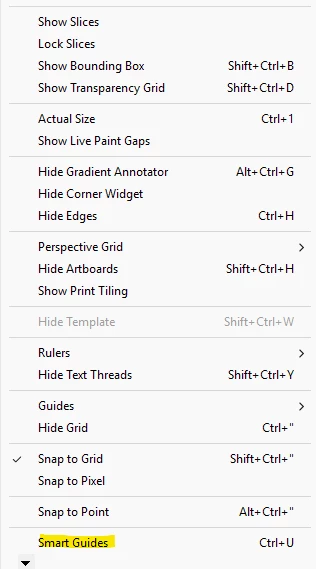
I always use only grid for snapping and have toggled Smart Guides on/off, restarted the program, looking around in preferences, etc. But I can't figure out what setting this cross-hair actually is, if it isn't a Smart Guide. I've never seen it before and it's extremely distracting. It shows up in every workspace and every document now.

 AdChoices