
Any tips for dealing with a zillion unorganized shapes?
I often download vector assets from Adobe Stock and need to edit them. Usually they're comprised of 800 zillion shapes, none of which are grouped or made into compound paths or anything.
This makes the layers panel a little unwieldy. If I need to move a shape beneath a ton of shapes, I can't really just drag it down the layers panel--it'll take days. 
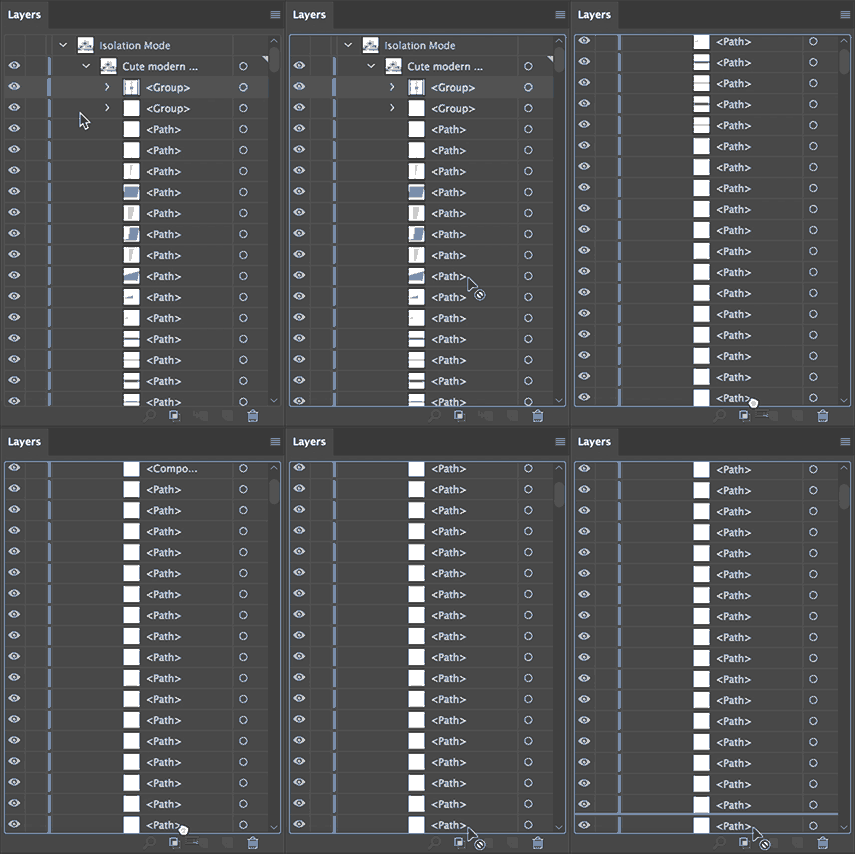
Sometimes I'm able to select a ton of layers, group them, then I can drag the shape underneath them... but thats not always possible/practical, depending on the image.
Is there a trick or something I'm not thinking of? Or a way to make the layers panel scroll down faster while dragging layers? I'm guessing the answer is I have to manually group/organize the shapes, but I'm hoping someone more clever than me might have a trick. Maybe its possible to paste a layer above a selected layer in the layers panel, instead of always being pasted to the tippity-top?
 AdChoices