Participant
March 31, 2020
Answered

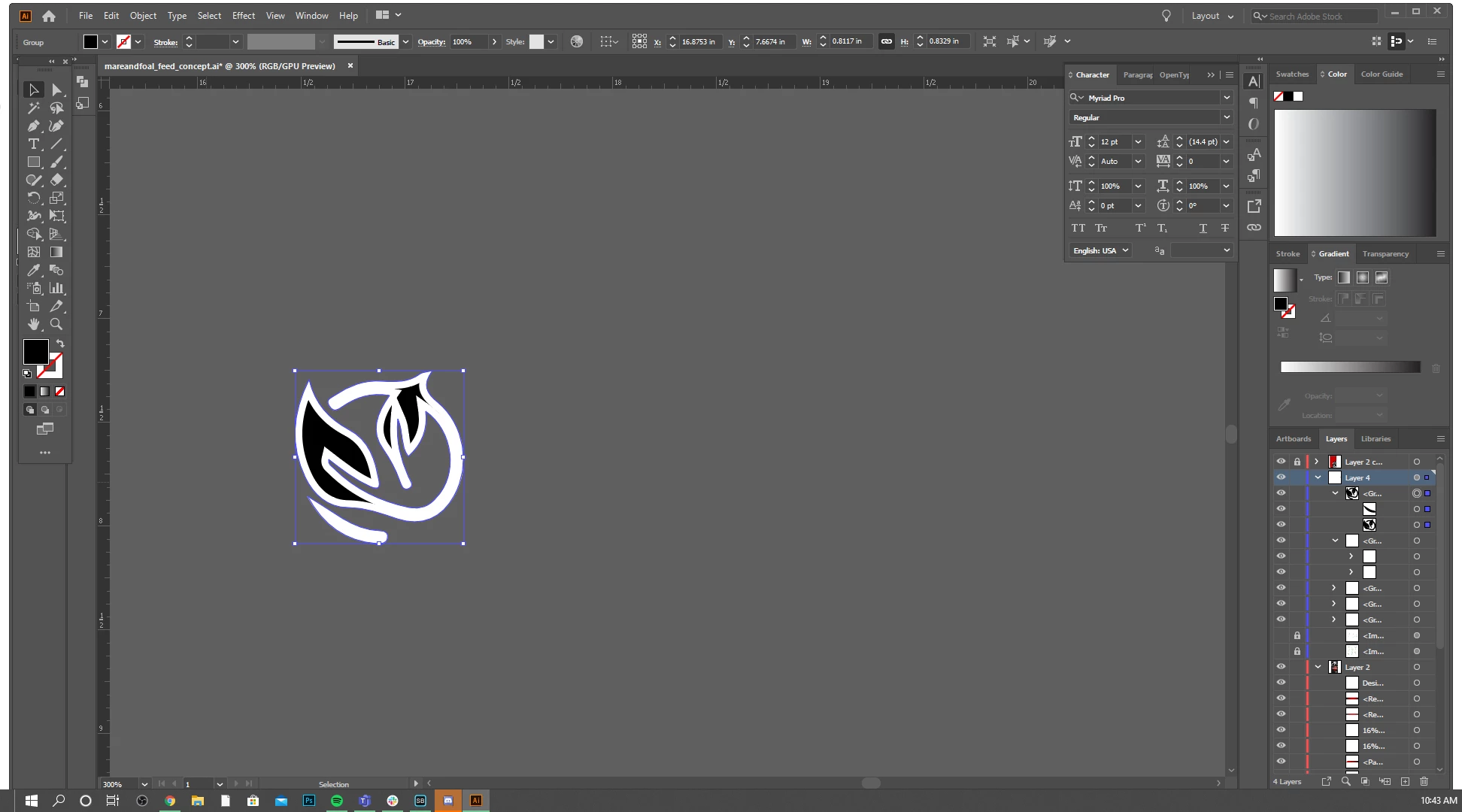
Anyone else having this outline issue?

  • March 31, 2020
  • 2 replies
  • 414 views

Today is the first day Illustrator has started doing this. It keeps adding an outline around an object that hasn't been set to have one and I have no idea as to why this is happening anytime I create an object. It stays there even after saving and shutting down everything.
 

This topic has been closed for replies.
Correct answer Doug A Roberts

The layer you are using has an appearance applied. Is that the stroke?


Open the appearance panel

Select your object

Double-click on 'Layer' in the appearance panel


If you see a stroke there, remove it.

2 replies

Jacob Bugge
Community Expert
Community Expert
March 31, 2020

Taffany,


How about Ctrl/Cmd+Shift+B or View>Hide Bounding Box (you can swicth it on the same way)?

Doug A Roberts
Community Expert
Doug A RobertsCommunity ExpertCorrect answer
Community Expert
March 31, 2020

The layer you are using has an appearance applied. Is that the stroke?


Open the appearance panel

Select your object

Double-click on 'Layer' in the appearance panel


If you see a stroke there, remove it.

Participant
March 31, 2020

That did it! Thank you!