허효원
Known Participant
April 11, 2017
Answered

appearing white line when using crop image

  • April 11, 2017
  • 17 replies
  • 31581 views

First, I'm not good at eng. Please understand me.

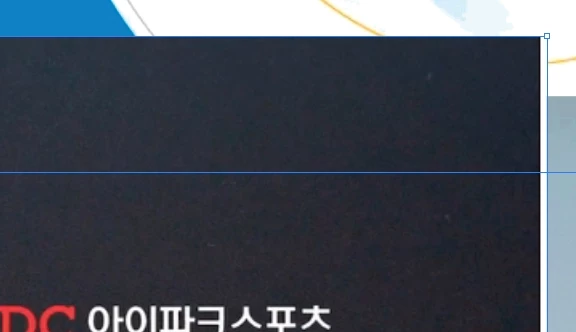
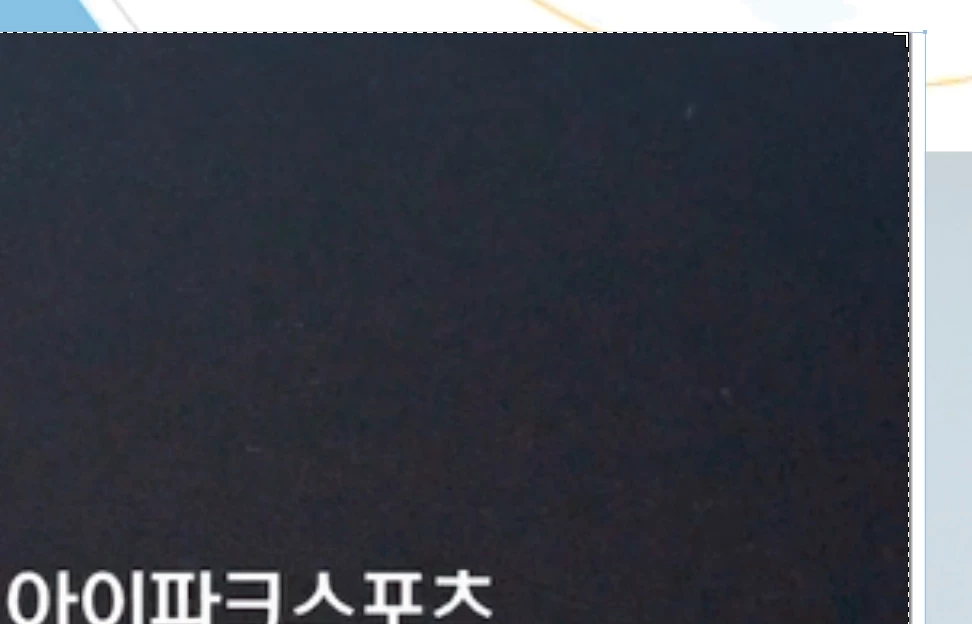
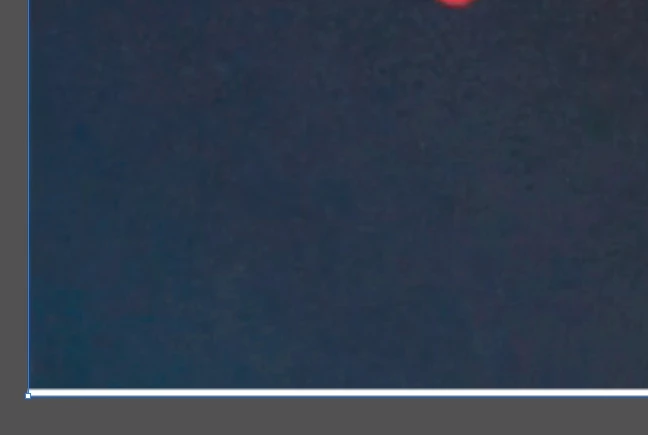
I am satisfied with illustrator's crop image tool. But when using this tool, white line appears each side. If i crop again right side that white line appear on, It appear on left side. And crop Left side, then it appears on other side again.
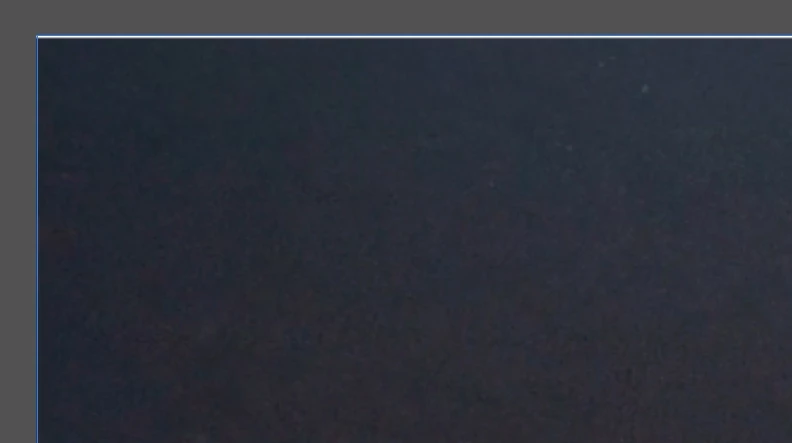
this event happen over 8times....

I keep cropping cropping croppping.....

plz help me

Correct answer catalinac19336107

Try to rasterize your image, then the line does not appear

17 replies

Participant
September 22, 2022

The workaround is to mask the image then drag the handles to your desired size. This is a rediculous bug that Adobe should either fix or remove the crop tool.

Participant
September 5, 2022

I'm also having this problem and it's really annoying to deal with.

Participant
July 13, 2022

Rasterizing doesn't fix the issue, as some posters have suggested. Why would I need to change the dpi of my photos from 300 to a multiple of 72? This is ridiculous. I have still not found a solution to this problem. This is not an inexpensive program. How is this not fixed 5 years after this initial post? I've had to move my work into a different program just to finish. Fix your product, Adobe!

Participant
March 17, 2022

This issue was occuring for me on a 300dpi scanned photograph; a single, light line across the middle of the picture no matter how many times I cropped.


The solution for me, as suggested by another user, was to use the Rasterize option before cropping. You would expect a 300dpi raster image to be unaffected by a Rasterize > 300dpi process and indeed it seemed identical after the process. However, the Crop function then occurred without placing the curious light line across the centre of the image.

Participating Frequently
September 25, 2021

4 years later, this bug *still* exists. Happening to me in 2021, exactly as OP described. 

Participant
June 12, 2020

I'm having what might possibly be a related issue. I cropped a large image in Illustrator and it resulted in a thin white line that ran across the width of my imported Photoshop CMYK TIF. It wasn't at or near the edges, but right across the full width of the image. I had done it on some smaller files earlier with no issues, but this was a large, banner-sized image at full resolution (300 dpi) so I was wondering if that was somehow the contributing factor.

catalinac19336107Correct answer
Participant
May 13, 2019

Try to rasterize your image, then the line does not appear

Ton Frederiks
Community Expert
Community Expert
June 26, 2019

Try to rasterize your image, then the line does not appear

An image is already a raster file. When would you rasterize it, before or after crop? I don't believe that will work.

Participant
April 24, 2023

I rasterized before cropping and it worked. The first time it crashed the illustrator several times. I then tried to do the same with a different machine and it worked fine. 

broc
Participant
May 8, 2019

Still an issue

anthonyw2026696
Participant
June 15, 2018

Over a year later and this problem STILL EXISTS. FIX YOUR PRODUCT.

Om Nath Jha
Legend
May 8, 2017

Hi 허효원,

That indeed seems to be the same issue. We were able to reproduce and have reported it to the development team. You can report it as well, please check this link: Illustrator Feature Request/Bug Report Form

Regards,

Om