허효원
Known Participant
April 11, 2017
Answered

appearing white line when using crop image

  • April 11, 2017
  • 17 replies
  • 31581 views

First, I'm not good at eng. Please understand me.

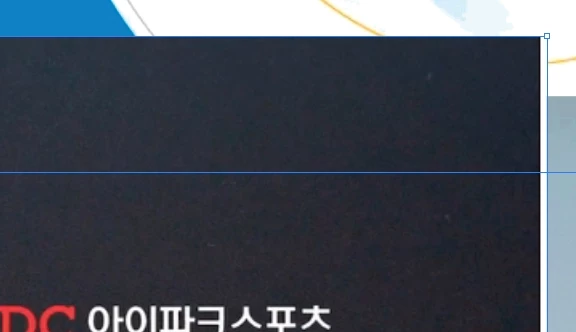
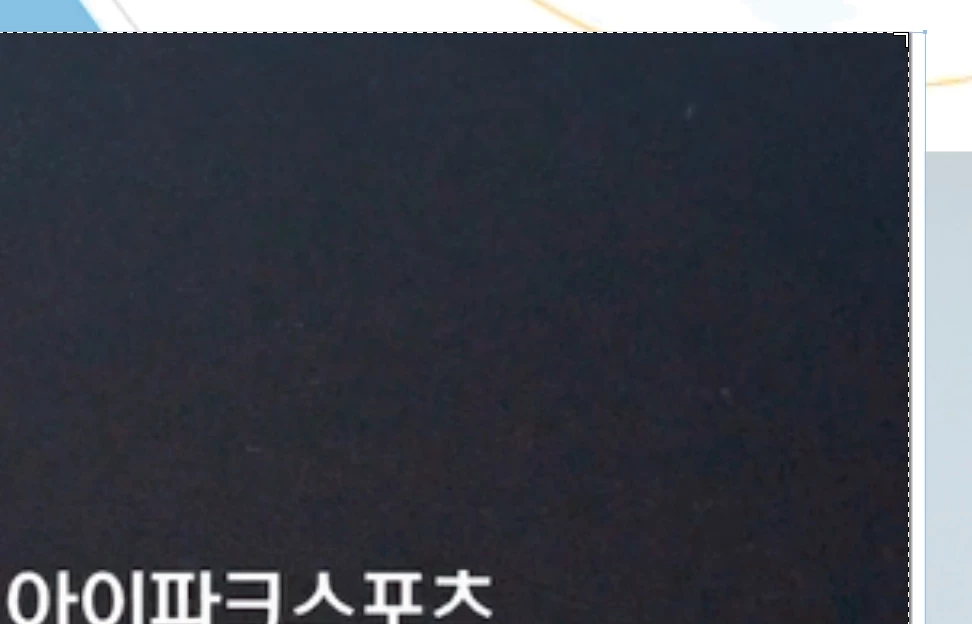
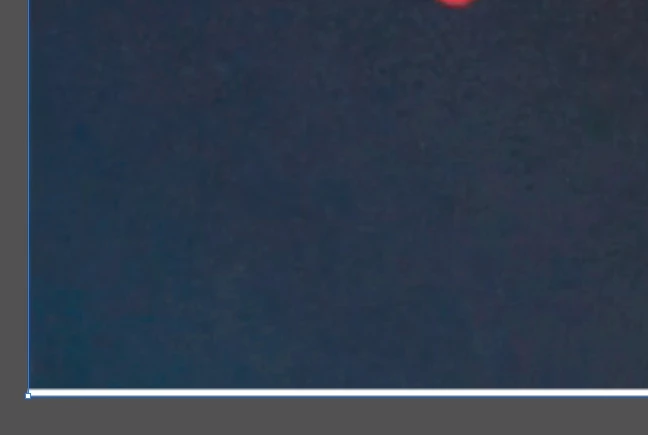
I am satisfied with illustrator's crop image tool. But when using this tool, white line appears each side. If i crop again right side that white line appear on, It appear on left side. And crop Left side, then it appears on other side again.
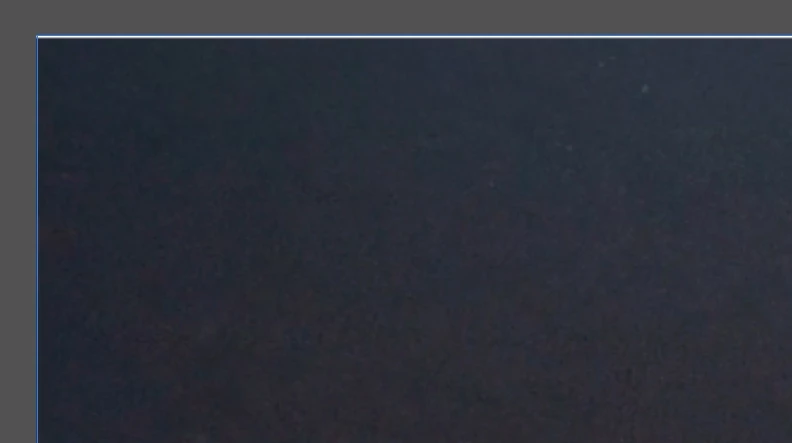
this event happen over 8times....

I keep cropping cropping croppping.....

plz help me

Correct answer catalinac19336107

Try to rasterize your image, then the line does not appear

17 replies

Ton Frederiks
Community Expert
Community Expert
May 8, 2017

Looks like the problem described in this thread:

Re: How does the crop function work?!

When the resolution of the image is not 72 ppi or a multiple of 72 than most of the time white line(s) appear at the edges when cropped.

Participant
May 8, 2017

I'm having the same problem.

When cropping an image in Illustrators new crop tool, it will sometimes add a white line to a random side of the image.

After a few quick tests it looks like this occurs randomly.

After trying to force it to happen it looks like if the first crop didnt produce a line, no further amount of cropping will produce a line. If you do get a line on the first crop, you might get rid of it by further cropping, but they can accumulate...

Image pasted into Illustrator from windows clipboard.

carlosgarro
Community Expert
Community Expert
April 29, 2017

I make a discover:

Sometimes if you are using the "Align to Pixel Grid' Feature ON. This white line appears.

I can't reproduce the error but happens

carlosgarro
Community Expert
Community Expert
April 14, 2017

I see no problem in my side

Please try cropping a little more just to check.

Best Regards

허효원
허효원Author
Known Participant
April 22, 2017

In my case... same problem reapeats....so sad

carlosgarro
Community Expert
Community Expert
April 22, 2017

Can you share your file to investigate please?

Monika Gause
Community Expert
Community Expert
April 12, 2017

Are you only cropping or do you change resolution as well?

허효원
허효원Author
Known Participant
April 14, 2017

i ..just only used image crop tool

Sheena Kaul
Community Manager
Community Manager
April 11, 2017
허효원
허효원Author
Known Participant
April 12, 2017

Thank you for anwer. But it doesn't happen when using photoshop crop tool... only using illustrator's image crop tool...

Akash Sharma
Legend
April 12, 2017

Hi 허효원

From the conversation above, it seems that you are facing issue with Illustrator. I am moving over this discussion to our Illustrator forum space so that an expert can help you.

Thanks,

Akash

arij2010
Inspiring
April 11, 2017
허효원
허효원Author
Known Participant
April 12, 2017

Thank you for answer. But when I use photoshop crop tool, it doesn't happen. Only when using illustration's new function,image crop tool, it happen... so your link are not suitable for me sad...