Participant
July 4, 2018
Answered

Applied gradient is not visible in illustrator watercolor brush

  • July 4, 2018
  • 1 reply
  • 821 views

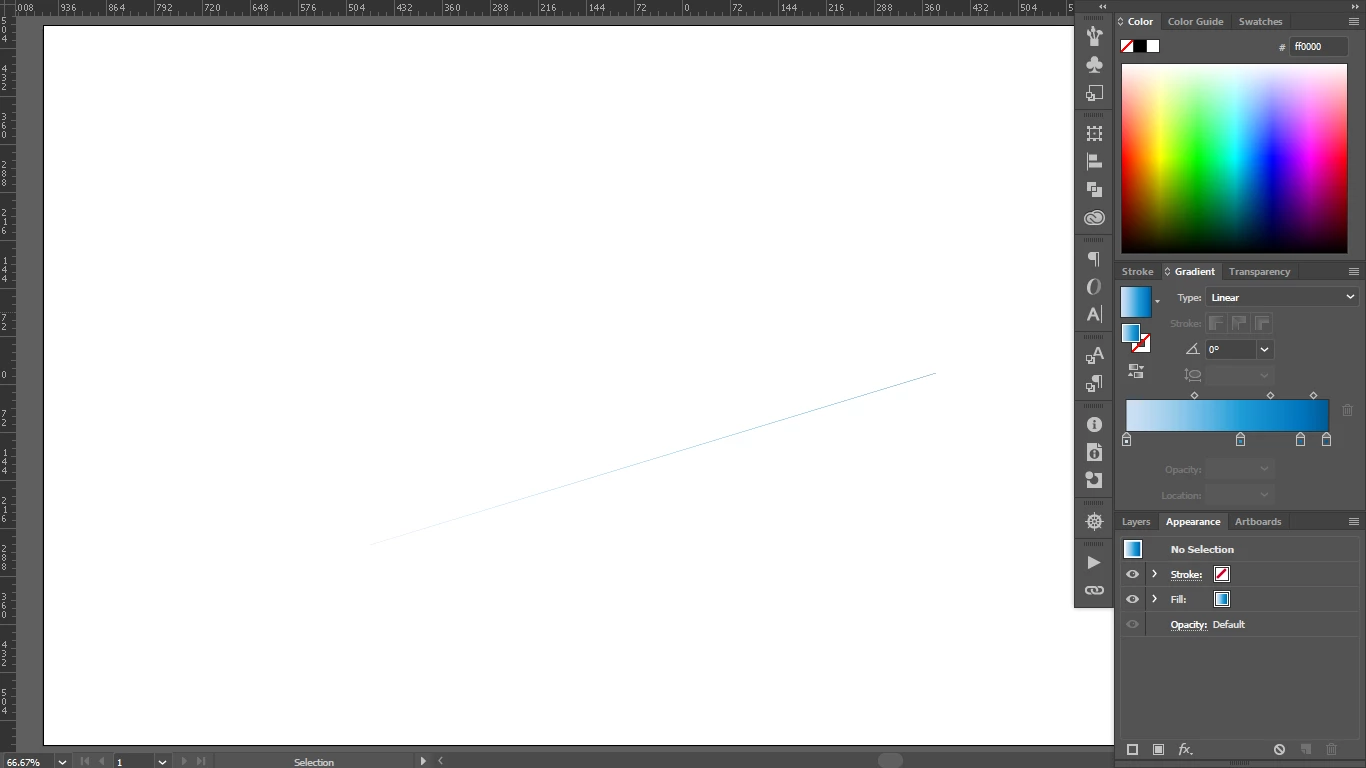
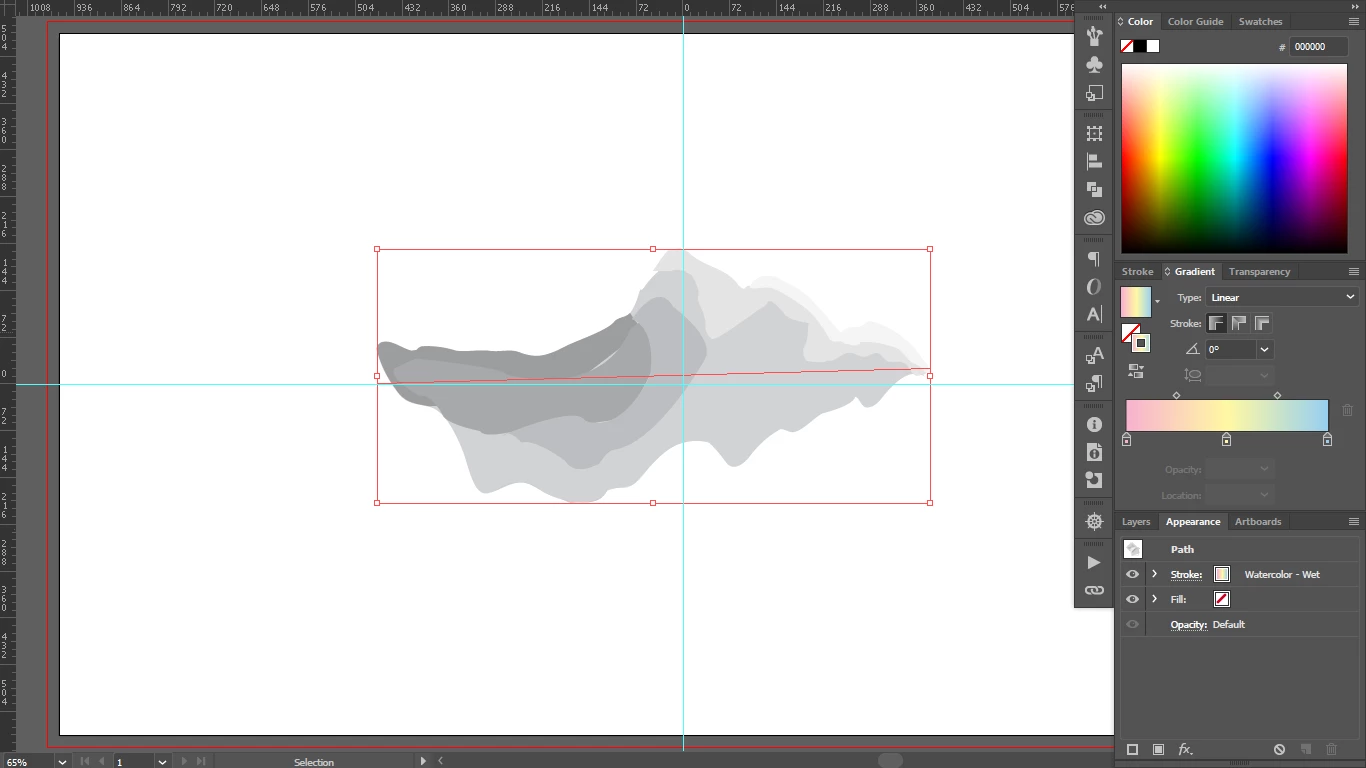
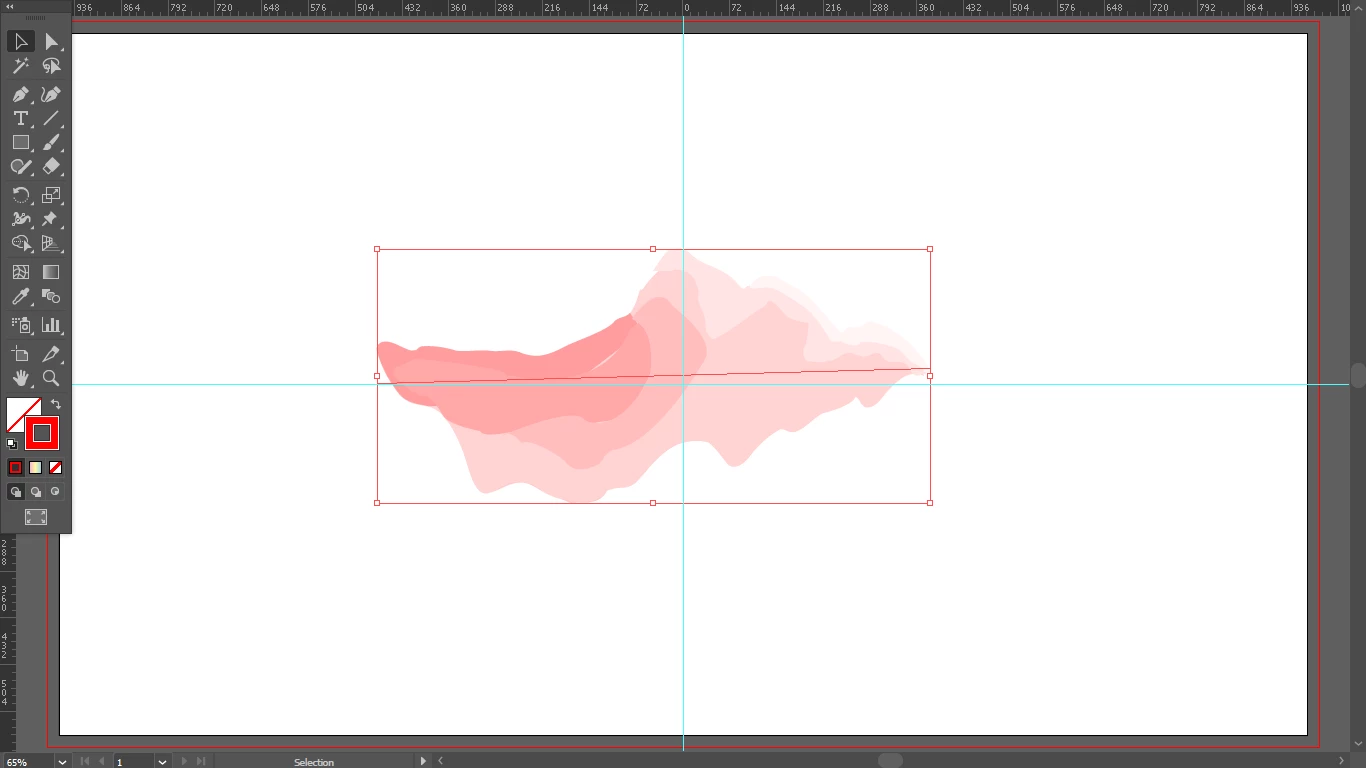
Okay. So, as you can see in the picture, the gradient I applied is not visible in the brush stroke. The same kind of thing happened before with patterns once before. So, I thought maybe it's a bug and I uninstalled and reinstalled illustrator. But it is the same. No matter which gradient I apply it remains the same. But I can change color using swatches. I mean single color, no gradient. The gradient is visible if it is applied to "fill" instead of "stroke". Can anyone give any solution to this?
This topic has been closed for replies.
Correct answer tromboniator

At this point you cannot apply a gradient to a brush. You must expand the stroke to which the brush has been applied, and then apply the gradient to the resulting paths.

Peter

1 reply

tromboniator
Community Expert
tromboniatorCommunity ExpertCorrect answer
Community Expert
July 4, 2018

At this point you cannot apply a gradient to a brush. You must expand the stroke to which the brush has been applied, and then apply the gradient to the resulting paths.

Peter

capricoAuthor
Participant
July 4, 2018

Exactly. That is my question. Why can't I? It's not a custom brush. Not only this one, in fact, I can't edit any other watercolor brushes.

If I expand the stroke it ends up looking like something that I don't want. It loses the transparency for which I am using the brush. So, basically, it's no use to me if I expand this.

Thank you for your answer though.

Monika Gause
Community Expert
Community Expert
July 4, 2018

You can apply gradients to bristle brushes.