Known Participant
Oct 9, 2024 1:34 PM UTC
Answered

Apply stroke on an object

I have two paths that apparently have the same settings but they appear to have different aspects.
where is the problem?
the desired version is the one in box number 2.
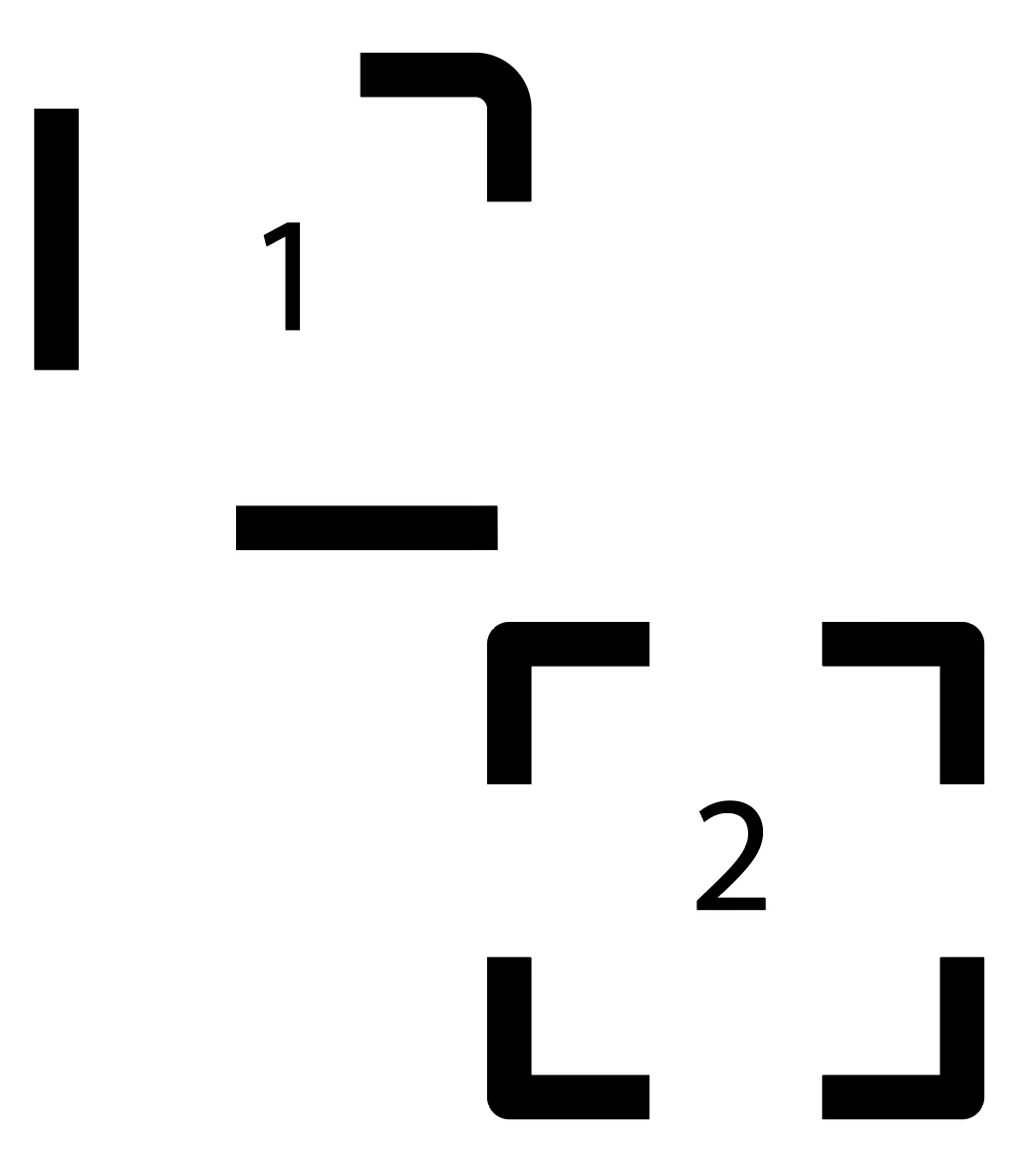

 

this is the source file


This topic is closed to new replies. Start a new post to keep the conversation going.
Doug A Roberts
Doug A RobertsCorrect answer
Community Expert
Oct 9, 2024 2:03 PM UTC

Yes I opened the file:


7 replies

Doug A Roberts
Community Expert
Community Expert
Oct 9, 2024 1:40 PM UTC

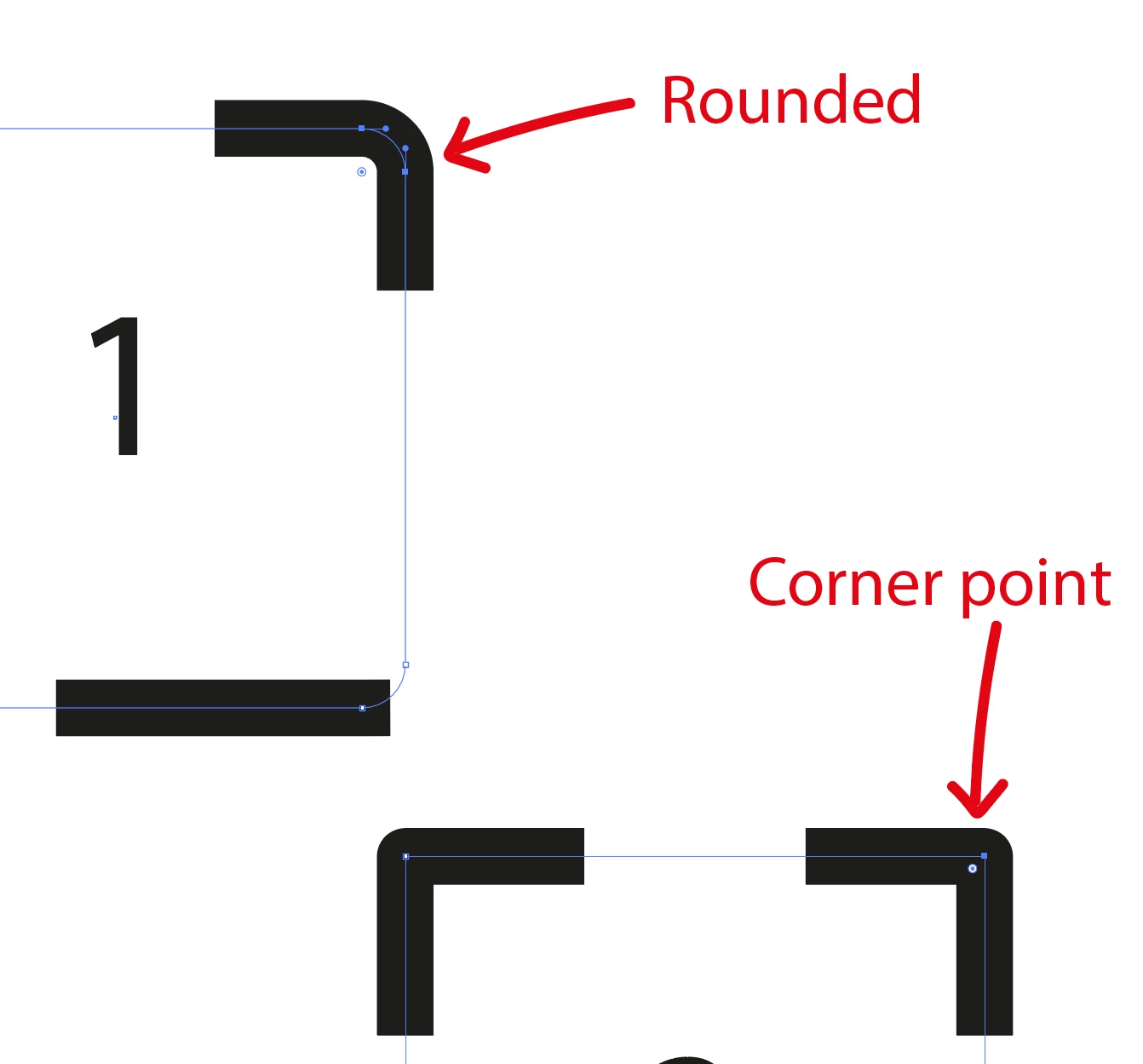
One has corner points and one has rounded corners. Sine they both have 'align dashes to corners' on, this setting takes effect on the path with corners, but not the one without.

Translate
Known Participant
Oct 9, 2024 1:46 PM UTC

did you open the source file ?

same settings for both


Translate
Monika Gause
Community Expert
Community Expert
Oct 9, 2024 1:58 PM UTC

@Milko con la elle  schrieb:

did you open the source file ?

same settings for both


The rounding is in the path, not the stroke settings.

Translate
Monika Gause
Community Expert
Community Expert
Oct 9, 2024 1:39 PM UTC

It's a dashed stroke?

Probably the adjustment on the corners.

This: 

Translate
Known Participant
Oct 9, 2024 1:47 PM UTC

nope 😉

Translate