


talos72
Inspiring
February 1, 2026
Question

Applying appearance at Layer level affects visibility of sub-layers

  • February 1, 2026
  • 5 replies
  • 125 views

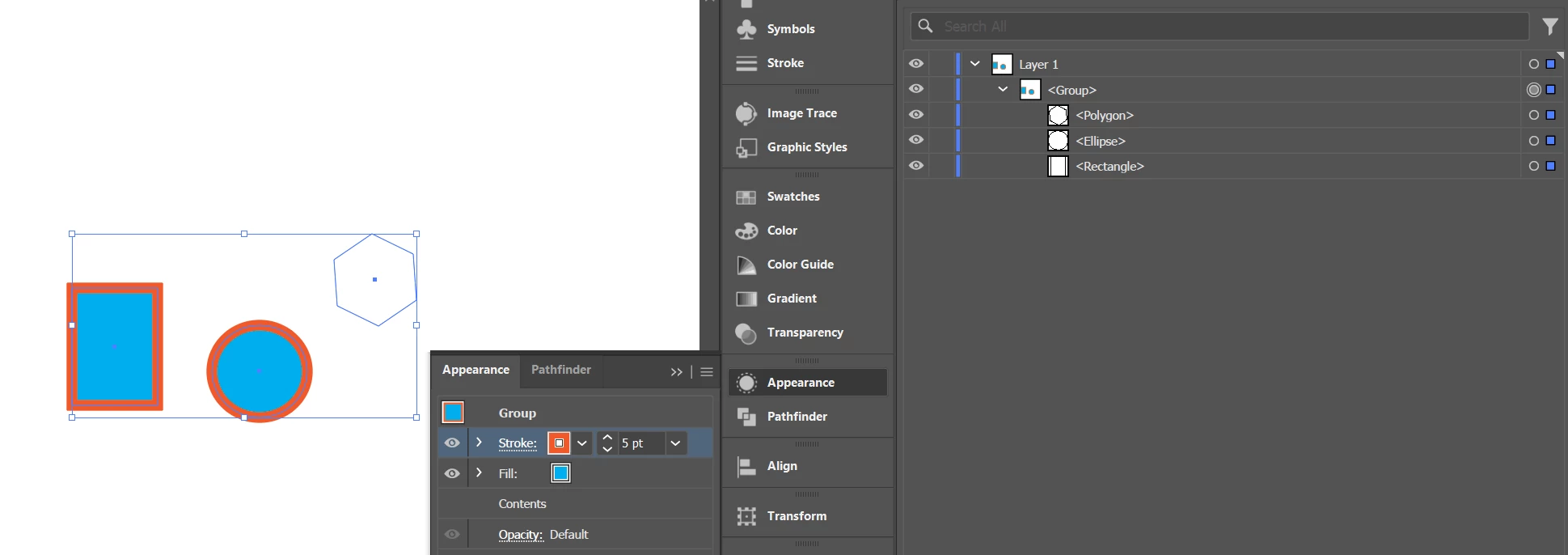
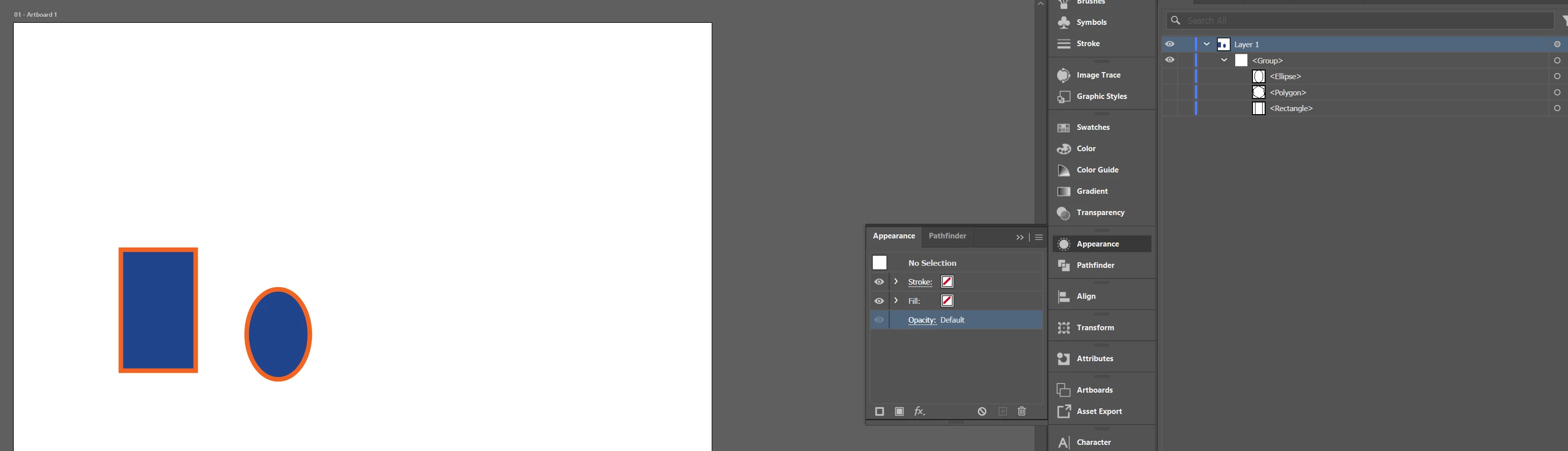
After applying an appearance style to a layer which contains multiple object sublayer, toggling the visibility of individual object layers on and off does not function properly. For example,  If I turn off visibility on one of the object sublayers, turning it back on will not make the object visible. This is an issue whether objects are in a group or not.
 

    5 replies

    Abhishek Rao
    Community Manager
    Community Manager
    March 23, 2026

    Hi ​@talos72,


    Thanks for sharing the details and your observations here. I was able to reproduce this on my end in Illustrator version 30.2.1 on Windows 11, however I could not reproduce the same behavior on macOS. I’m currently checking this with the product team and will keep you posted as soon as I have an update.


    Really appreciate your patience on this. Thanks!
    Abhishek

    Abhishek Rao
    Community Manager
    Community Manager
    March 24, 2026

    Hi everyone,


    Thanks again for reporting this and for your patience while we investigated.

    I’ve logged this behavior as a bug with the product team. They’ve acknowledged the issue and are currently working on a fix.

    I’ll keep you posted here as soon as I have any updates.


    Appreciate you bringing this to our attention!

    Abhishek

    Kurt Gold
    Community Expert
    Community Expert
    March 16, 2026

    I can doubtlessly reproduce the issue in the latest Win version of Illustrator (30.2.1).


    The appearance attributes at the layer level or group level are not shown when hiding and then showing single objects within the containers to which the attributes are applied. They will reappear when selecting and moving or scaling them.


    Note that it is about hiding and showing straight in the Layers panel, not in the Object menu.


    I’d say it’s a bug.

    Anubhav M
    Community Manager
    Community Manager
    March 11, 2026

    Hello ​@talos72 


    I hope the problem is resolved by now. If not, please share the following information:

    1.  System Report
      macOS / Windows 
       
    2. Sample AI file
    3. Screen recording of your exact workflow and the problem


    Kindly upload the files to Google Drive/Dropbox/etc and share a public link here or via DM so that we can investigate this further.
     
    Looking forward to hearing from you.
    Anubhav

    talos72
    talos72Author
    Inspiring
    February 1, 2026

    FYI, I am using Win 11 with latest update.  Illustrator 30.1.  GPU Nvidia RTX 5090 with latest driver.

    Monika Gause
    Community Expert
    Community Expert
    February 1, 2026

    You have also posted this on reddit, correct?


    As I wrote there, I can reproduce it with your file, but can’t reproduce it on my own. So probably you need to do some cleaning up stuff. The Illustrator staff will probably chime in soon. It will help when you put version and system info in here.

    talos72
    talos72Author
    Inspiring
    February 1, 2026

    Yes. Updated  with system info in a reply.  Thanks
