Participating Frequently
July 5, 2018
Question

Architectural Vector Drawing Converted for Vinyl Plotter

  • July 5, 2018
  • 4 replies
  • 1954 views

Hi All,

This is an unusual one. I am bringing in either PDFs or DWG/DXF files from sketchup of an architectural model into illustrator with the end goal of having a vector I can use for vinyl plotting. This is where it gets tricky. I want the vector lines to be read as having thickness by the plotter and therefor converting all of these thousands of vectors into an expanded simpler geometry that the plotter can read. The main issue here is the enormous size of the files and heavy geometry I am using. The final output is a canvas size of 72" H x 93" W. I have set my canvas size to this in illustrator.

Here are my current workflow attempts and issues:

Place > PDF (File Weight 5.9 MB)> Target Content > Stroke Weight Increase > Expand > Merge (using pathfinder) Freezes using merge tool - even if I try partials

Place > DXF (File Weight 25 MB) > Stroke Weight Increase > Expand > Merge (using pathfinder) Freezes using merge tool

I have gotten this process to work with simpler versions, but with the more complex images I'm using it seems to always crash.

My questions to Forum or Staff:

Can I work to a smaller scale by changing canvas size to a proportionately smaller size? Will this lower file weight etc. and make freezing not an issue? If so when I scale up how do I maintain detail and the correct line weight I want for the final output for the vinyl plotter?

Is PDF or DWG/DXF superior for achieving what I want to achieve?

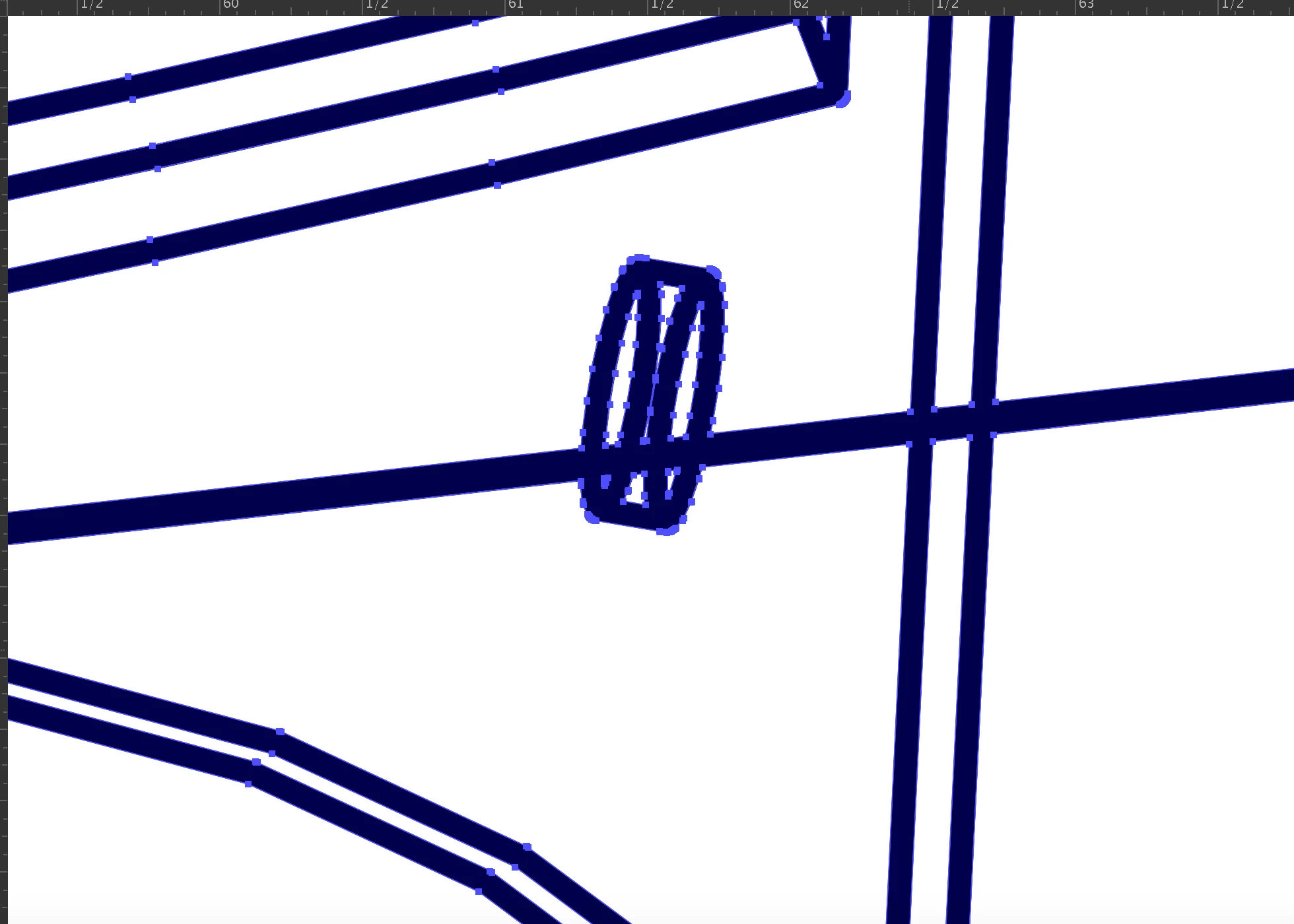
Below are photos of the simplest version I was able to successfully achieve:
This topic has been closed for replies.

4 replies

meganchi
Legend
July 5, 2018

It looks like you have over a million points in the original file you are importing. I'd suggest working in smaller sections.

Is there anyway to simplify the file in Sketchup or native app before exporting a dxf file so that it doesn't import with so many points in Illustrator?

Community Expert
July 5, 2018

You said you were using a vinyl plotter. Dumb question: are you trying to create graphics that can be cut out of vinyl? Or are you just trying to plot out a pattern on paper using one of the little pen holders?

If you are simply using a plotting pen to create a large drawing on paper why do you need to expand all the line strokes from the original AutoCAD-generated PDF? Also why do you need to weld the expanded results together? Won't the software you're using recognize open paths and draw them?

I use Flexi for cutting vinyl or plotting paper patterns. If I'm running out a paper pattern it doesn't matter if the paths are open or closed. The pen is just going to draw where ever a path is present. It doesn't even matter if the path has any line stroke to it or not. If I'm cutting out vinyl graphics then my paths have to be closed. For technical drawings (such as putting signs on building elevations) I often have to edit customer supplied AutoCAD drawings so various parts of the building can have a fill color. Most CAD software is oriented to drawing a lot of "exploded" line segments. That approach is okay for blueprints. It's a pain if you're wanting to apply color to the artwork.

Participating Frequently
July 5, 2018

Hi Bobby,

Yep I am cutting these complex architectural line drawings out of vinyl to use for large scale paintings I make. I apply the vinyl mask to canvas in sections removing or "weeding" out the complex connected line work. I then apply thick paint to these areas creating an impasto super sharp complicated arch wireframe drawing in paint over my canvas. So the expansion of a vector line with a line weight of say 4 pt into a cut-able line - ie two parallel vectors at a distance of approximately 1/16" -1/8" thickness.

So you can see the issue,

Any thoughts?

Community Expert
July 5, 2018

alexanderc36468733  wrote

Yep I am cutting these complex architectural line drawings out of vinyl to use for large scale paintings I make. I apply the vinyl mask to canvas in sections removing or "weeding" out the complex connected line work. I then apply thick paint to these areas creating an impasto super sharp complicated arch wireframe drawing in paint over my canvas. So the expansion of a vector line with a line weight of say 4 pt into a cut-able line - ie two parallel vectors at a distance of approximately 1/16" -1/8" thickness.

Any drawing program, be it Illustrator or something else, is going to have limits on how many anchor points can be in a complex, compound path. Problems can start happening at around the 5000 points level. Compound paths with more than 10000 points are asking for trouble. Some printers will completely disregard vector objects with that many points.

Since the artwork is ultimately meant to be cut out of vinyl it's not necessary for all the objects to remain as a compound path. You can send such artwork to the vinyl cutter with none of it being compounded and it will still cut just fine as long as no objects are overlapping each other. Rather than trying to weld every expanded line together at once I would suggest doing the welding work in sections. Ultimately what you're shooting for is removing the overlaps where lines cross each other. Since you're working with stuff originally modeled in 3D you'll have to be more careful how you organize the artwork and what to weld first to last.

I'd be careful about letting the lines get too thin. Really delicate line work can be a real pain to weed out of cut vinyl. Thin lines can accidentally be pulled up with the negative vinyl being removed. A 1/16" thick line stroke is pretty thin. Gotta also make sure the plotter blade is good and sharp. A good blade is less likely to chew up delicate line work.

John Mensinger
Community Expert
Community Expert
July 5, 2018

With a vector graphic, the size of the canvas isn't what causes the complexity in the file. It's the number of points.

Right, scaling down won't help. The number of entities is the potential problem.

Get a count:

After placing your artwork, show the Document Info panel (Window > Document Info), and set it to show Objects (click Objects on the Document Info panel menu; this will put a check mark on it).

Select all (Ctrl+A) and read the panel. It will show you the number of paths and points on which you're operating. Having experience with similar workflows, I've seen anchor-point tallies in the millions. That's a lot of calculation for Illustrator to do to accomplish the Pathfinder >  Merge function. Have you tried waiting it out, and if so, how long did you wait before giving up?

Participating Frequently
July 5, 2018

Hi John,

Yes if you look at my reply to Myra on this thread you will see the point count in question. I am trying to prune back the excessive points in Sketchup before bringing it in. The issue is I want to retain the straight line geometry of the architectural drawing and not do curved lines. I've had total success if I simply screen capture a view and image trace using three color, or silhouette but then I no longer have sharp geometry which is the problem. I've definitely waited it out - and it just crashes or freezes after about 20-30 min. The successful one I did in the original post was a about a 10 minute wait.

Myra Ferguson
Community Expert
Community Expert
July 5, 2018

With a vector graphic, the size of the canvas isn't what causes the complexity in the file. It's the number of points. Have you tried reducing the number of points by going to Object > Path > Simplify...?

Participating Frequently
July 5, 2018

Hi Myra,

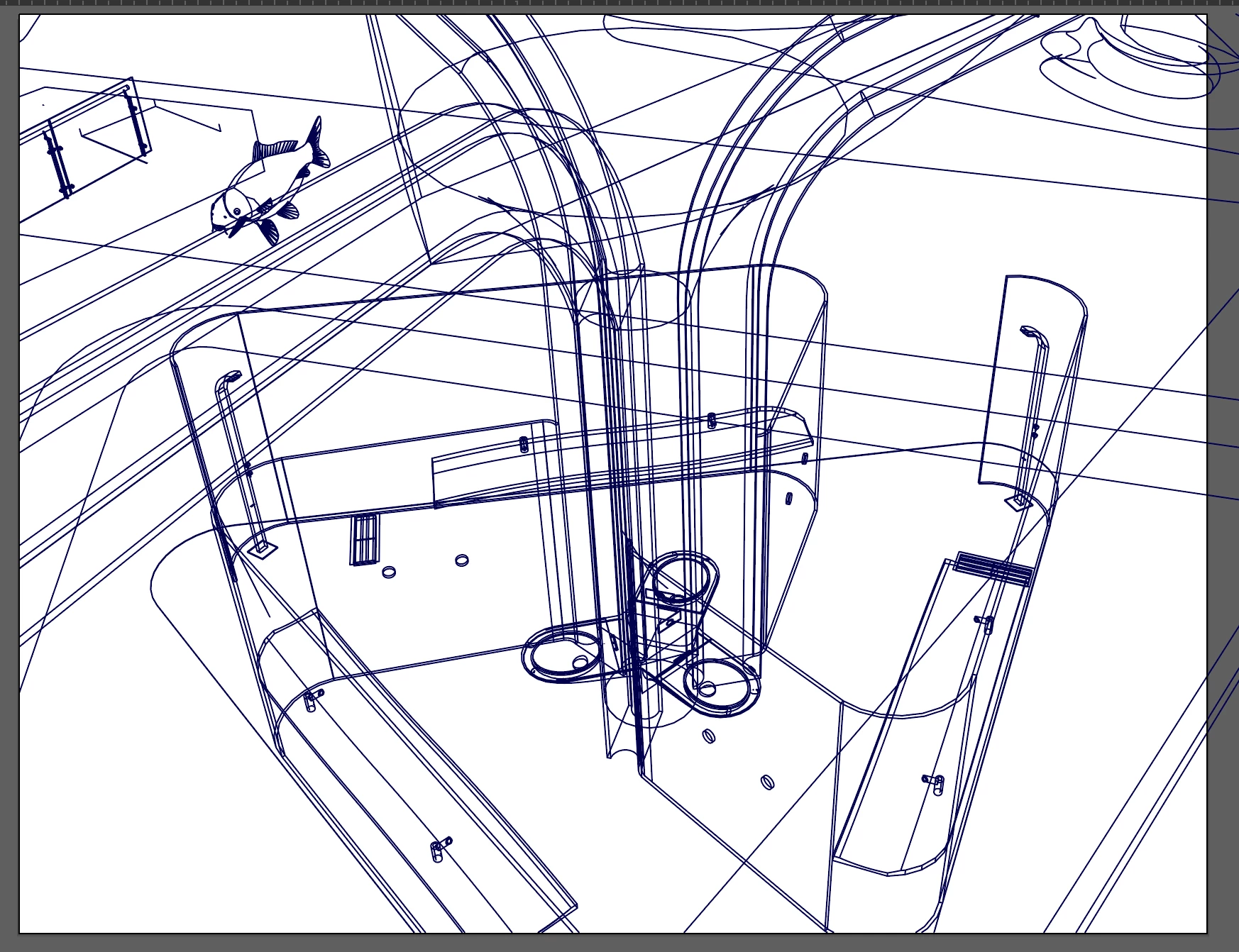
Thanks for your prompt response! I have tried simplifying the vectors which is also very sluggish - the issue is that the vectors are straight lines so simplification only decreases the number of points if I am simplifying into a curved geometry which produces an undesired result...

see images below:

This current file is 27.8MB and is really sluggish for some reason. I really want to crush all of these vectors into a united expanded path with a 1/16" to 1/8" final output "line weight".

I realize that these are far too many points as you will see and I am trying to prune back in Sketchup prior to importing but I am curious if there is a "point ceiling" to what I am trying to do? Like how many points is too many?

Myra Ferguson
Community Expert
Community Expert
July 5, 2018

There are a few techniques you can use to reduce points that you can also try:

1. Use Object > Path > Simplify... on various sections. Select the straight paths and use the Straight Lines option in the Simplify dialog box. Also use various settings on Curve Precision and the Angle Threshold. You'll likely need to make a few passes with various selections.

2. Use the Smooth tool - it's tucked in with the Shaper tool, but you might not get the precision you want there either.

Here's an article Some ways to simplify path or reduce extra points in Illustrator - Illustrator Tips - Vectorboom that talks about some other options like the Warp tool (which is also probably not that precise) or some plug-ins from Astute Graphics. I haven't tried the plug-ins, so maybe someone else can speak to how well those work.

As far as a point ceiling-I don't know that I've seen a limit. I would have to think it depends on your computer's ability to handle the computations, so it probably varies among users.