Participant
August 25, 2026
Question

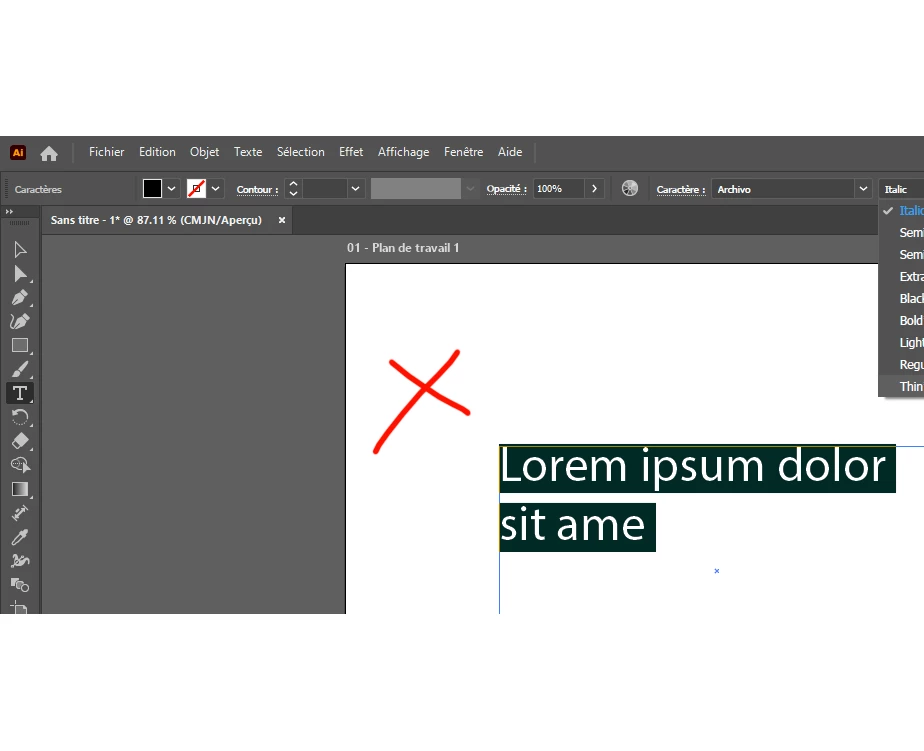
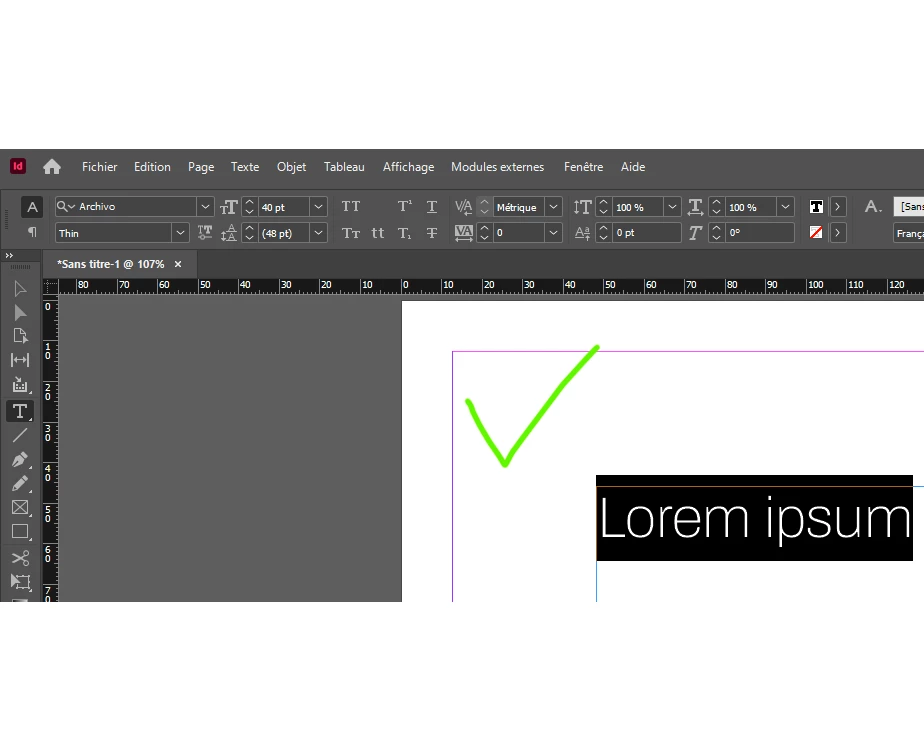
Archivo font available in InDesign, not in Illutrator (and Photoshop, Acrobat)

  • August 25, 2026
  • 5 replies
  • 45 views

I’m having a persistent issue with the Archivo font family in Illustrator 30.8.

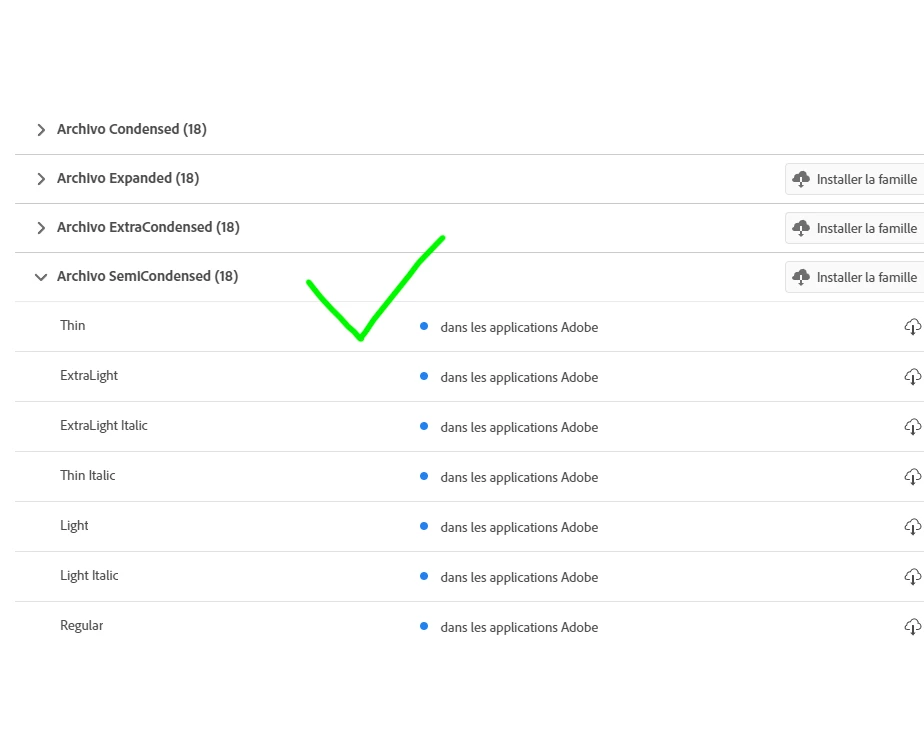
  • Archivo works correctly in Microsoft Word and InDesign, including all weights.
  • InDesign identifies it as a System Font, but no physical path is shown.
  • In Illustrator 30.8, Archivo is missing or behaves incorrectly, even in new files.
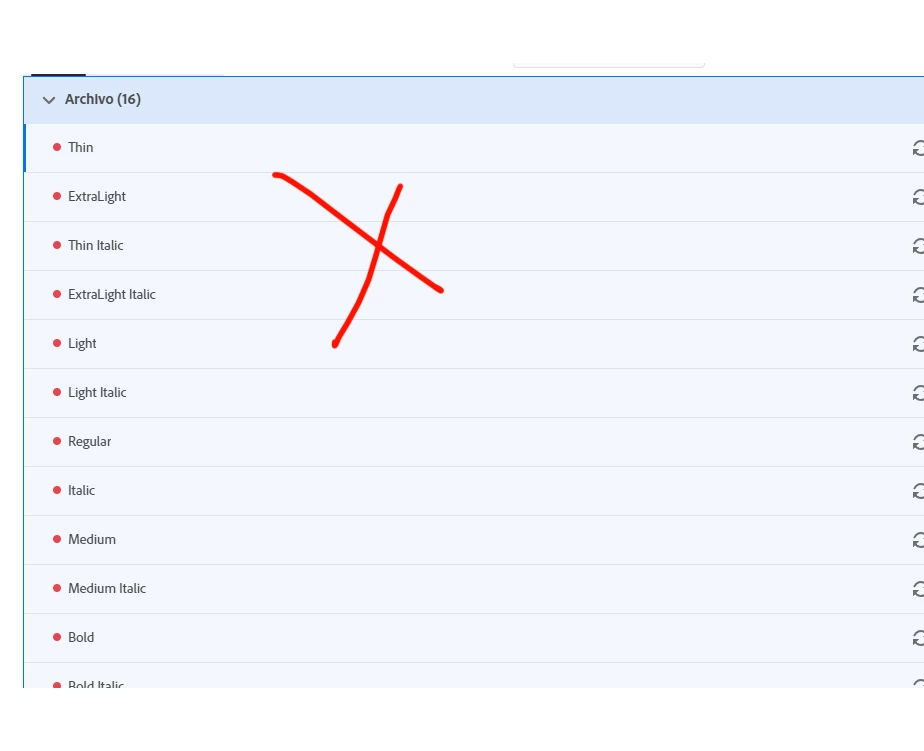
  • Creative Cloud is fully updated, and Archivo has been removed/re-added through Adobe Fonts.
  • Local/duplicate Archivo files and relevant font caches have been removed.
  • Creative Cloud has also shown font conflict warnings for Archivo.

At this point, the same font family works correctly in Word and InDesign on the same computer, but Illustrator still cannot use it properly.

Has anyone encountered this specifically in Illustrator 30.x?

Is there an Illustrator-specific font database, cache, preference file, or service that can be completely rebuilt without reinstalling Windows or continuing to remove/reinstall the font family?

I’m looking for a reliable fix that will make Illustrator recognize the same complete Archivo family that InDesign already sees correctly.

I’m stuck. Thanks for your help.

F. 
 

    5 replies

    Participant
    August 28, 2026

    This sounds like a font activation or Adobe application compatibility issue rather than Archivo itself being unavailable. If Archivo appears correctly in InDesign but not in Illustrator, Photoshop, or Acrobat, I’d first check whether all of the applications are using the same Adobe Fonts account and whether the font is actually activated through Creative Cloud.

    It may also help to completely close the Adobe apps, restart Creative Cloud, and check for duplicate/local installations of Archivo on the system. If InDesign can access it while the other apps cannot, comparing the font source and activation status could help narrow down the cause.

    I’d be interested to know whether reinstalling or reactivating Archivo makes it appear in the other applications. Also, keeping useful design resources organized alongside tools like adoptmetradingvaluescalculator.com can make switching between different projects a bit easier.

    creative explorer
    Community Expert
    Community Expert
    August 27, 2026

    @fdamours I am using the latest Illustrator 30.8, and I didn’t use the Google Fonts, just the Archivo fonts from Adobe Fonts. As you can see, I have no issues with Archivo. There were only three available fonts via Illustrator’s Character panel, Regular, Italic and Medium. I don’t have any issues. 

    Since you mentioned 'weights,' chances are you are using variable fonts. If so, manually install this in your Windows or OS. After installing the fonts, restart Illustrator so that the font weights can show up. 


    m
    Community Expert
    August 27, 2026

    That actually sounds like something is amiss. There are 106 static styles of Archivo available at Adobe Fonts. Did you add the entire family or just 3 styles? Also, Adobe Fonts does not have the two variable styles of Archivo that are available at Google Fonts.

    Community Expert
    August 26, 2026

    Have you tried downloading a copy of Archivo from the Google Fonts website and installing it in Windows’ Fonts folder? There is at least some chance the version carried at the Google Fonts site might behave better. Also, the Archivo font package at Google Fonts includes 2 variable fonts and a sub-folder with a bunch of static fonts. The variable fonts seem to work alright in Adobe Illustrator.

    Harshika Verma
    Community Manager
    Community Manager
    August 26, 2026

    Hi fdamours,


    Thank you for reaching out, and sorry to hear you're experiencing issues with Archivo fonts in Illustrator. We are unable to reproduce the issue on our end when we activate the Archive font family. The font looks fine in both Illustrator & InDesign. In addition to what our expert has suggested, would you mind trying the steps outlined in this article and letting us know if that helps?

    Please also provide details about your operating system.


    We will try our best to help. Looking forward to hearing from you.


    Thanks,

    Harshika