
Question
Area type bounding box misplaced, and point type cursor enlarged
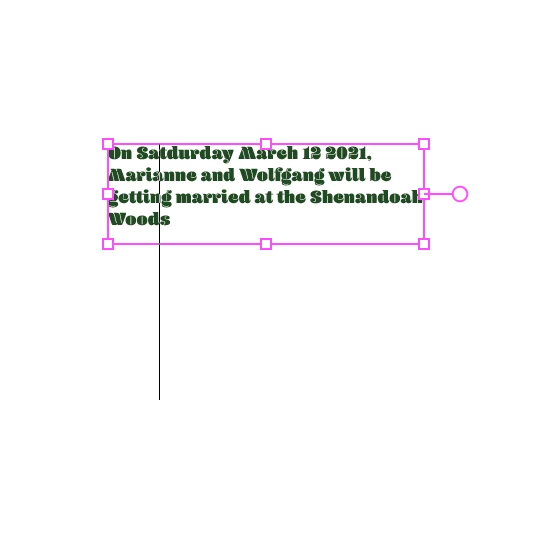
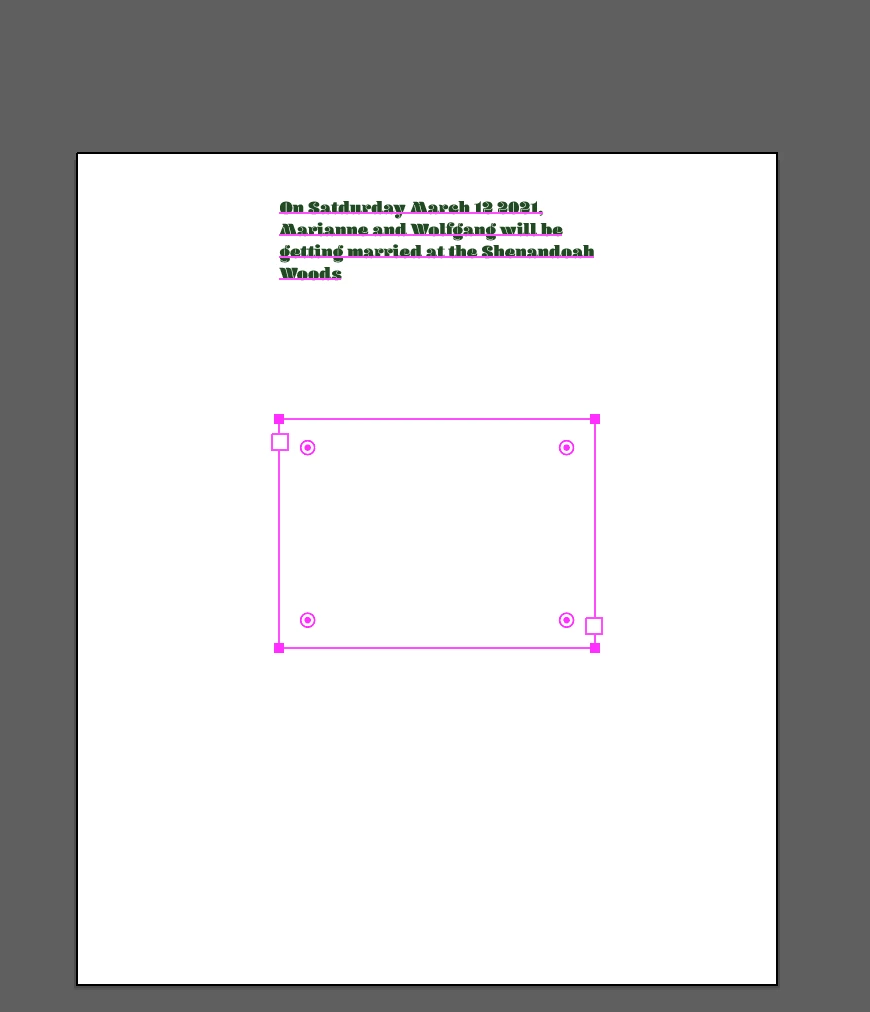
I have the most recent version of illustrator and when I am working with type it is messing up. If I convert to area type the bounding box ends up way below the text. If I convert to point type the cursor becomes enlarged and I cannot click where I actually want to add or delete the text because the cursor is massive and always goes to the top line of text.
Here is an example of the enlarged cursor on the point type.
and below is an example of the bounding box with the area type.
This is happening in every document and I don't know how to fix it.
 AdChoices