

HenkeH2
Inspiring
September 21, 2022
Question

Arranging order of multiple document windows (3-up)

  • September 21, 2022
  • 2 replies
  • 378 views

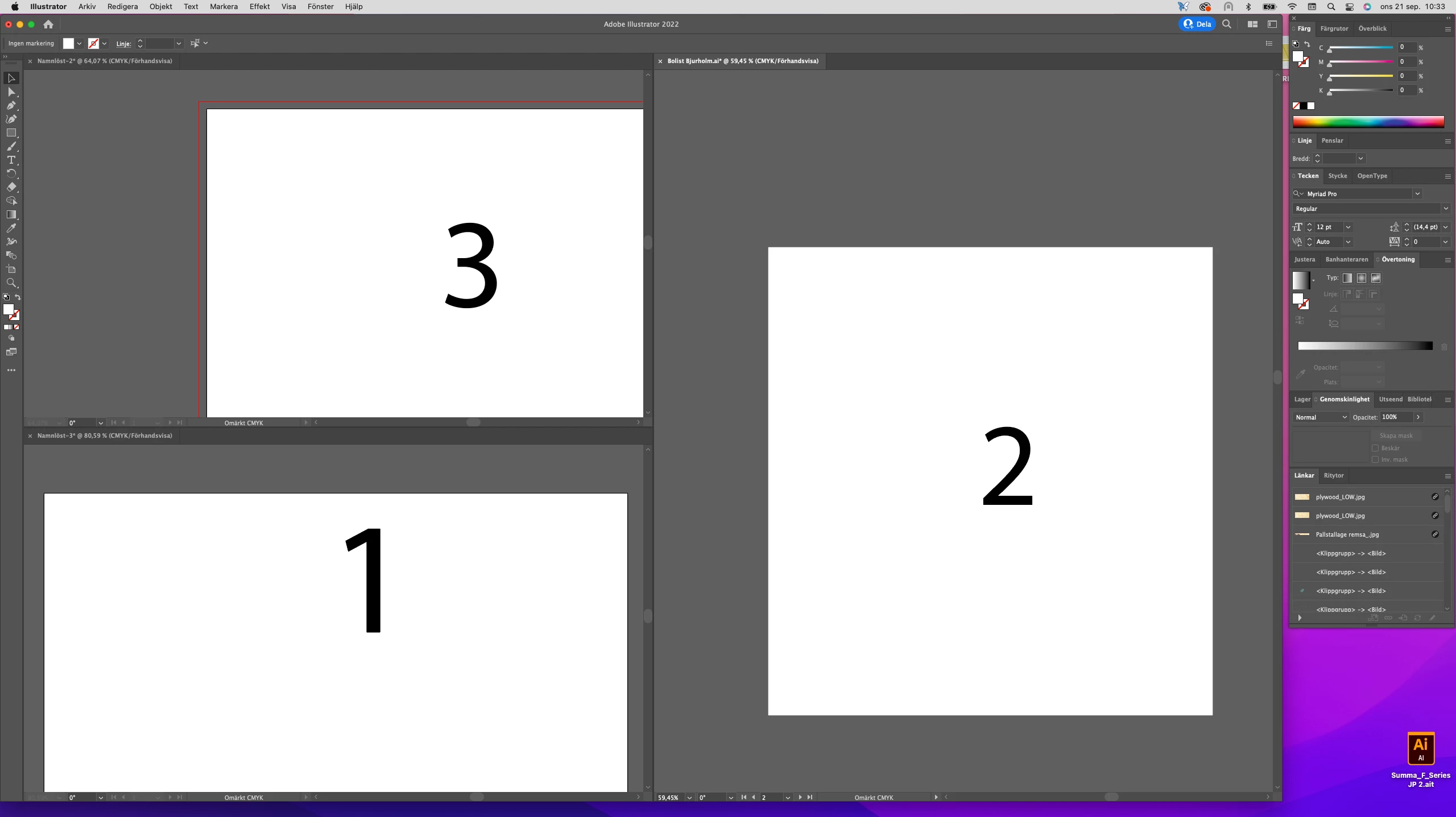
I´m using the "Arrange documents" button (top right) to view 3 documents at once. I get 2 smaller windows stacked on top of each other to the left, and 1 bigger to the right. Fine, but I want to be able to choose which document goes where. Say, document #3 ends up in one of the small windows but I want it in the big window. How do I change that?
This topic has been closed for replies.

2 replies

pixxxelschubser
Community Expert
Community Expert
September 21, 2022

At first open your artboard Panel and drag your artboards to the wished position in the hierarchy of the panel. Then rearrange again. (It may be you will need some try and error with the first files)

HenkeH2
HenkeH2Author
Inspiring
September 21, 2022

Yes, I did a little try-and-error before and it seems to work like you said. First I consolidate all documents (1 window with three tabs), and I keep track of what document is currently active, then press "Arrange documents". Apparently, the active window (in consolidated mode) always ends up top left when switching to 3-up mode. So far I have not been able to determine what causes a document to end up in the big window.

Mylenium
Legend
September 21, 2022

This cannot be influenced. The order in which the documents were created or opened will always be used. Of course nothing stops you from re-arranging your workspace, of course, and moving windows where you want them.


Mylenium