claudiah51853527
Participating Frequently
February 16, 2024
Question

Art Brush Export Glitch

  • February 16, 2024
  • 2 replies
  • 721 views
Hello! I'm looking for some support on why my Adobe programs are glitching / exporting strange. I have created files on Adobe Illustrator and when exporting these ai files as a pdf, for some reason they glitch and appear weird on Adobe Acrobat and Preview. I initially thought it was due to the photographs being in RGB and the ai file in CMYK, however I have now resolved that and the file is still exporting glitchy. I believe it may have something to do with the custom brushes I am using? But what would cause this? Does anyone know of any reason they could make my file export strange? 
 
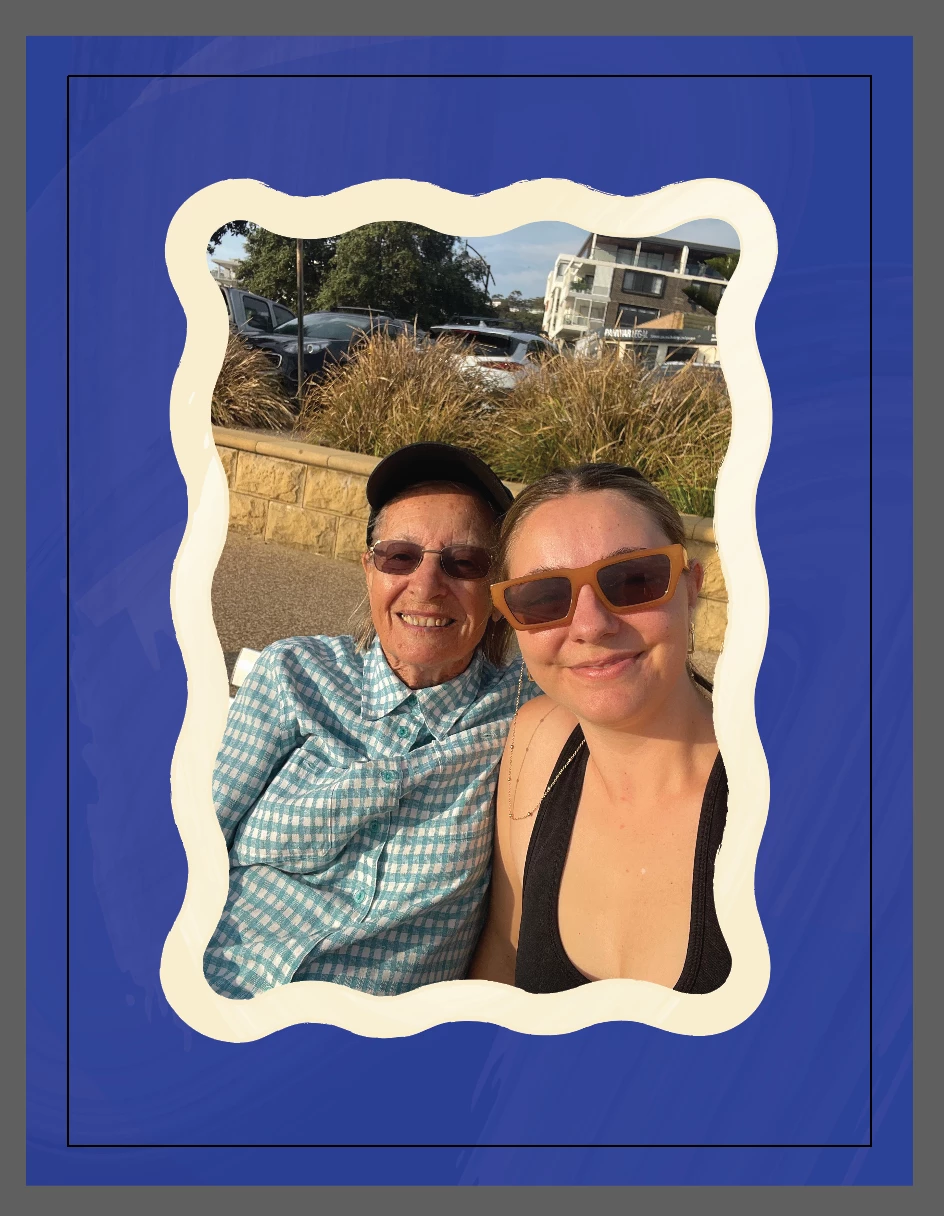
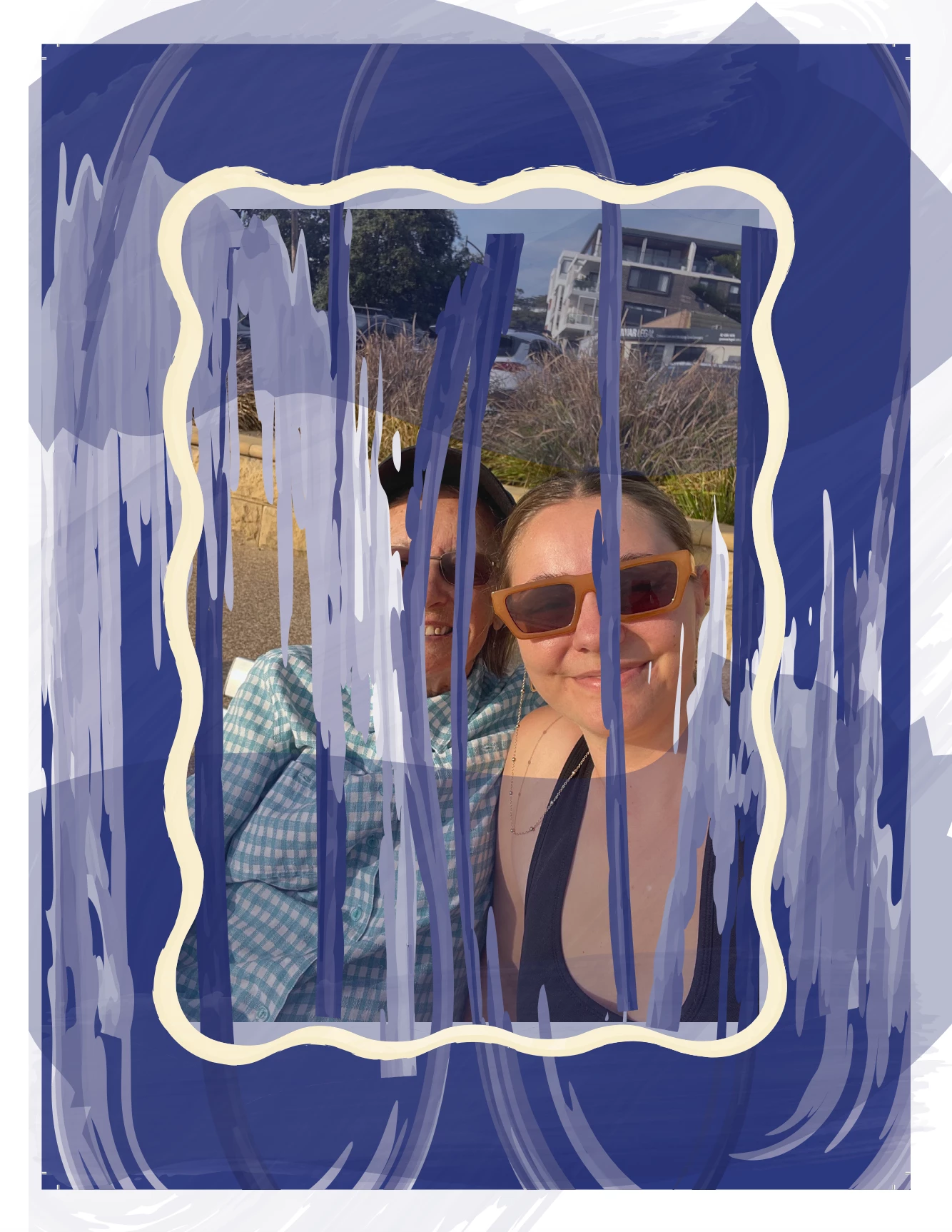
I have included 2 x examples as reference. 'Image one' is a screenshot of the ai file to showcase what it should look like, 'image two' is a screenshot of the pdf file and how it's exporting glitchy. 
 
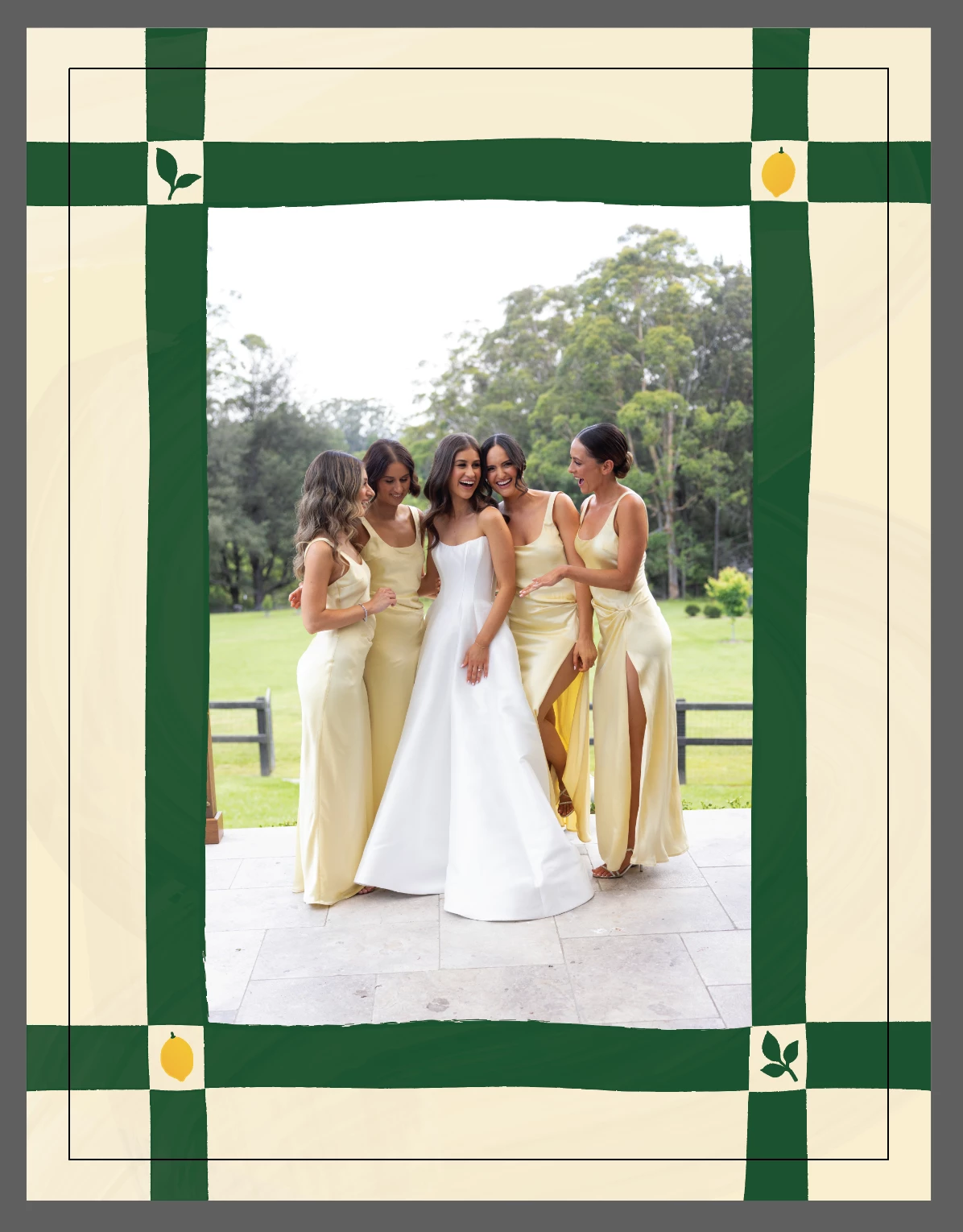
I have around 10 Illustrator documents that slightly vary in design but have the similiar elements, with 8 artboards in each, and all are exporting glitchy. Any insights on this or suggestions on how to resolve it would be incredible!! 
 
 
This topic has been closed for replies.

2 replies

Ton Frederiks
Community Expert
Community Expert
February 16, 2024

Which version of Illustrator are you using?

claudiah51853527
Participating Frequently
February 18, 2024

Illistrator V28.2

Ton Frederiks
Community Expert
Community Expert
February 19, 2024

Your brushed objects are generating a lot of points, rasterizing them can simplify your document.

Paths: 55723 (0 open, 55723 closed, 608547 points, length = 3926864,076 px)

Monika Gause
Community Expert
Community Expert
February 16, 2024

What happens when you select the brush path and Object > Expand appearance. Does it look the same?

claudiah51853527
Participating Frequently
February 16, 2024

Thankd for the idea! I just tried and expanding appearance didn't cause any erorrs 🙂 


That worked however I would love the option to go back and edit the path shape, transparency, colour, etc - so would need to find a solution that doesn't involve converting the artbrush path in to a shape. It must be an error / glitch / setting to do with the brush as when converted to a shape the pdf export worked perfectly. Not sure why there would be an error with the brush though? 

Monika Gause
Community Expert
Community Expert
February 16, 2024

Those brushes are used in the background, no?

And they are transparent?


Is Overprint preview turned on in Acrobat?


Don't worry about Preview. It's crap.