
Art off artboard showing on startup screen, but not in file
Hello!
I'm having an issue in Illustrator CC, v. 21.1.0, on a Mac Pro running OS Sierra (10.12.6). I've exhausted every route I know to try, so I'm hoping the community could help me.
Yesterday, I worked on some art for a box, doing my vector illustration off the artboard. I saved as a pdf, set up like so:
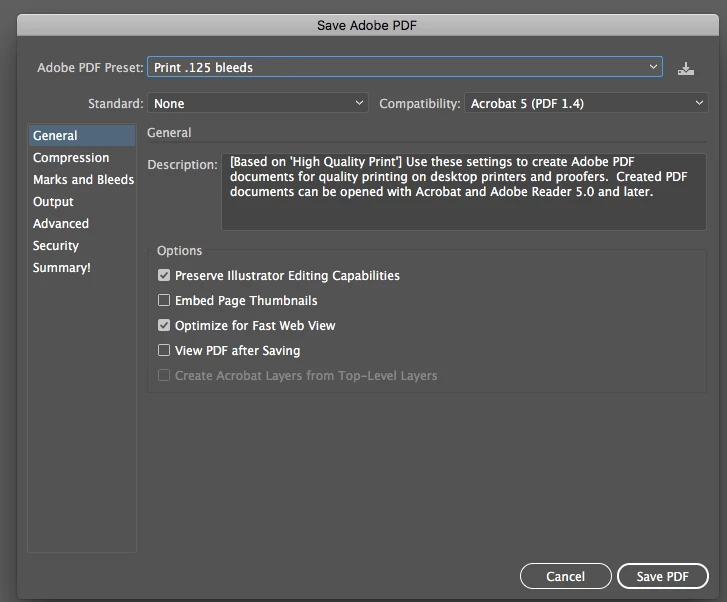
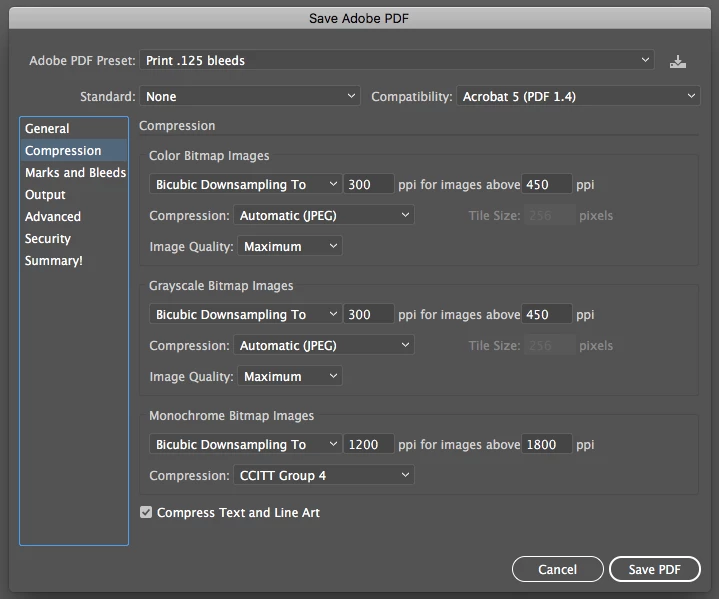

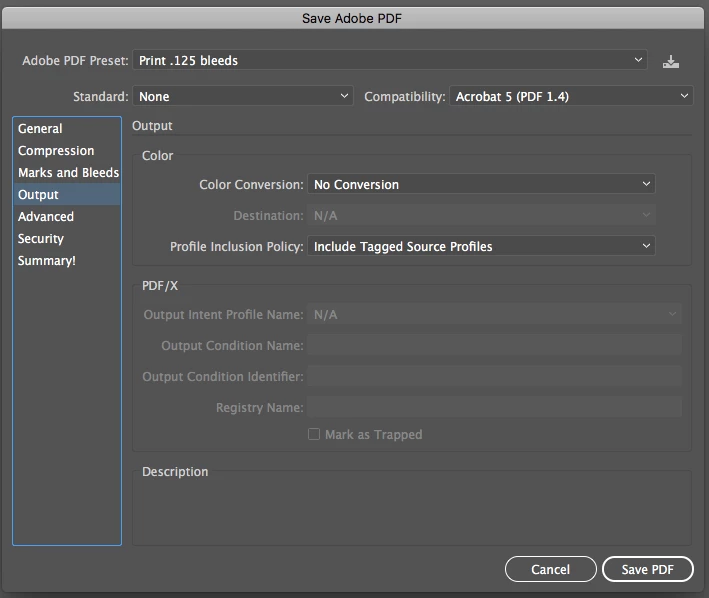
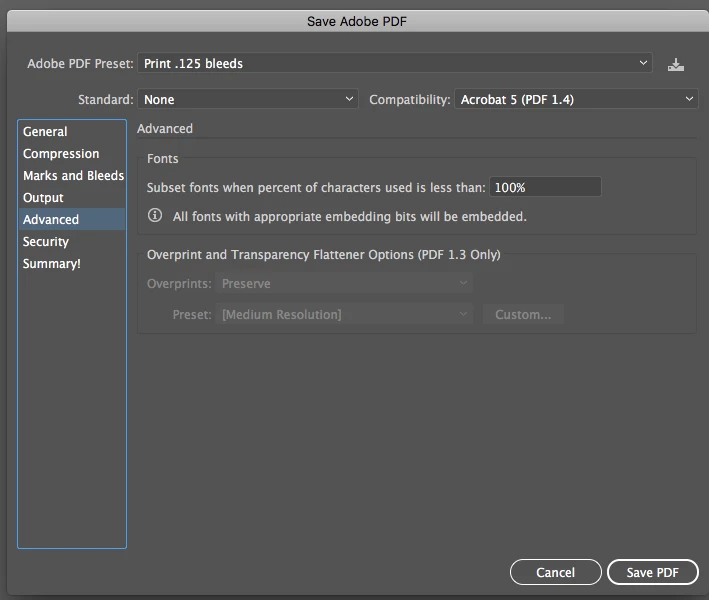
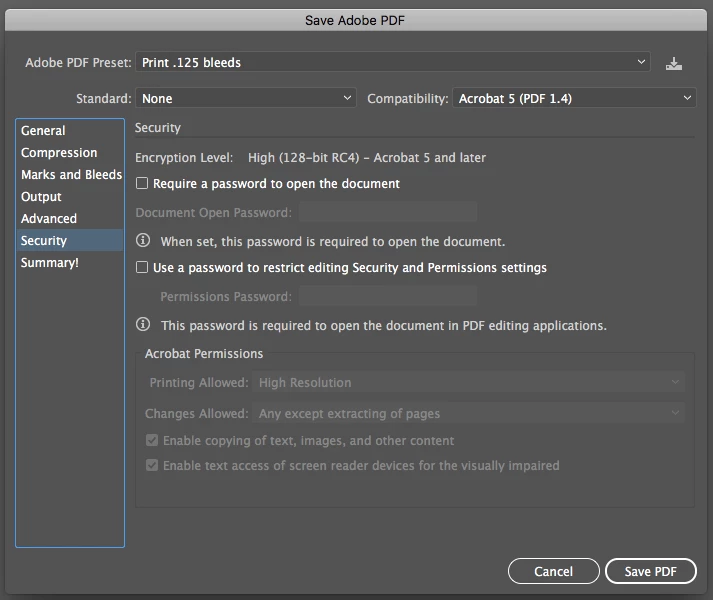
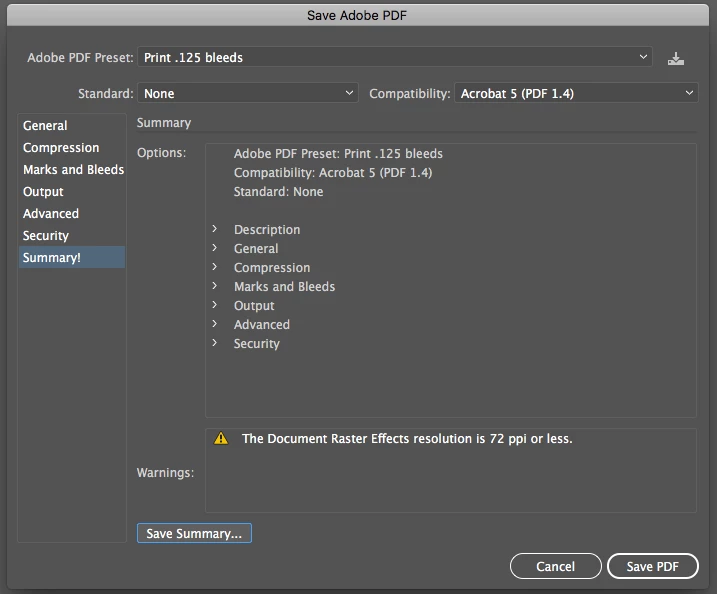
I then quit Illustrator, came back this morning, and when I opened the file, the art I had off the artboard was completely gone. No hidden objects, nothing hidden in clipping masks, etc.
The peculiar thing is: the art shows off the artboard on my startup screen in its preview (the stuff on the top right)....
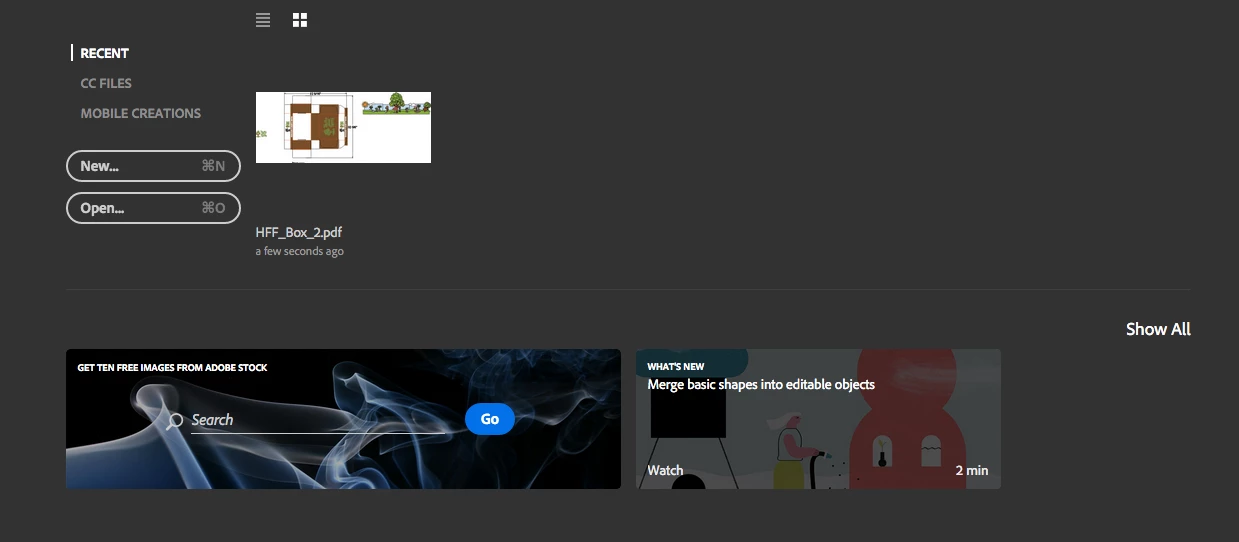
...but isn't there at all when I open the file
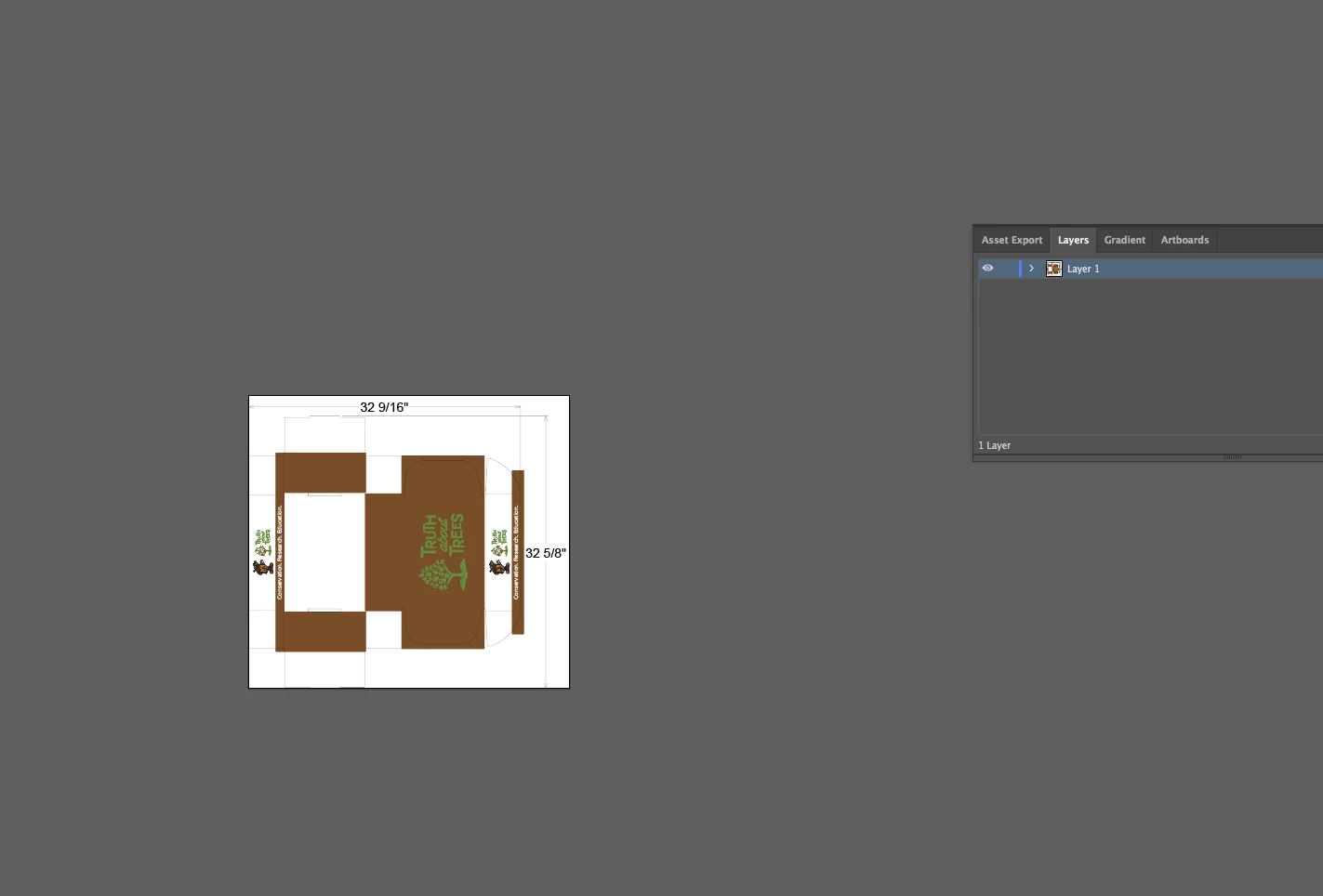
When I resave the file under a different name, the preview shows that the art is no longer there:
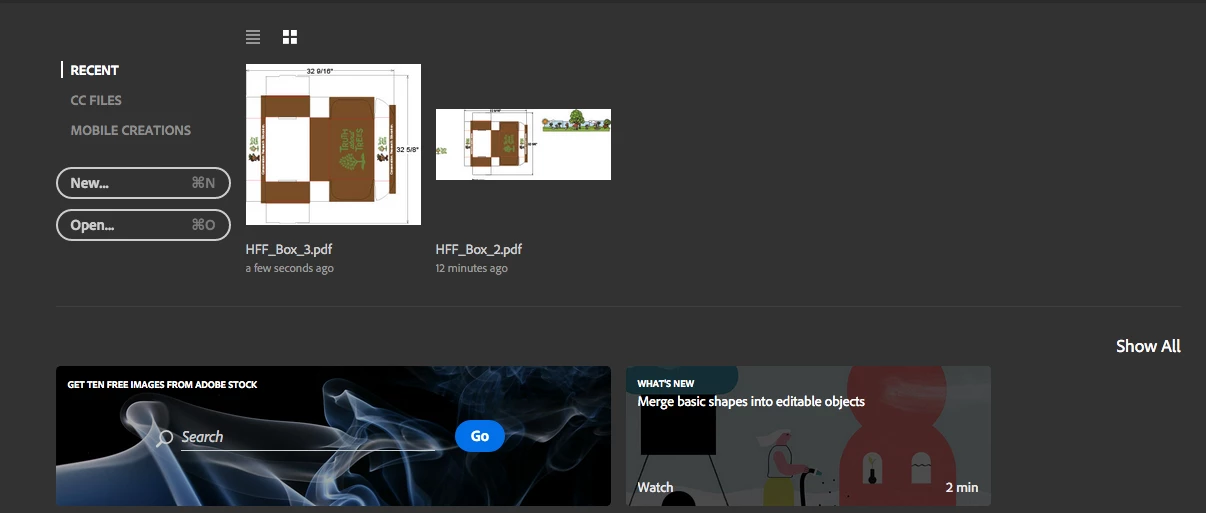
Other things I've tried:
• Releasing any and all clipping masks
• Changing to overprint preview, outlines, and other views
• Checked my layers panel for the art objects I'm looking for - couldn't see anything besides what was on the artboard
• Resaved the file as an .eps, no luck
• Resaved the file as an .ai, no luck
• Opened the pdf in photoshop, no luck
• Quit Illustrator and cleared cache, the preview still shows the missing art, but it's not in the file after opening
• Restarted my entire system, no luck
I'm confused by this, and really hoping I can still get to the missing art somehow. Can anyone offer any insights as to what's happening?
 AdChoices