Participant
April 14, 2020
Answered

Artboard Bugs

  • April 14, 2020
  • 1 reply
  • 813 views

I am having issues with Illustrator (V24.1) changing the artboard size on my documents. It is not a large amount, but it is still frustrating and has only started happening in the past few weeks.


This is what I am encountering:

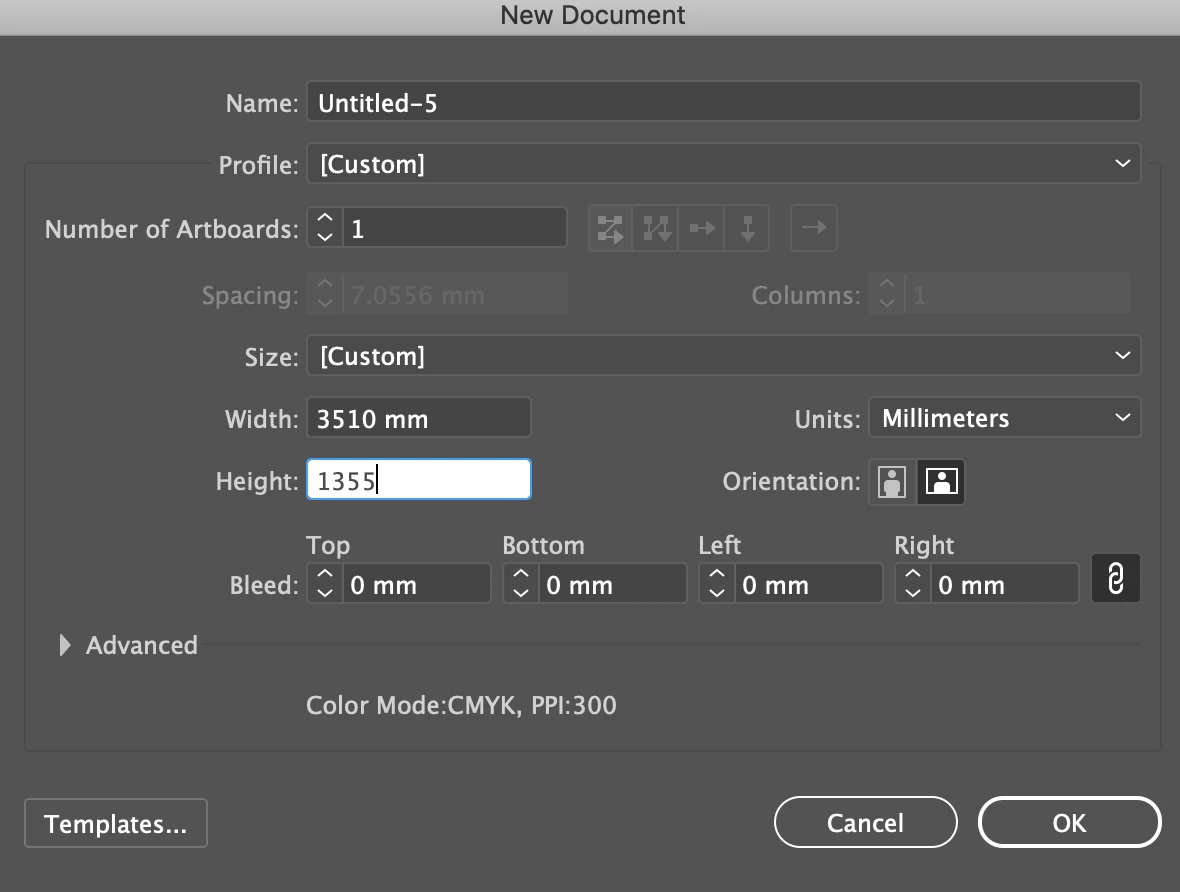
I create a new document in Illustrator (pic 1) with the artboard size I want

Then with the document open, I look at what the artboard size is only to find that the values have changed slightly (pic 2).


This same issue is also happening to my work colleague on a different account and computer.

Please help. Thanks
 

This topic has been closed for replies.
Correct answer キィィ─!!!

This is kind of a bug, but there is a workaround.
Preference > General
Uncheck "Use Legacy File New Interface".

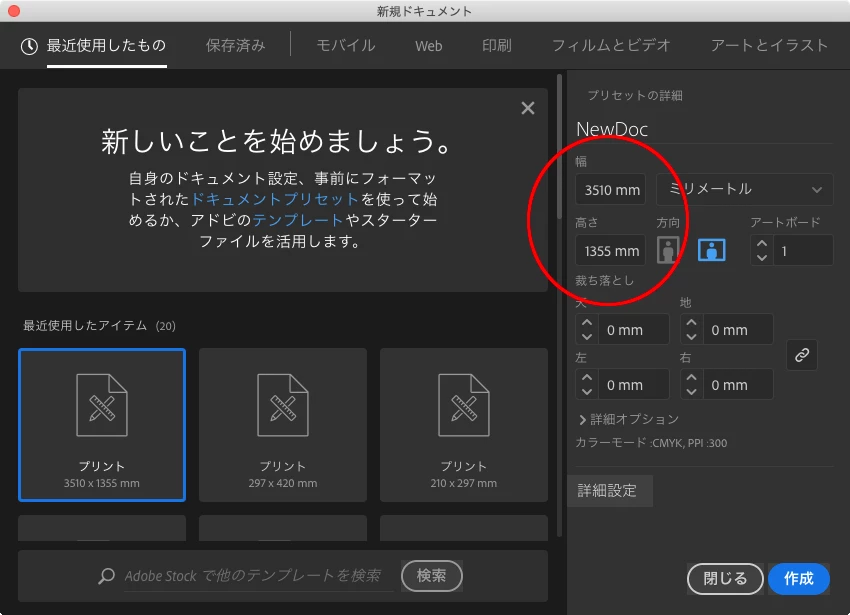
Create a new document from the window in the image below.
Maybe it will be an accurate number.

I'm sorry for the images in the Japanese version.

1 reply

キィィ─!!!
キィィ─!!!Correct answer
Participating Frequently
April 14, 2020

This is kind of a bug, but there is a workaround.
Preference > General
Uncheck "Use Legacy File New Interface".

Create a new document from the window in the image below.
Maybe it will be an accurate number.

I'm sorry for the images in the Japanese version.

Participant
April 14, 2020

Thank you! That seems to have solved the problem for now 🙂