
Question
Artboard size changes in JPEG file after exporting
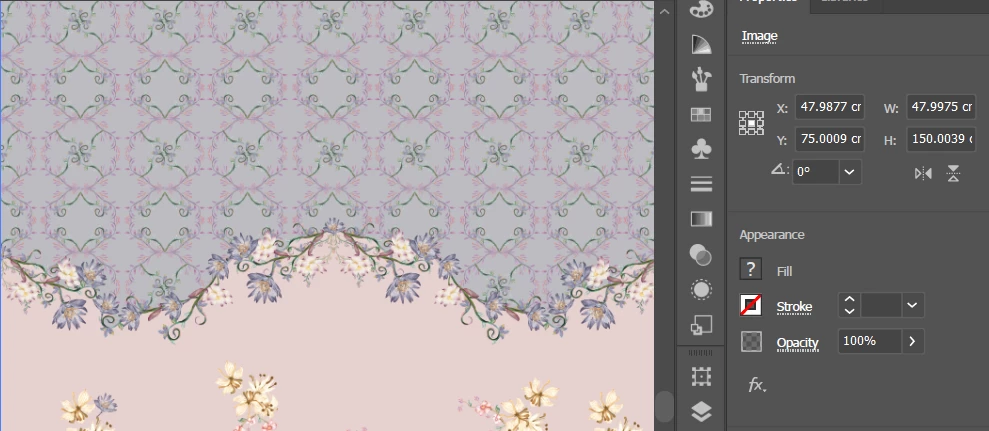
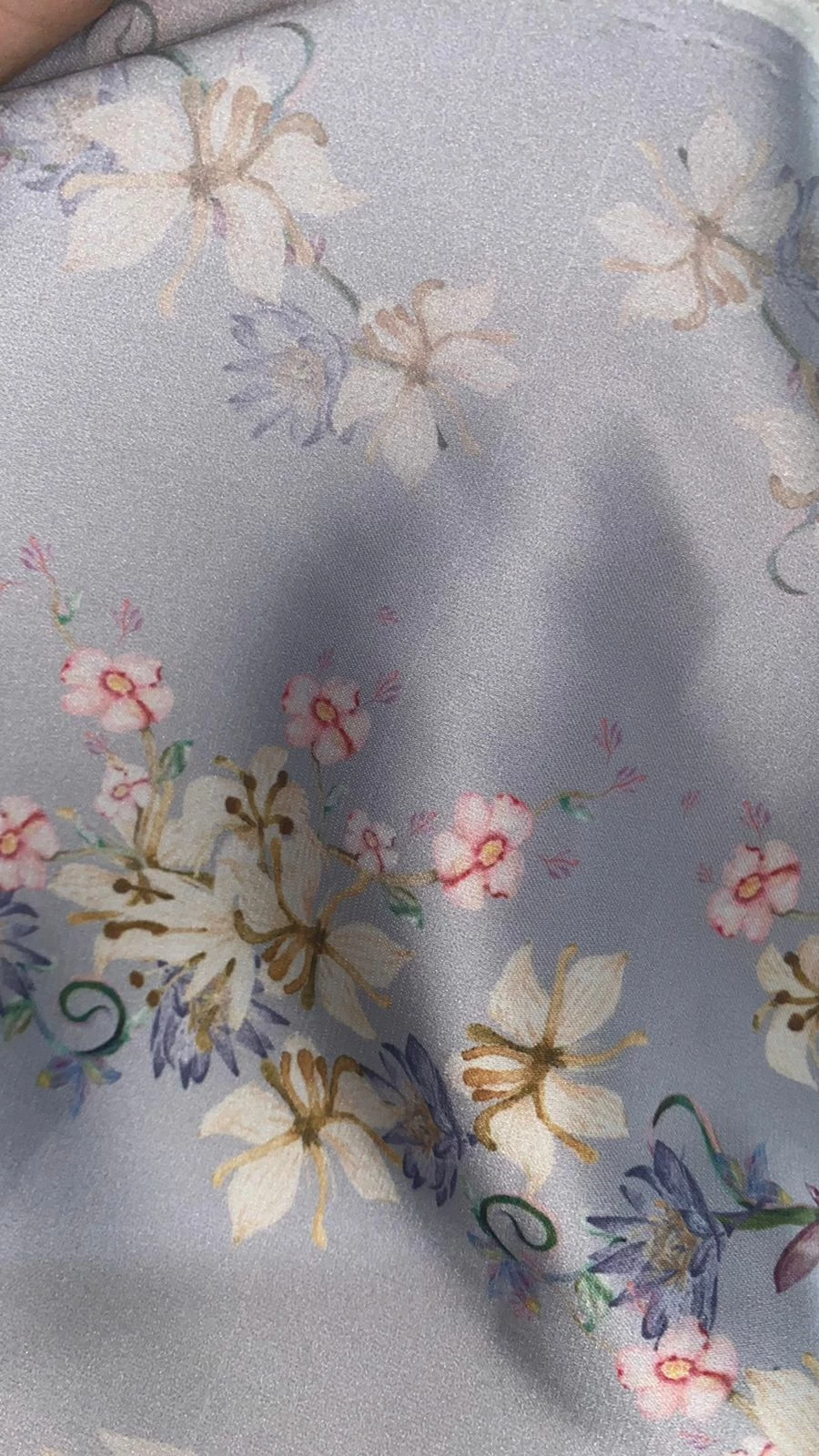
In the original file the artboard size is 48*150 cm, but after I exported it to JPEG in CMYK 300ppi while checking the "use artboard" option, the width and height of the image changed into what's shown in the picture below. This became a problem since the file that I'm working with is a seamless pattern, and a faint white line became visible after printing (as shown in the second picture). Is there a solution to this problem? This issue seems to occur to my other files as well. I suspect that it's due to Illustrator converting the original artboard size to inches when exporting to JPEG and rounding its number but I'm not entirely sure if I'm right.
 AdChoices