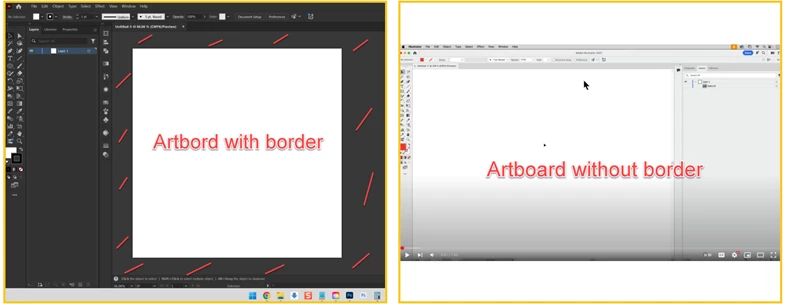
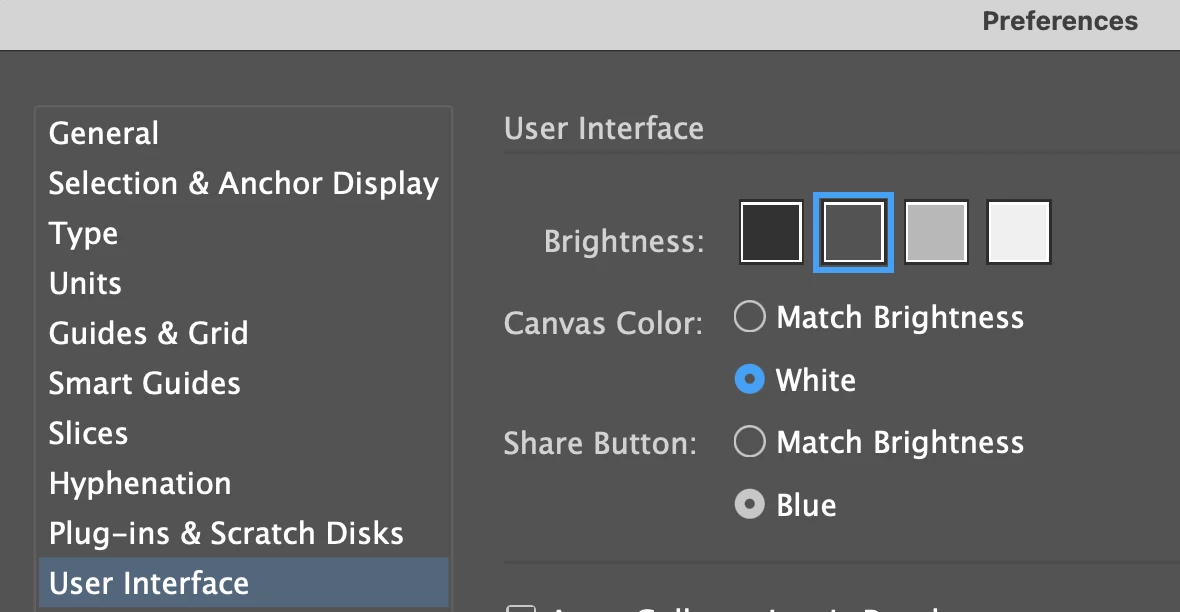
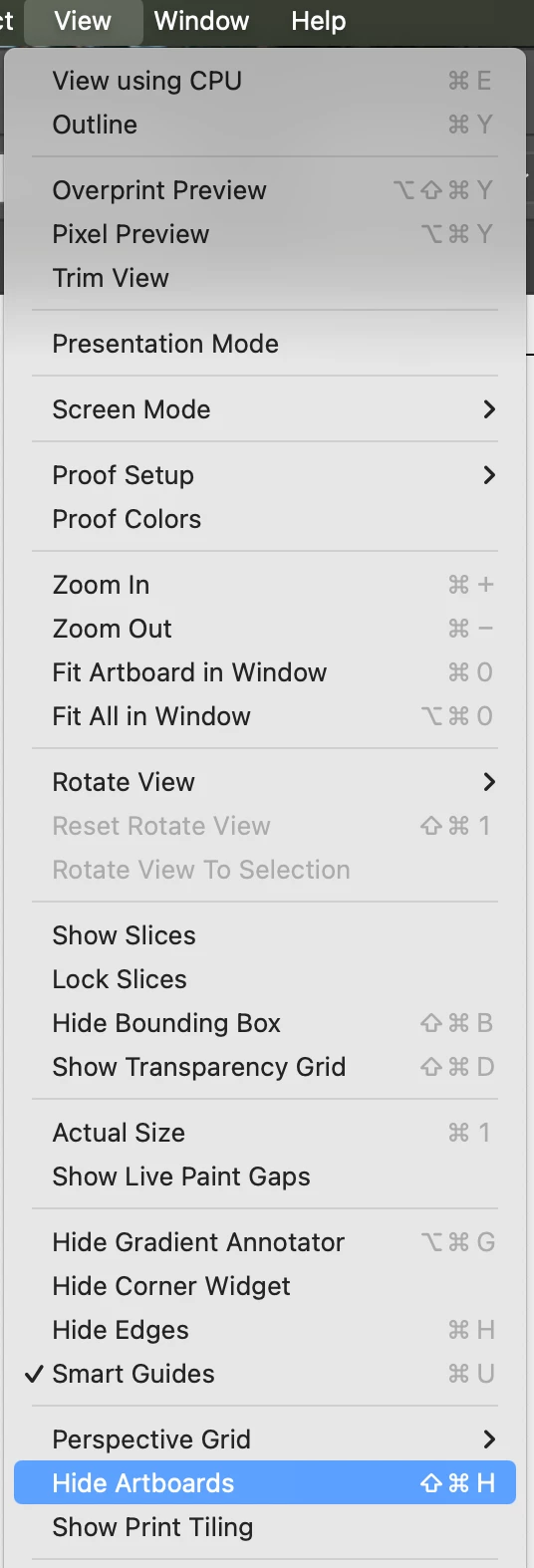
There are a couple of options. If you want to change the background colour, you can go to Illustrator > Settings... > User Interface. Additonally, if you want to get hide the thin black border around your artboard, press "Command + shift + h" (Mac) or View > Hide Artboards.
There are a couple of options. If you want to change the background colour, you can go to Illustrator > Settings... > User Interface. Additonally, if you want to get hide the thin black border around your artboard, press "Command + shift + h" (Mac) or View > Hide Artboards.





 AdChoices