


Participant
October 31, 2025
Question

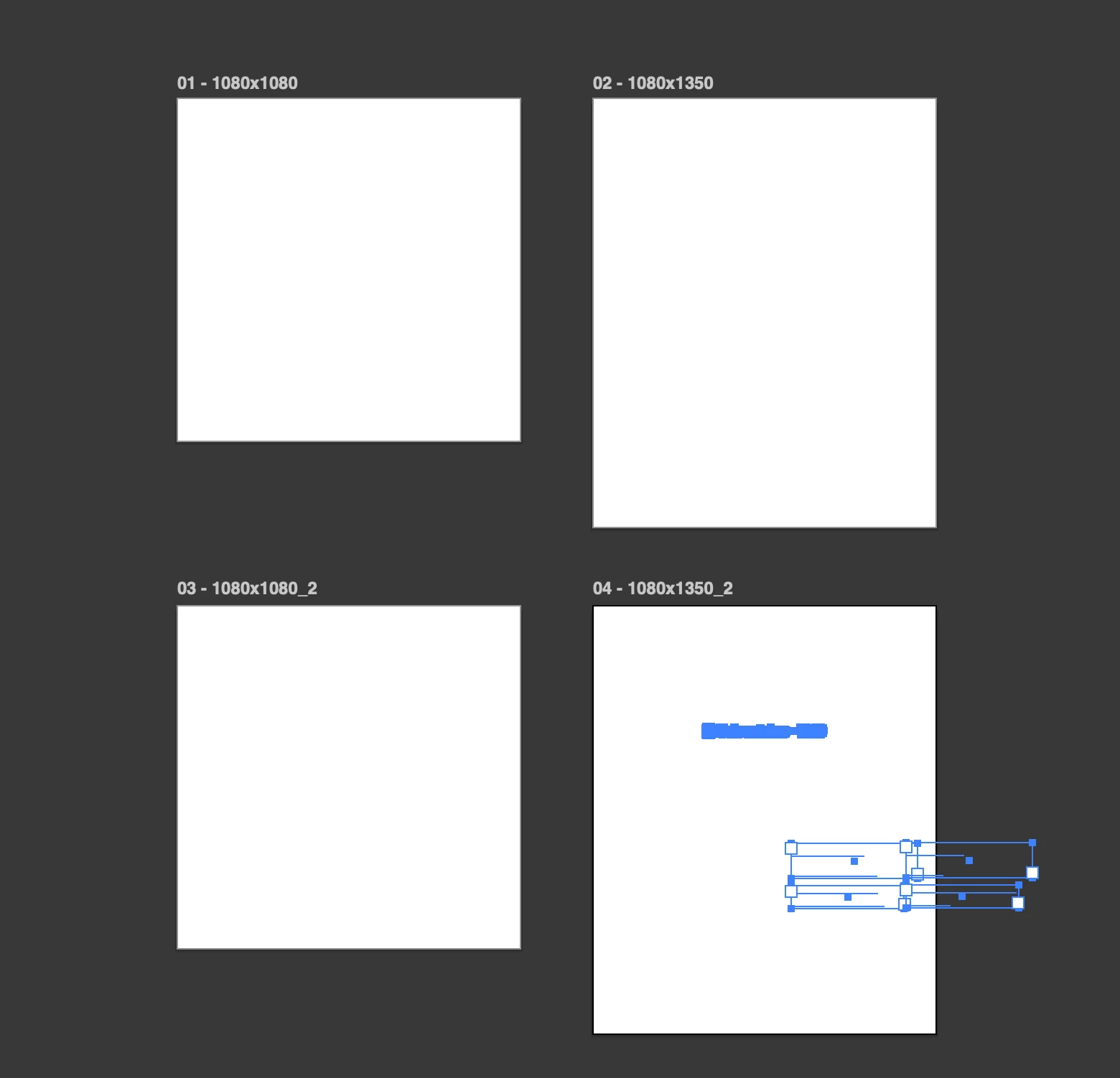
Artboards suddenly became white, nothing could be viewed, file can't be saved, no recovery files

  • October 31, 2025
  • 1 reply
  • 80 views

Working on a MAC BOOK PRO.

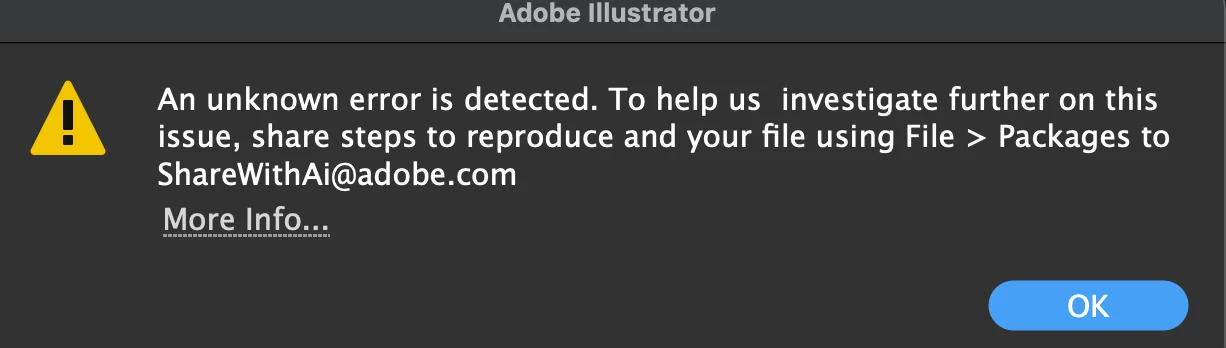
I had several files open in Illustrator. One of them used an Adobre font, which was a first time using such for the new version. I saved and closed this file. But later this happened to my other file with 4 artboards almost ready for export. They became white. First a Google font Poppins I use every day did not want to change color and then it changed the text box background instead of the text. I lost my patience and ourlined it to manipulate as I want. Then this error dialogue popped uop and all was lost. Nothing I did saved my file successfully. Then I force quit hoping there will be a recovery file. No. Nothing. An hour of work lost. Considering reerting to the old version.
1 reply

Anubhav M
Community Manager
Community Manager
October 31, 2025

Hello @Rusenliika,

I'm sorry to hear about your experience. Could you share more details, like the exact version of the OS/Illustrator installed, and if you're encountering this problem with new files as well, so we can better assist you?

Looking forward to hearing from you.

Anubhav

Participant
October 31, 2025

Version is 30.0.

iOS version is MacOS Sequoia ver. 15.71.

The problem appeared on a freshly installed iOS veersion and Adobe AI version. New file. I pasted a photo from an old file. And I can't think of more details.

Anubhav M
Community Manager
Community Manager
November 14, 2025

Hello @Rusenliika,

Sorry for the delayed response. I hope the problem is resolved by now. If not, please share a link to a sample file and your System Info (Help>System Info) after uploading it to a file-sharing service, so I can review it with the team.

Looking forward to hearing from you.

Anubhav