
Answered
Artistic Textures
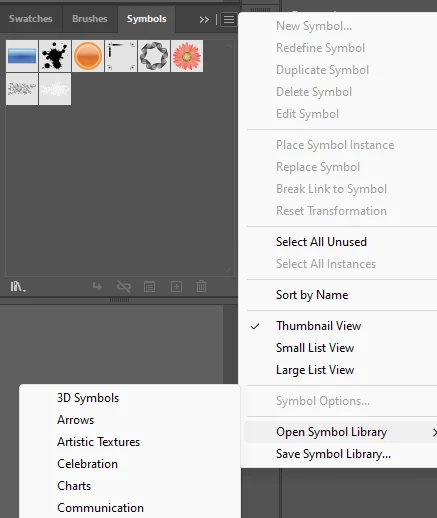
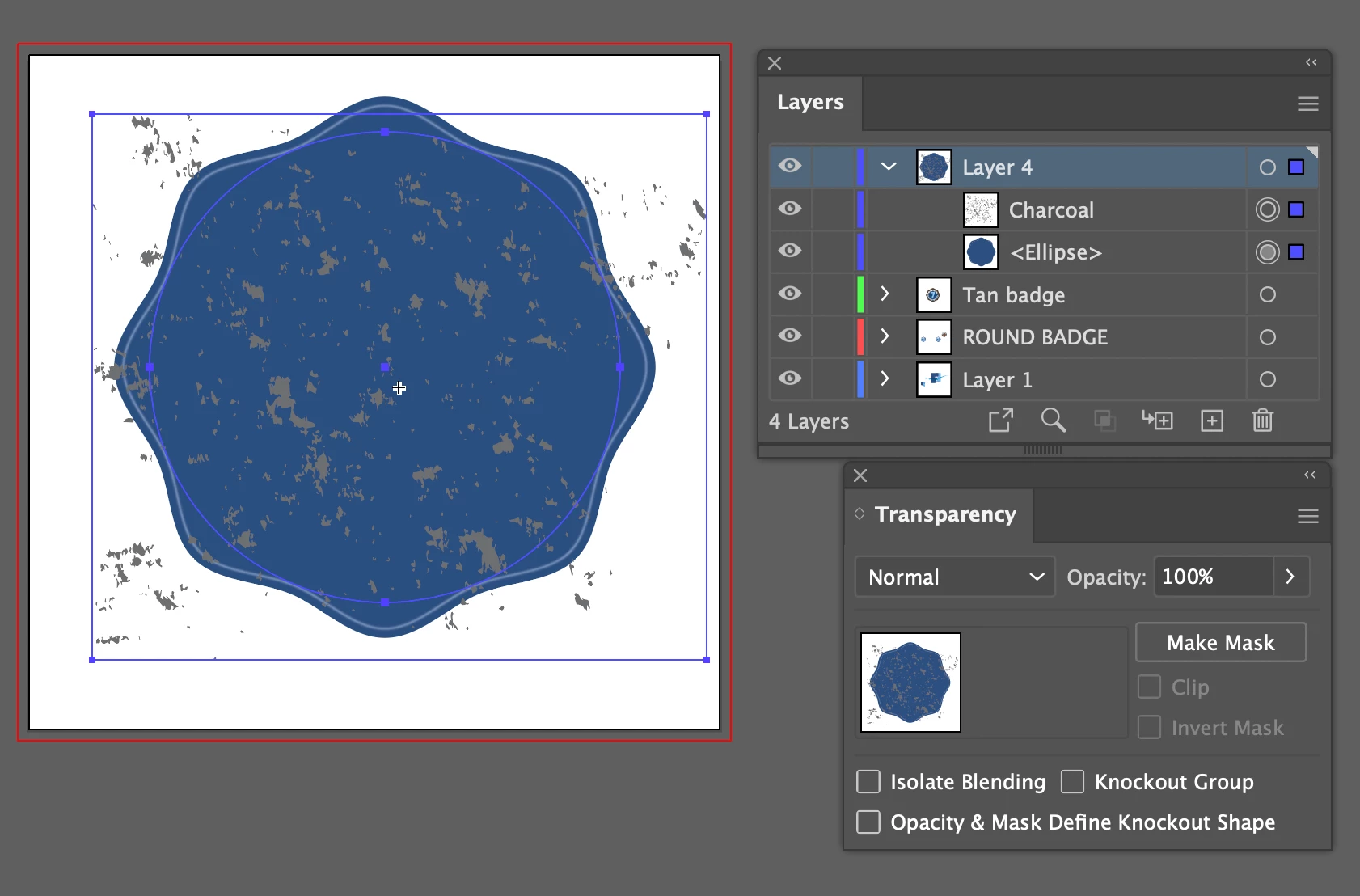
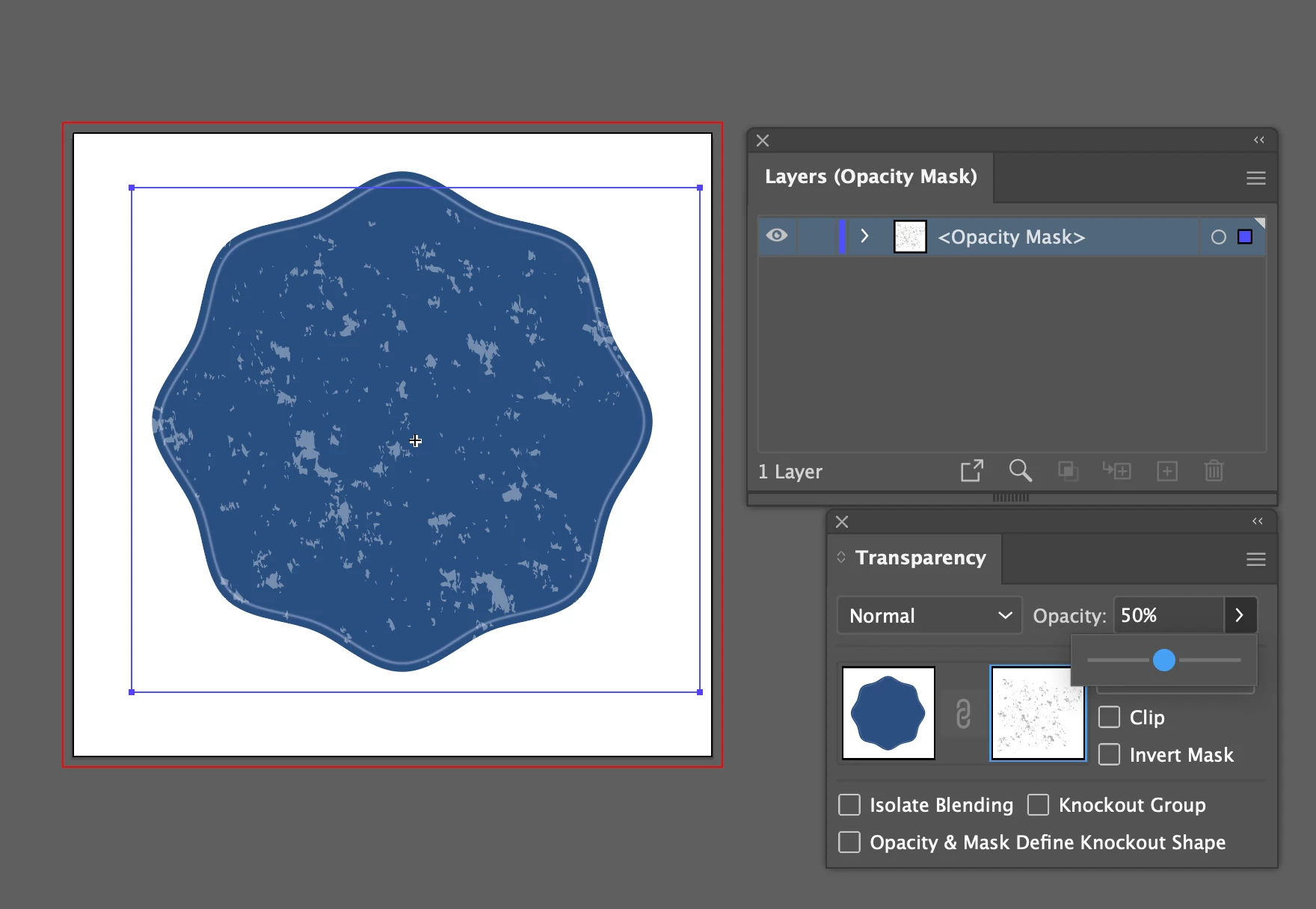
I am seeking help in how to apply ARTISTIC TEXTURES in Illustrator. I have found no information on how to apply these effects. Per the images, these "textures" are found within the SYMBOLS panel. As you can see, I have applied a charcoal effect to the example red shape using the SYMBOL SPRAYER. From this point I do not know how to actually apply (or imbed?) the effect to the shape. I am hoping someone can provide nexts steps. Thank you. 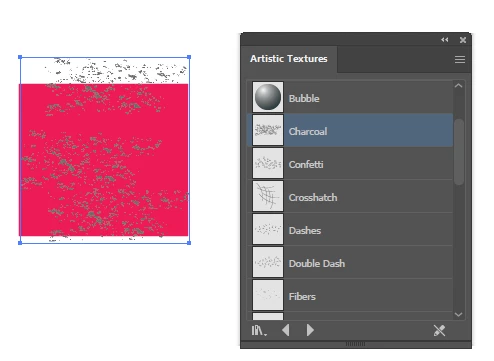


 AdChoices