


Artwork has moved inside artboard when bulk exporting
I work for a vehicle wrapping company and in order to export the artwork for wraps I use multiple artbaords within the design file. These artboards are then exported for large format printing.
Any overlap needed is taken into consideration when exporting but on a recent project the artwork appears to have moved causing the panels to no longer overlap.
I have attached some screenshots to hopefully clear things up.
The below image shows an example of the original lineup, bare in mind the purple stripe is one continious object, there are no splits.

This image shows the two exported artboards next to eachother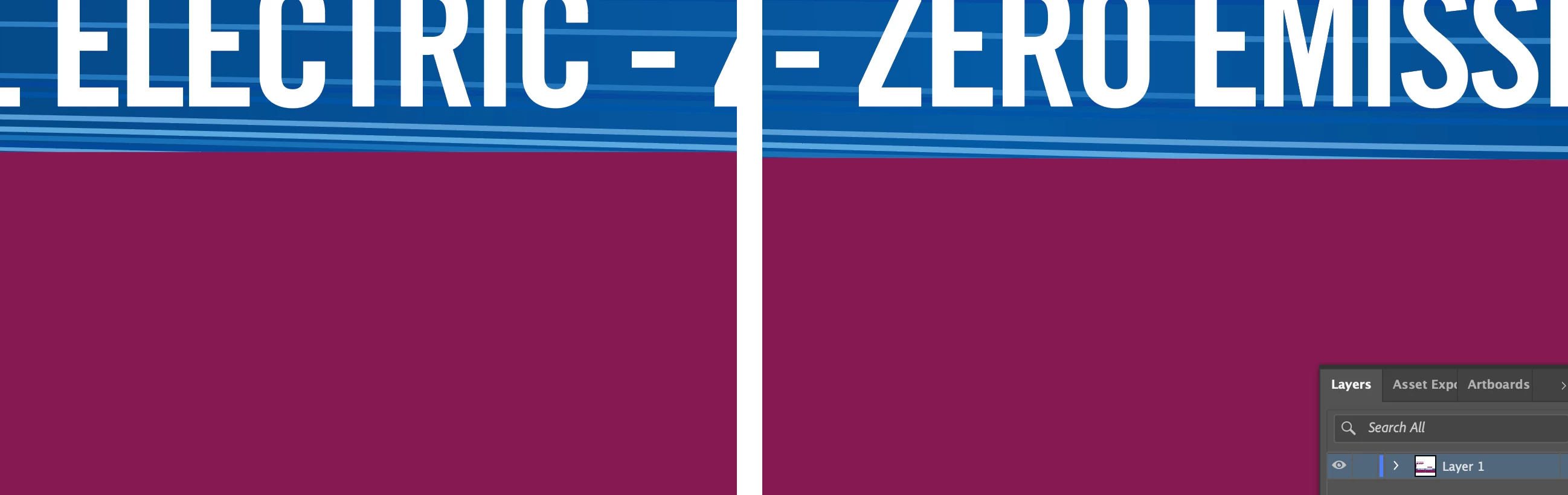
This image now shows the difference in the line-up, either the purple or the blue has moved...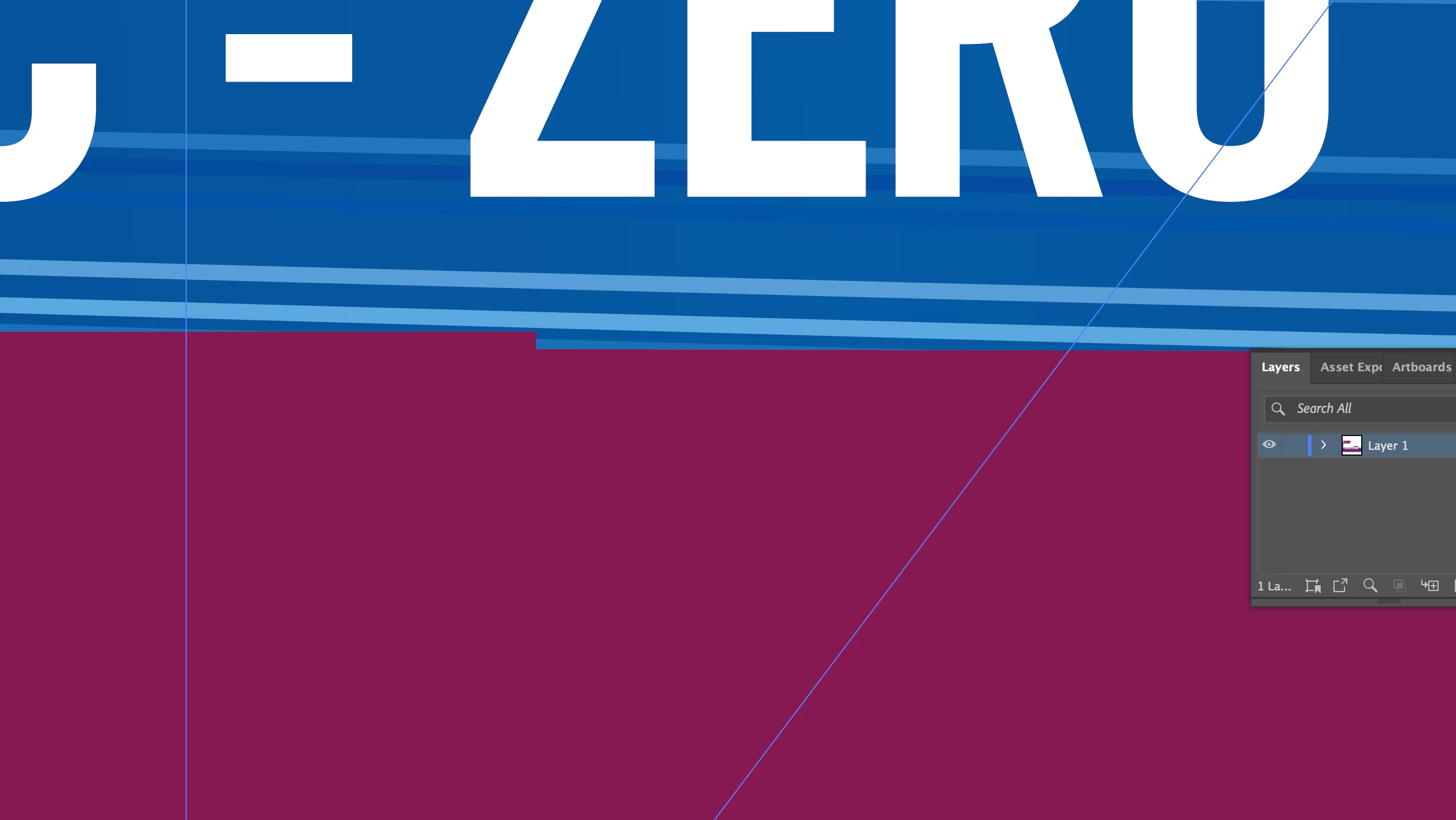
Does anybody have an ideas why this has happened or is it a known bug in any way? We had printed a large number of vehicle and now have to reprint 50+ metres to rectify...
I have never had the issue before with this method and have been working in the industry for 8 years...
 AdChoices