

Participant
Nov 19, 2016 2:17 AM UTC
Question

Artwork is hidden and not showing up

This is my adobe illustrator document
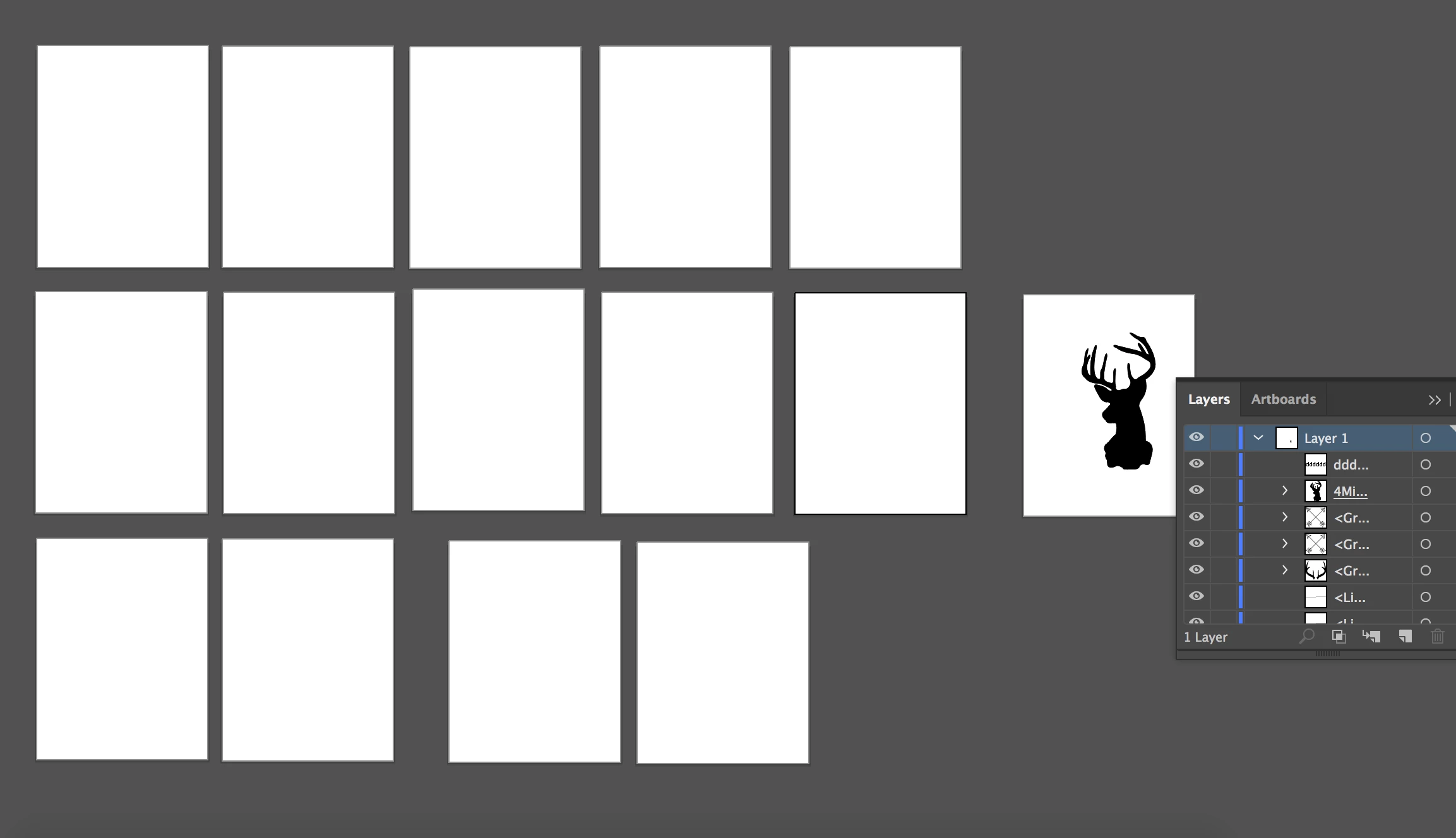
Artwork just went blank, it is there when I go into the group but won't show up outside of the group
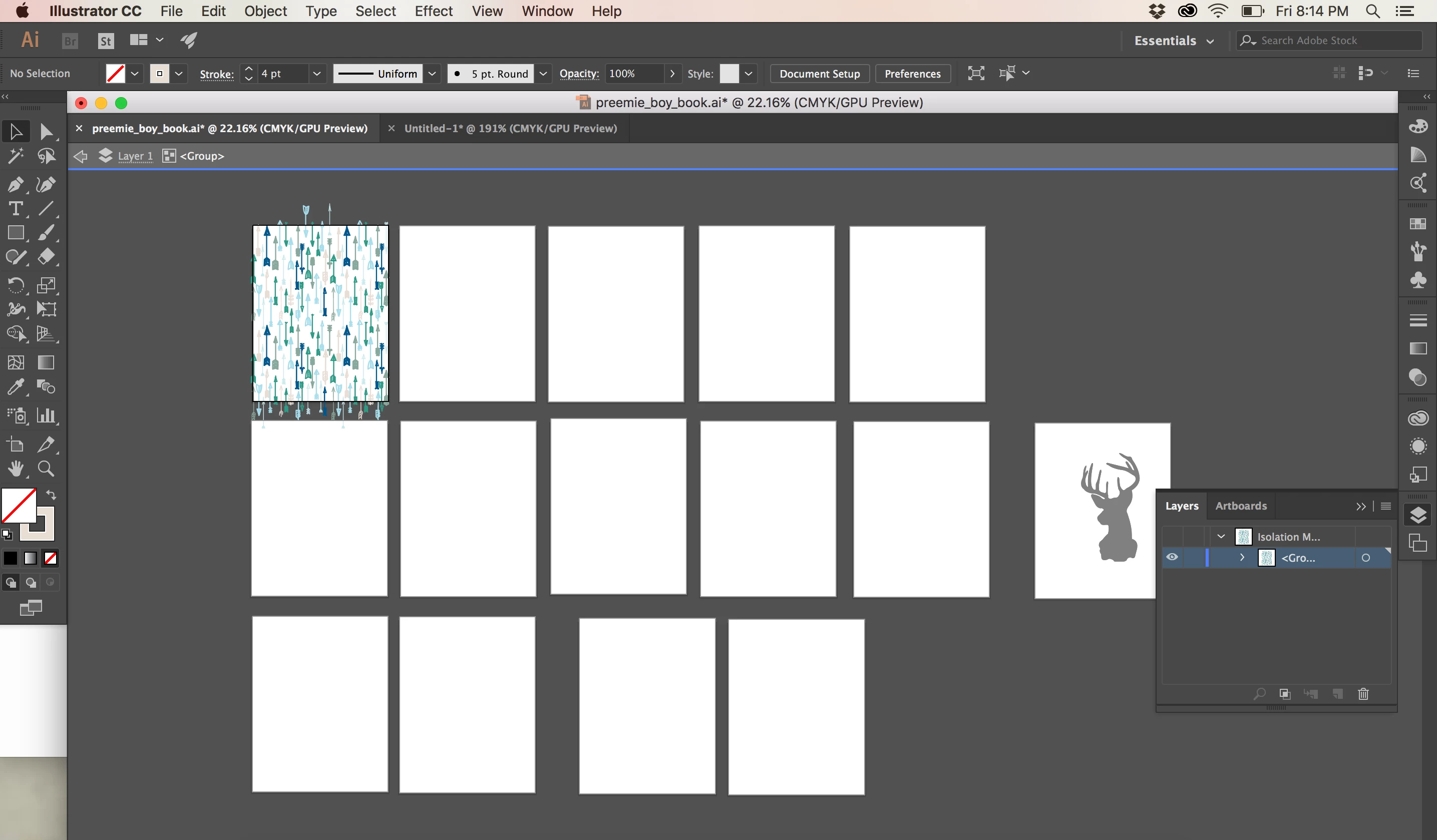
it is driving me crazy!

7 replies

Jan 3, 2022 6:34 PM UTC

Guys, just happened to me. You need to click on the eye (visibility) with Command (Apple)

Translate
Participant
May 9, 2018 3:39 AM UTC

I am having a similar problem. My art work isn't showing when I open my

AI files in Photoshop or Acrobat. Even when I try to drag and drop the art in Photoshop the artwork won't display. Can you please help?

Translate
Monika Gause
Community Expert
Community Expert
May 9, 2018 8:37 AM UTC

  schrieb

I am having a similar problem. My art work isn't showing when I open my

AI files in Photoshop or Acrobat. Even when I try to drag and drop the art in Photoshop the artwork won't display. Can you please help?

No, you don't have a similar problem. Please create your own thread.

Tell us system and Illustrator version.

Describe what's in the file.

What exactly are you doing step by step?

Translate
Participant
Nov 19, 2016 1:39 PM UTC

Nope! Look likes it was just a fluke. I created a new document and copied everything over and it shows up now. crazy

Translate
Ton Frederiks
Community Expert
Community Expert
Nov 19, 2016 2:10 PM UTC

Good to hear you solved it.

The reason I asked was that the name of the layer with the deer is underlined, which probably shows that a Layer mask is applied.

You could also test it by moving the layer with the deer to the bottom of the layer stack.

Translate
Participant
Jan 23, 2025 7:54 AM UTC

This was exactly what was happening with me. The underlined thing was the give away. Thanks so much. Saved me a lot of hassle! 

Translate
Ton Frederiks
Community Expert
Community Expert
Nov 19, 2016 8:42 AM UTC

Check if there is a layer clipping mask applied to the layer with the deer.

Translate