


Participant
April 21, 2020
Answered

Asset export bug? illustrator Mac

  • April 21, 2020
  • 4 replies
  • 2223 views

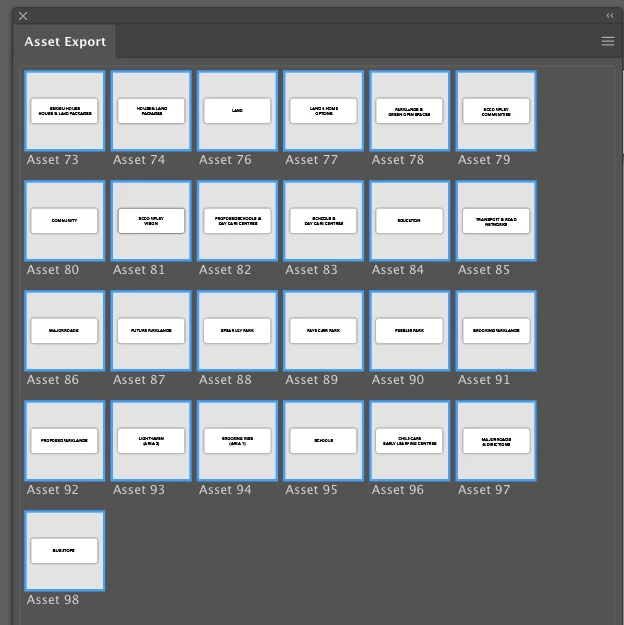
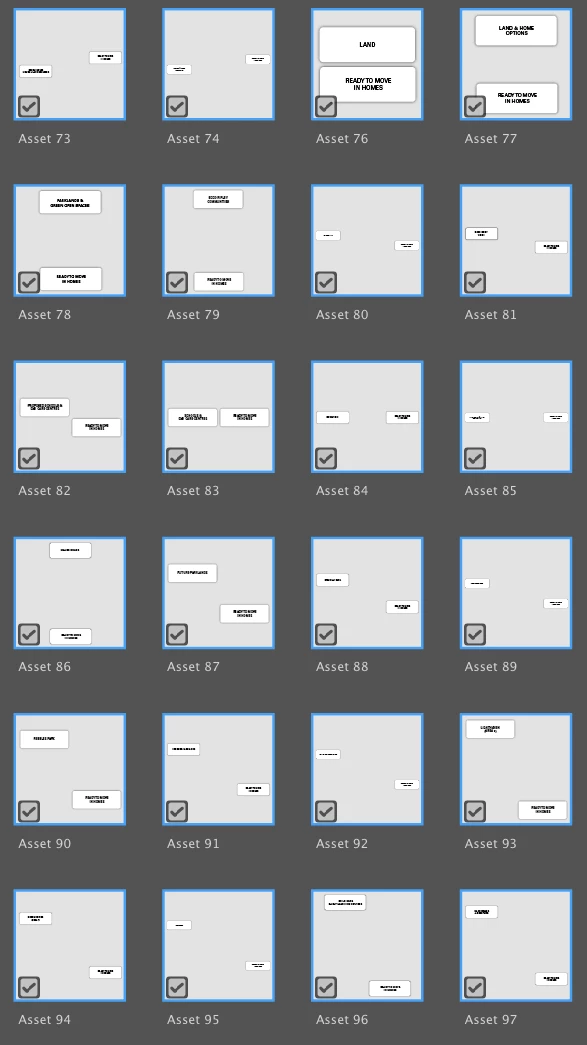
i am adding grouped element to Asset Export, one  group at a time. It appears okay but when reviewing in Exports for Screens, it groups elements inexplicably. I also tried to add the export one element at a time and when I added the element to Asset Export  it automatically deleted the element
VIDEO https://vimeo.com/410460839
Correct answer Marcela5E69

Hi,

I had the same issue. I duplicated the object and then I drag it (the copy of the object) to asset export. That worked for me.

4 replies

Marcela5E69Correct answer
Participant
December 9, 2021

Hi,

I had the same issue. I duplicated the object and then I drag it (the copy of the object) to asset export. That worked for me.

Figueroa
Participant
November 29, 2021

Having the exact same issue. Drag or option-drag selected objects into the Asset Export window and I get the "1 asset was deleted..." popup. Sometimes, the asset gets merged with another one and I still get the "1 asset was deleted..." popup. Using the buttons in the Asset Export window, instead of dragging, does the same thing. This only happens for some objects or groups of objects.


Come on, Adobe. Why is this still an issue? It's a serious issue for some workflows.

Anshul_Saini
Community Manager
Community Manager
November 29, 2021

Hi there,


Sorry to hear about your experience. I would request you to share a few more details like:

  • OS and the exact version of Illustrator
  • Is the issue related to a specific document?
  • A screenshot or a small video demonstrating the issue would be really helpful. (OP video is no longer available on Vimeo)
  • Could you please share the document with us in which you are facing this issue? You can upload it to the Creative Cloud (https://helpx.adobe.com/in/creative-cloud/help/share.html) and share the download link.
  • When did this start happening? Are there any recent changes made to your system? For example, any antivirus, system updates, plugins, or web extensions installed recently.
  • Does resetting Illustrator Preferences (https://helpx.adobe.com/illustrator/using/setting-preferences.html) help to resolve the issue?
    Disclaimer: Please note that resetting preferences will remove all the custom settings, and Illustrator will launch with default settings. You can also take a backup of the folders in case you want to. Location is mentioned in the article.


We are here to help. We just need more information.


Thanks & Regards,

Anshul Saini

KaiBoshed
Participant
June 9, 2020

I am also having the very same problem in Illustrator. I just spent the last hour meticulously renaming each asset ready for multiple file format export on over 70 assets and the same problem occured.  Colleting random elements from other areas and artboards, with no obvious correlation.  The objects are not grouped in any way shape or form.

Additionally, I have just gone through the process of starting afresh and "option" dragging each element into the asset export panel and it has allowed me to do 16 (all exported fine) but now if I try to add further objects, the panel auto deletes it, gives me a popup stating asset has been deleted from panel and I can no longer use the panel?

I just love paying £120 per month for this kind of timewasting feature! 

John T Smith
Community Expert
Community Expert
April 21, 2020

Adobe currently has 23 programs included in a full Cloud subscription
Please post the name of the Adobe program you use so a Moderator may move this message to that forum