zargap
Known Participant
April 24, 2020
Question

Asset Export panel changes size of assets on export

  • April 24, 2020
  • 1 reply
  • 232 views

This is driving me absolutely nuts. It renders this feature completely useless.


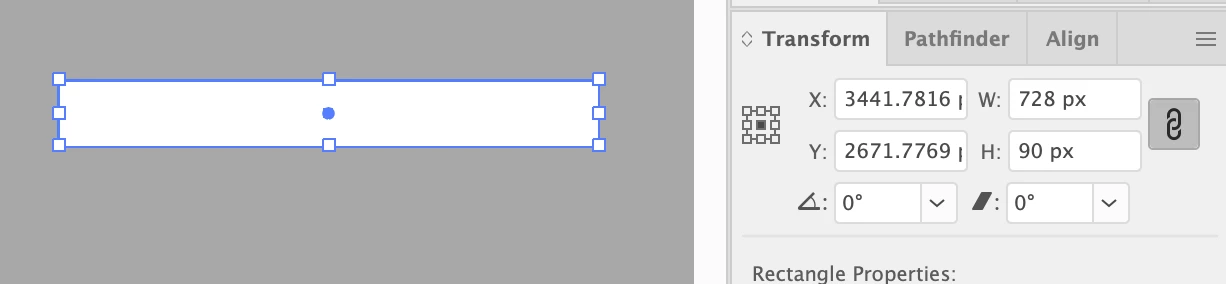
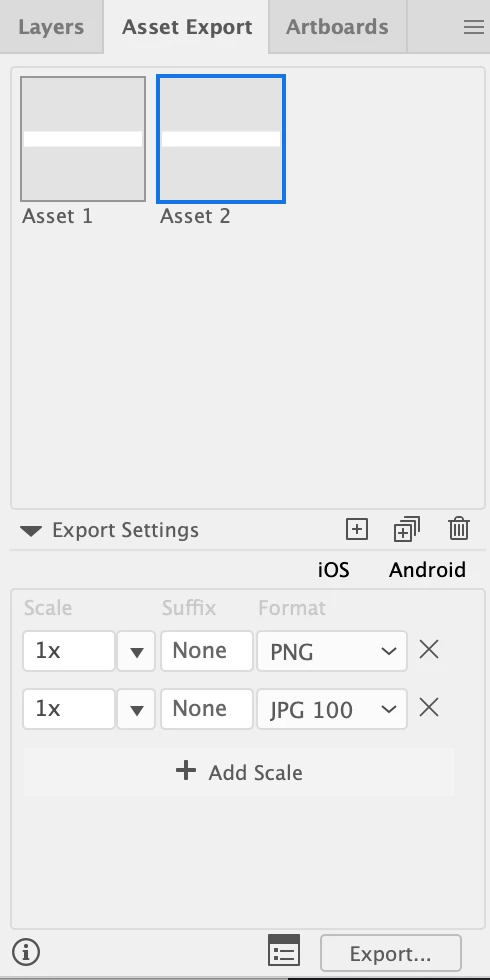
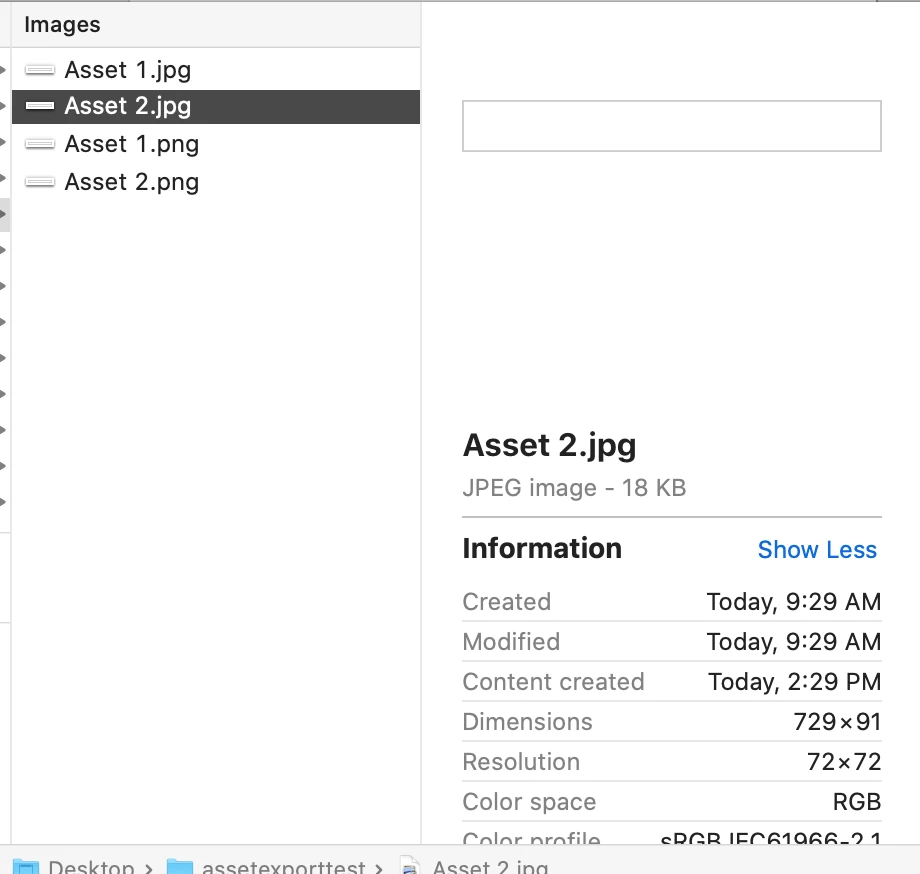
I made a rectangle in illustrator (728x90), fill and no stroke. I use exact pixel dimensions I need. I confirm the dimensions in the Transform palette(728x90). Then, I drag the rectangle to the Asset Export panel, export png and jpg @1x. The resulting files are 729x91. What gives? This has been going on for at least a year and I've tried a lot of things so I frankly don't think this is operator error. No clipping paths, no strokes, just a plain rectangle.


Thanks in advance.
    

This topic has been closed for replies.

1 reply

zargap
zargapAuthor
Known Participant
April 24, 2020

Oh cool, I think I figured out the completely asinine fix for this. The asset has to be on an Artboard with rounded pixel coordinates. Here's me exporting a 50x50 white rectangle from an artboard with messy coordinates:


And the same rectangle exported after adjusting the artboard position:


Not holding my breath for a fix since I've found this happening since I started using this feature, so why would it be fixed now? At least I know the workaround.