hb0mb007
Participant
February 24, 2017
Question

Asset Export – SVG file is not the same size after exporting

  • February 24, 2017
  • 2 replies
  • 1006 views

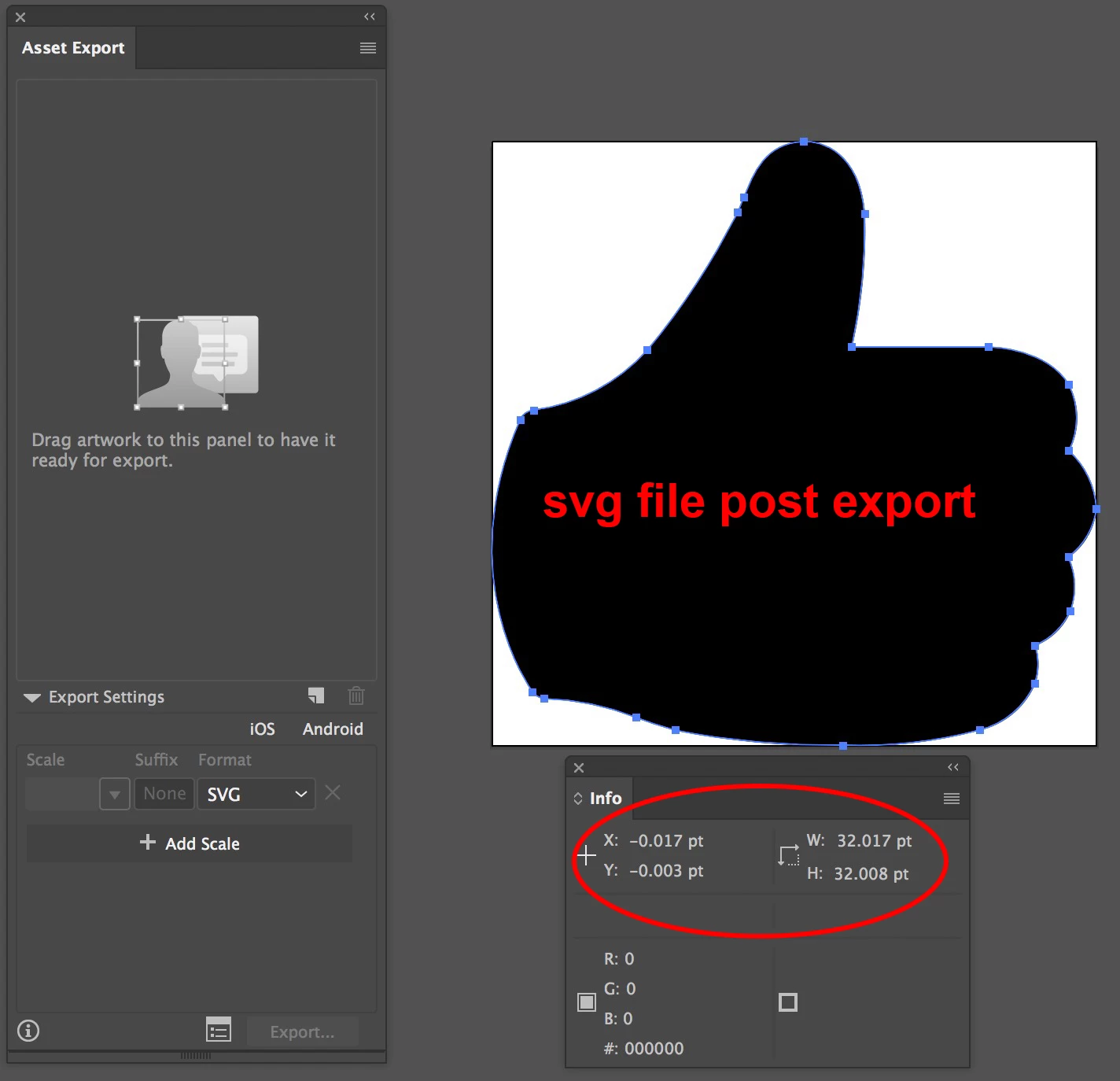
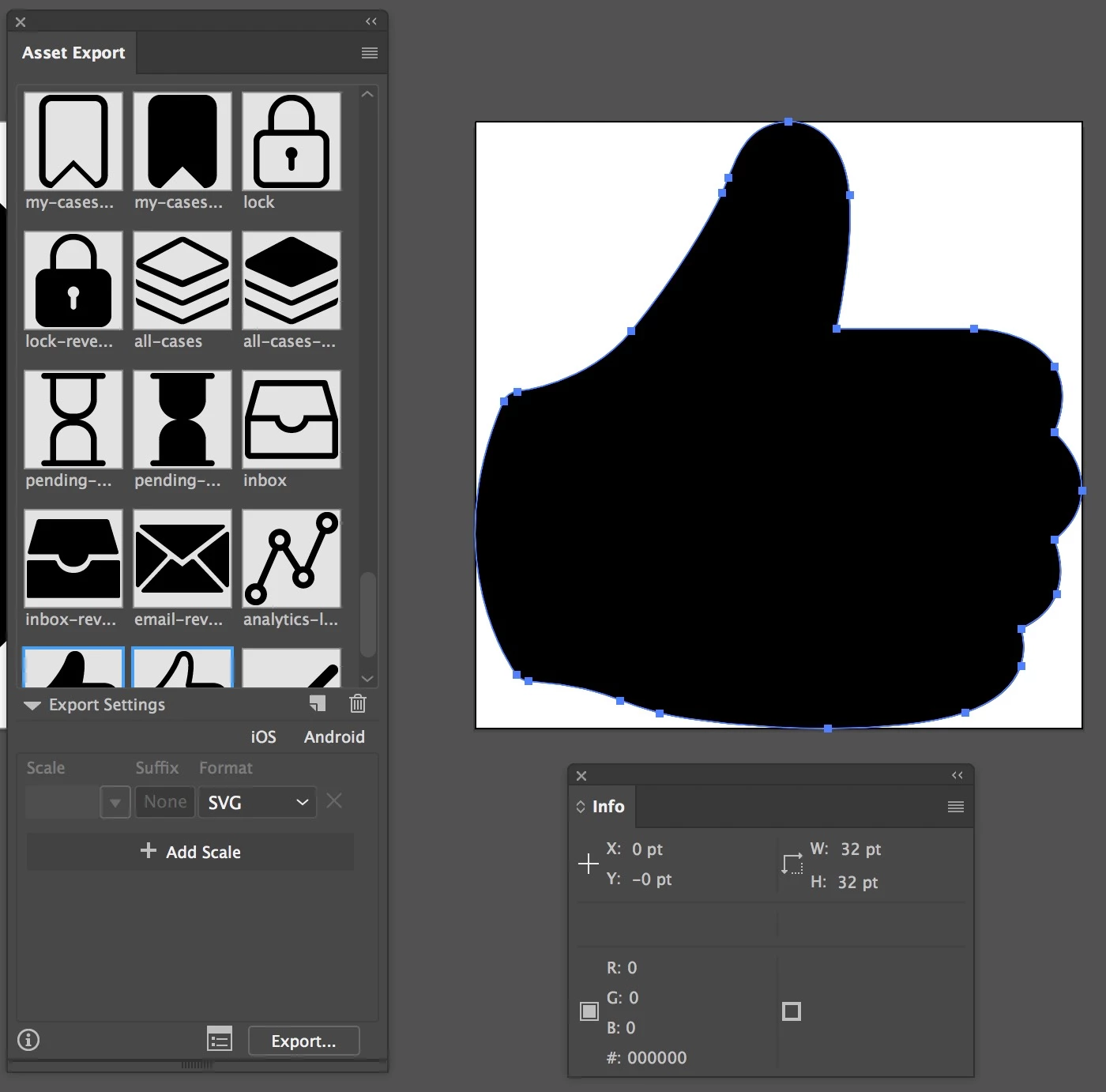
Can anyone help me figure out why my asset is exporting as a different size and XY value?

I have an icons that are 32x32 with an X Y of 0 -0 in my AI file.

After exporting the asset, the svg file is not the same size or orientation anymore.

Can anyone help me resolve this please?
This topic has been closed for replies.

2 replies

hb0mb007
hb0mb007Author
Participant
February 24, 2017

Thank you Monika for the suggestion.

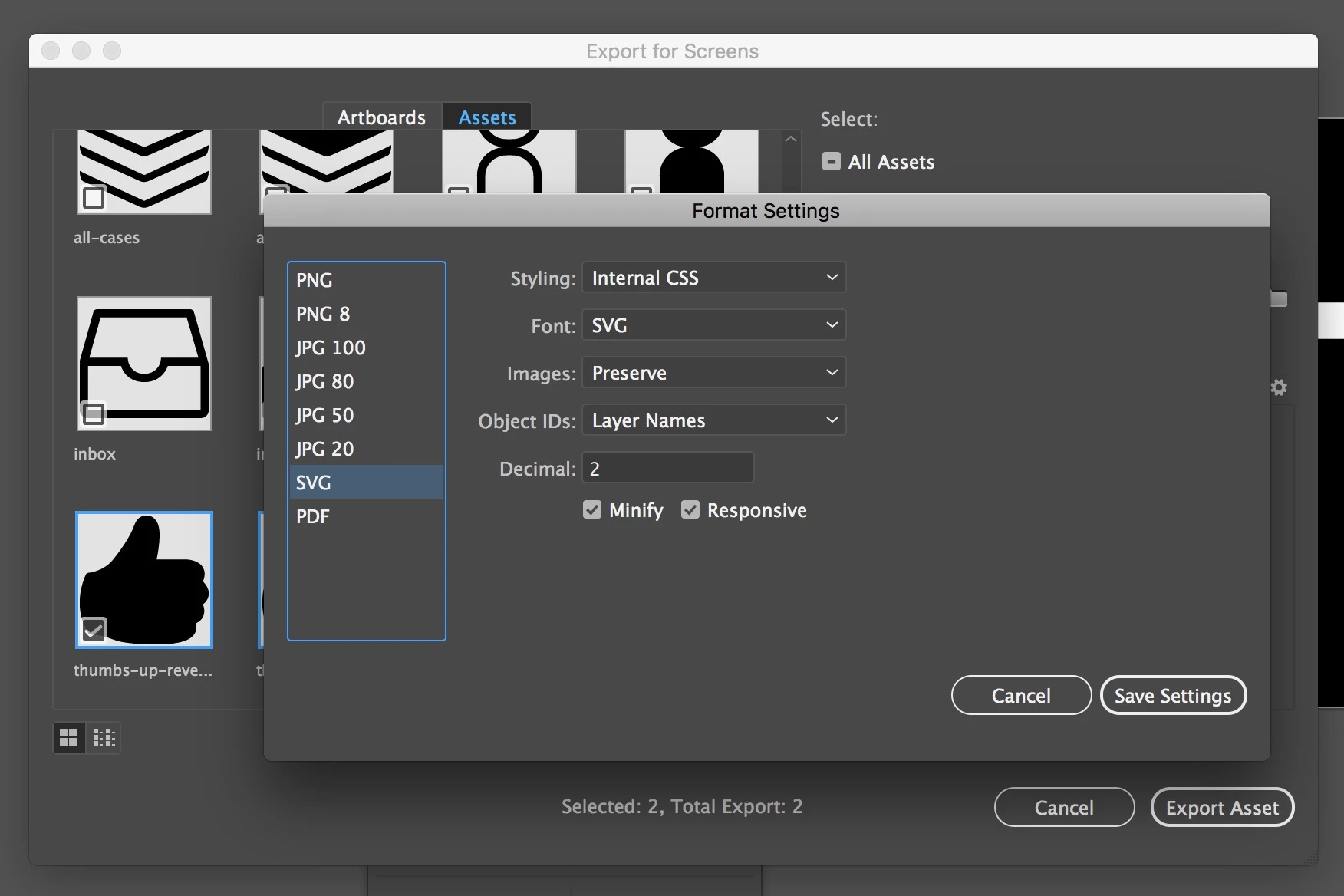
My art boards, grid and decimals are all standard default options when selecting from the create document menu in AI. For this document, the specifications were 32x32. I created a new document to test the increment theory and found that even when the art board is larger, aligned to pixel grid and even adding extra anchor points, the same problem occurs.

Unfortunately none of these things seem to help.

Monika Gause
Community Expert
Community Expert
February 24, 2017

You need to check that your art board is located on whole pixels.

hb0mb007
hb0mb007Author
Participant
February 24, 2017

Yes, thank you and I did check that. It did not seem to make any difference even when I tried it on a new document, different size.

Monika Gause
Community Expert
Community Expert
February 24, 2017

Is the artboard aligned to pixels?

Most probably the shift takes place because Decimals is set too low. You don't have an achor at the far left of the artwork. Maybe put one there and try export again. But align your artboard to pixels first.