
Automated Design Copy Feature/Script
I'm designing keycaps and would love if somehting like what I'm about to describe is possible.
Currently I have two templates -
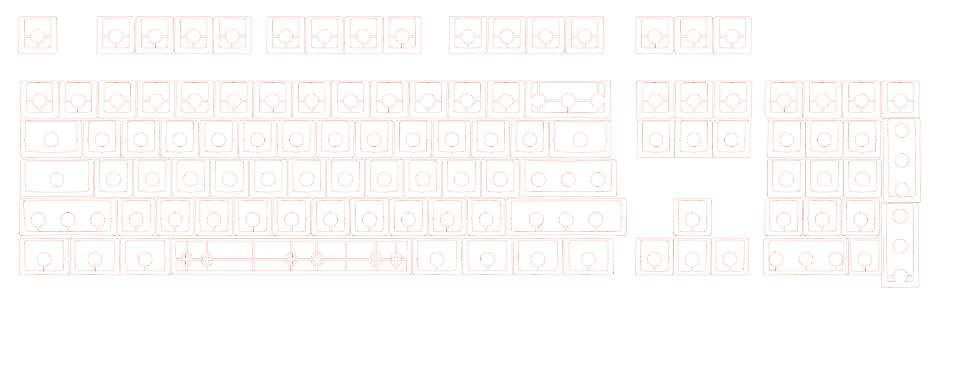
Template one resembles the trule layout of the keyboard.
Template two is the layout in which the keys are layed out for the dye sublimation process.
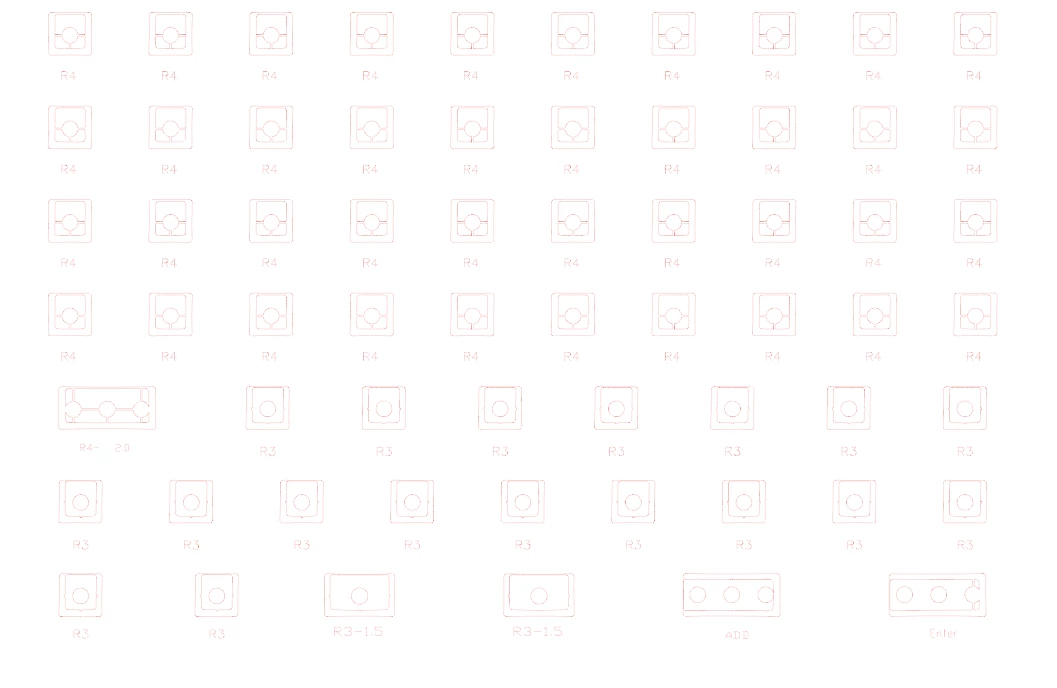
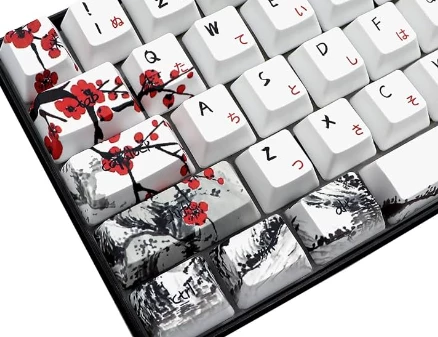
When creating the design it's much easier to do so on template one, however it always needs to be transfered onto the second template for printing. This is a very tedious task, especially when creating designs that flow from one keycap to another such as this one (not my design - just an example) -
Is there a script or feature that can link each key to the corresponding key on the two templates? So that when I design a key on template one, the same design is automatically coppied onto the corresponding key on template two?
I'd appreciate any info/input!


 AdChoices