


Question
Avoid text converted to outlines when opening PDF
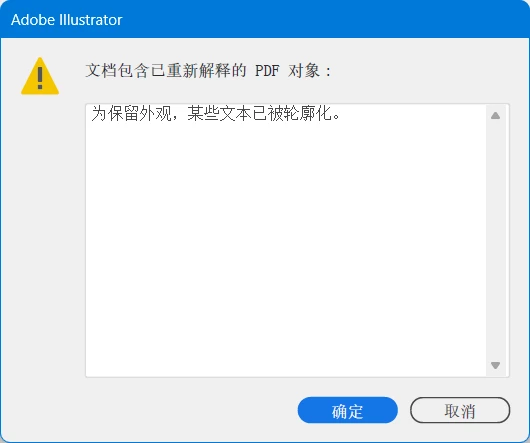
Currently Adobe Illustrator automatically and arbitrarily converts text parts to outlines, making these parts not editable nor selectable.
It's not related to fonts, because that font is on my computer, and, other text parts that has exactly the same font are editable and not converted.
It's just because of the code point. For example, in term `∀𝑥`, the ∀ (U+2200) is editable and 𝑥 (U+1D465) is converted to outline. I really dislike this arbitrary behaviour. If compatibility is considered critical, the program should at least give an option to allow us the users to choose whether to convert them to outlines
 AdChoices