
Participating Frequently
December 7, 2019
Answered

Background color change after export in Illustrator CC 2018

  • December 7, 2019
  • 4 replies
  • 4401 views
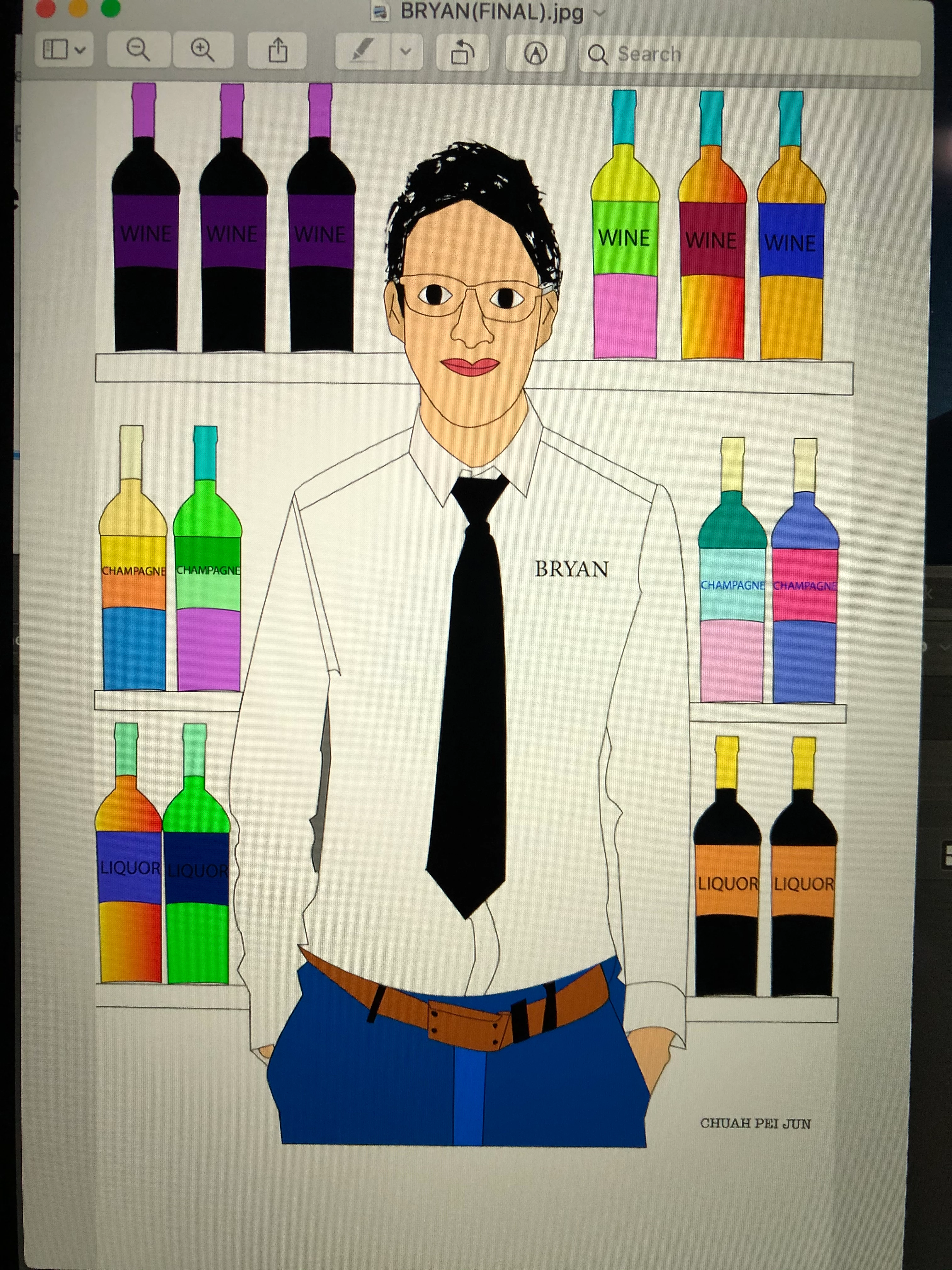
  1. There's a problem with Illustrator CC 2018, before I export from Illustrator file to JPEG file, I have set my Ai file to grey color background but after I export (after save) to JPEG file it became white background. I had tried both RGB & CYMK color mode and it's still the same after being export it became white color background, before that is grey color. I changed the color using the document setup option. Anyone know how to solve it?
This topic has been closed for replies.
Correct answer Ton Frederiks

Add an object filled with grey below your design.

The background color in Document Setup is just there to simulate a paper color.

4 replies

Participating Frequently
December 13, 2019

Thank you everyone for your kind comment! I already solve it!

Participant
February 21, 2022

How did you solve it? I run into this issue and it's irritating. 

Ton Frederiks
Community Expert
Community Expert
February 21, 2022

See the answer above that helped Bryan_Chuah

Ton Frederiks
Community Expert
Ton FrederiksCommunity ExpertCorrect answer
Community Expert
December 8, 2019

Add an object filled with grey below your design.

The background color in Document Setup is just there to simulate a paper color.

Participating Frequently
December 13, 2019

Thank you! I solve it with your solution already! 😄

Ton Frederiks
Community Expert
Community Expert
December 13, 2019

Good to hear that helped.

Monika Gause
Community Expert
Community Expert
December 8, 2019

Please tell us the details:

which grey exactly?

which document color mode?

which color mode do you export to?

do you use color monagement?

How do you measure color in the JPG and which color exactly is it? Does it only look white or is it white?

How exactly do you export? WHich function?

Participating Frequently
December 8, 2019

Hi there, thanks for your replied! I've already change the topic in details. 

John Waller
Community Expert
Community Expert
December 7, 2019

Moved from Community Help forum.

Participating Frequently
December 8, 2019

Hi John! Sorry that I don't understand what you are talking about. Can you say it in details way? Thanks for your reply! 😄🙏