
Participating Frequently
April 4, 2024
Question

Bending Pattern Swatches with Objects & Paths

  • April 4, 2024
  • 5 replies
  • 1290 views

I've been trying to use pattern swatches to speed up my workflow recently but due to my limited experience with them, I've been running into a bunch of problems using them. 


If, for example, I was using the tile in the screenshot below and I wanted it to follow the bend or curve of the spline next to it, how would I do it? Right now it's acting like a clipping mask over the pattern and I can't even get it to follow the curve of shapes when I try to apply it as a fill or outline.
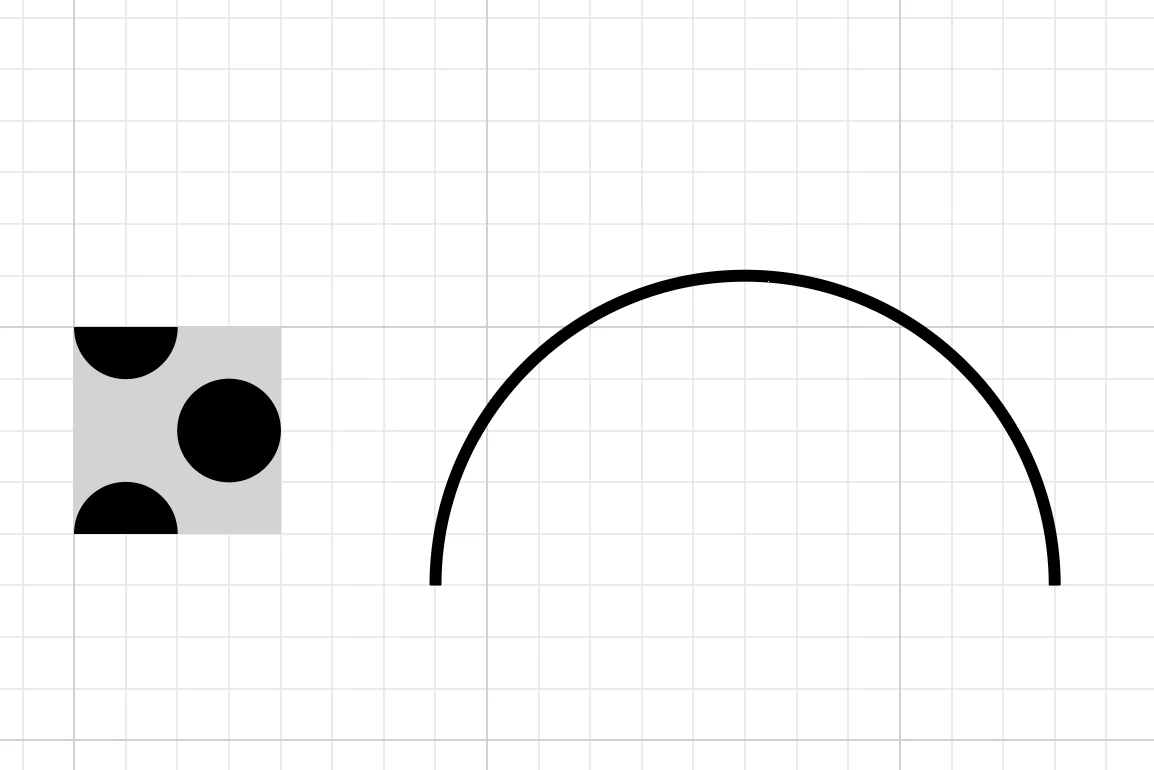
 Here's what my pattern menu looks like:
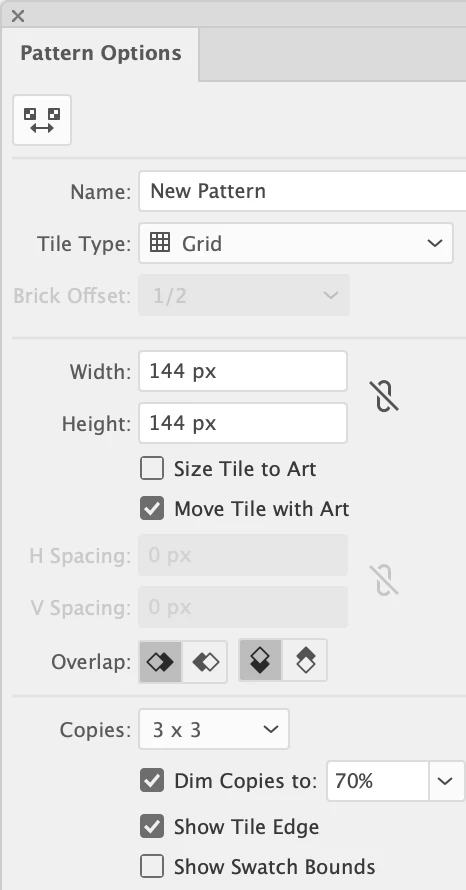
In the transform menu, it's set to "Transform Both." I tried getting the same effect by creating a pattern brush but it distorts too much. If you have any suggestions or know how to fix this problem I'd really appreciate your input.

This topic has been closed for replies.

5 replies

Monika Gause
Community Expert
Community Expert
April 4, 2024

Figured it out. You would need to experiment a little with brushes.

You need art brushes made of parallel lines. In my example 2 of them. They need to be matched to the size of your art. In that video I am using the brushes panel and the Appearance panel.

https://youtu.be/4cybnk7arXw

Mike_Gondek10189183
Community Expert
Community Expert
April 4, 2024

Scatter Brush align rotate to path

Participating Frequently
April 4, 2024

That's exactly what I was trying to do! Thank you so much. Before I mark this as the answer, how do I edit how often it repeats so it smoothly transitions like yours does? I tried what you suggested and there are too few copies in mine


Monika Gause
Community Expert
Community Expert
April 4, 2024

Scatter brushes will not bend with the path.

Mike_Gondek10189183
Community Expert
Community Expert
April 4, 2024

First one is a pattern fil on a rectnagle, then effect >> warp >> arc >> 100%


Second one is expanded, then pathfinder >> divide &pathfinder >> unite, then the warp arc applied

Participating Frequently
April 4, 2024

This is helpful, but the whole point is I want to be able to manipulate the pattern with minimal distortion on a spline so I can make more complicated curving patterns.


The Threads login screen is a pretty good example of the overall effect I want to achieve.


Monika Gause
Community Expert
Community Expert
April 4, 2024

Please make a sketch. 

Participating Frequently
April 4, 2024

The closest I've been able to come to what I want is by using envelope distort make with warp in terms of retaining the patterns but I want to be able to manipulate the patterns with splines for simplicity.


This is a different pattern but here's kind of what I want it to look like:


Monika Gause
Community Expert
Community Expert
April 4, 2024

Like this with effects: 

Doug A Roberts
Community Expert
Community Expert
April 4, 2024

I would have said pattern brush but for your final comment. What do you need it to look like?

Participating Frequently
April 4, 2024

Hi Doug,


Thanks for your interest. I want the pattern to follow a curve without distorting. I realize some distortion will occur due to the curve, but my goal is to make it as minimal as possible.


While using a pattern brush it typically is pretty good except for on the more curved segments such as the elbows.


For example, if I had a four-line pattern solely consisting of filled black lines that were alternating with filled white lines of the same width, I want to be able to curve them to do things like in the photo below:


(Photo from Shutterstock)

My initial goal was to be able to do this with lines filled with the pattern but I'm not sure if that's possible.


I might try getting the same effect using some of the Envelope Distort tools but I fear they'll distort or have the results same as the things I've tried previously that haven't worked.

Participating Frequently
April 4, 2024

Just tried a few things using envelope distortion and none of them work