Hei thank you for this. But could you please tell me when I can get this option. I am sorry I dont understand the language.
You need to draw the arrow in a straight version. I would also apply color to the brush shape in this case, so you need to draw an arrow for each color you need. You can just make a copy and apply a different color.
Then drag them one by one into the brushes panel, which is in Window > Brushes
When you drag an arrow into the brushes panel, there will be a dialog. Select "Art Brush"
Then in the second dialog box you need to select the direction with the 4 arrows (in my screenshot this is called "Richtung")
And you need to select "Stretch between guides" with the radio buttons under "Brush scaling options"
Then drag the dashed lines as in my screenshot where you see the preview of the brush.
That's it. Do that for all the arrows. Next you draw your circle, cut it into the parts you need and apply the brush.
You can use the "Options for selected objects" in the brushes panel (bottom row of buttons) to mirror it on the path in case you need to revert the direction.

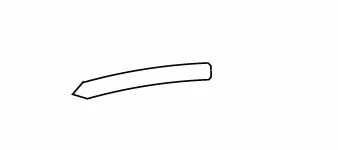 I am using a adobe illustrator CS6 version and I would like to make some lines like the one shown. I have tried to do this with the pen app but it give me curves which do not help me. Is there any other way to do these type of figues.
  AdChoices