Known Participant
May 9, 2025
Answered

best adobe app for high end audio business

  • May 9, 2025
  • 1 reply
  • 237 views

Ok so i have just started in high end audio home theatre business. I want to know which app or apps are best and required to designand post on social media like facebook instagram twitter etc. to promote business. Suppose i want to post about a subwoofer , i want to show its mrp and my price and its specifications. Which app or apps required to do this task and also edit size of these as required on twitter facebook instagram etc. Also youtube banner for my channel and logo as well.

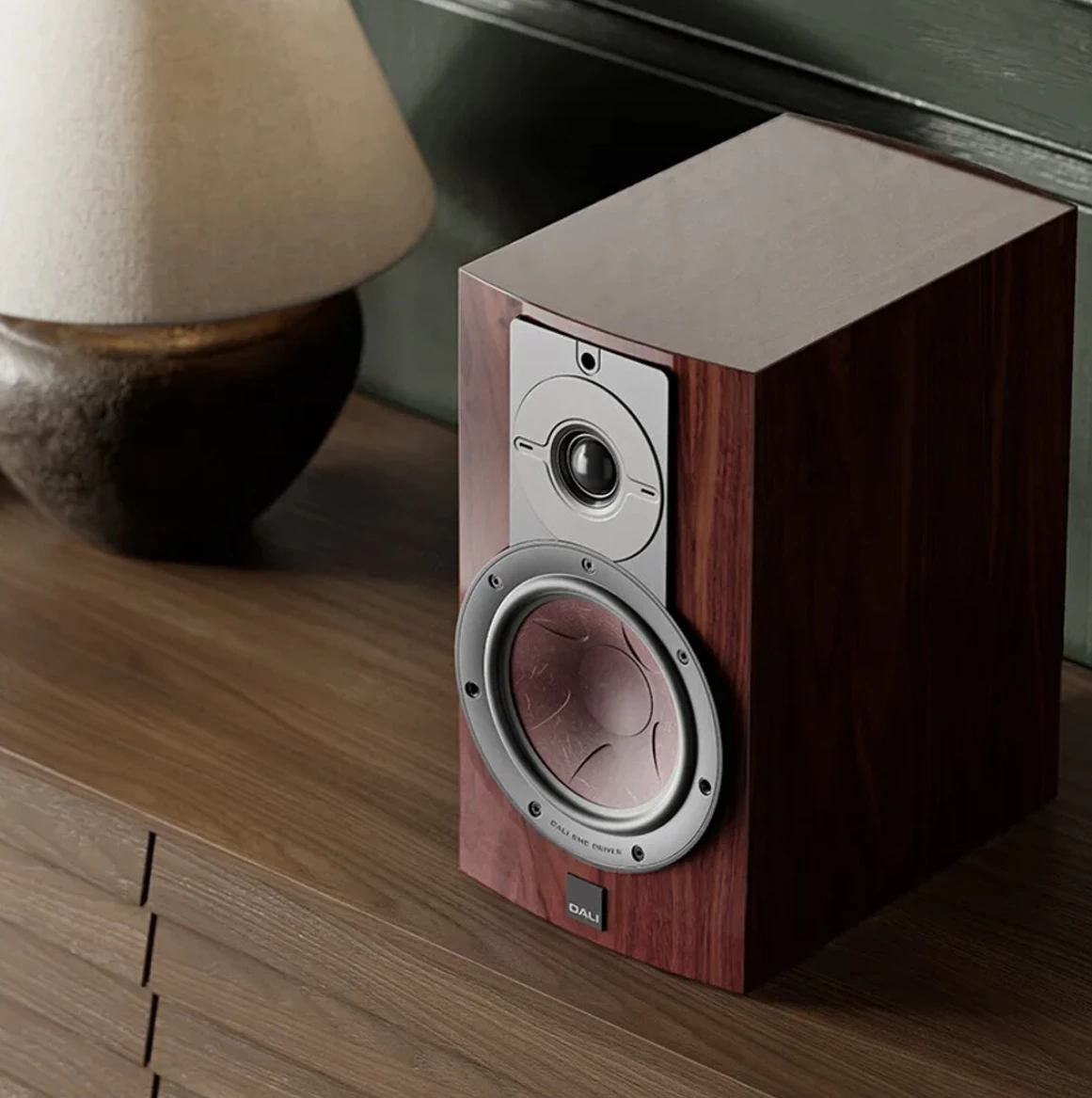
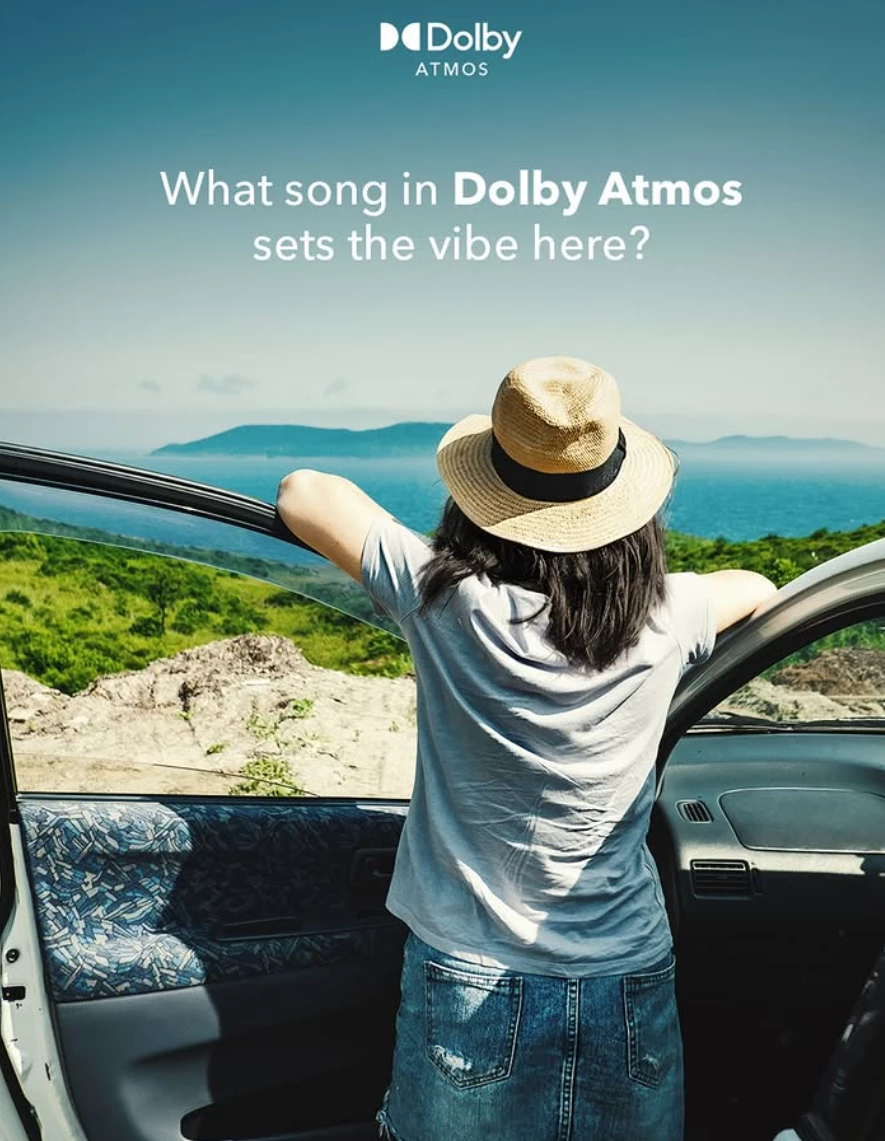
And then how do i animate them to attract customers. See attached images here text is added i guess its an easy task to add text to any image. 

Correct answer Tina_Irvine


Hi @hardcore_gamer29,


I highly recommend that you check out Adobe Express, if you haven't yet. It's super quick for content resizing and social media. It has preset template sizes - banners, posts, reels, etc. Everything you need. Even video editing. You can add audio as well as animations to text and images in there, too.


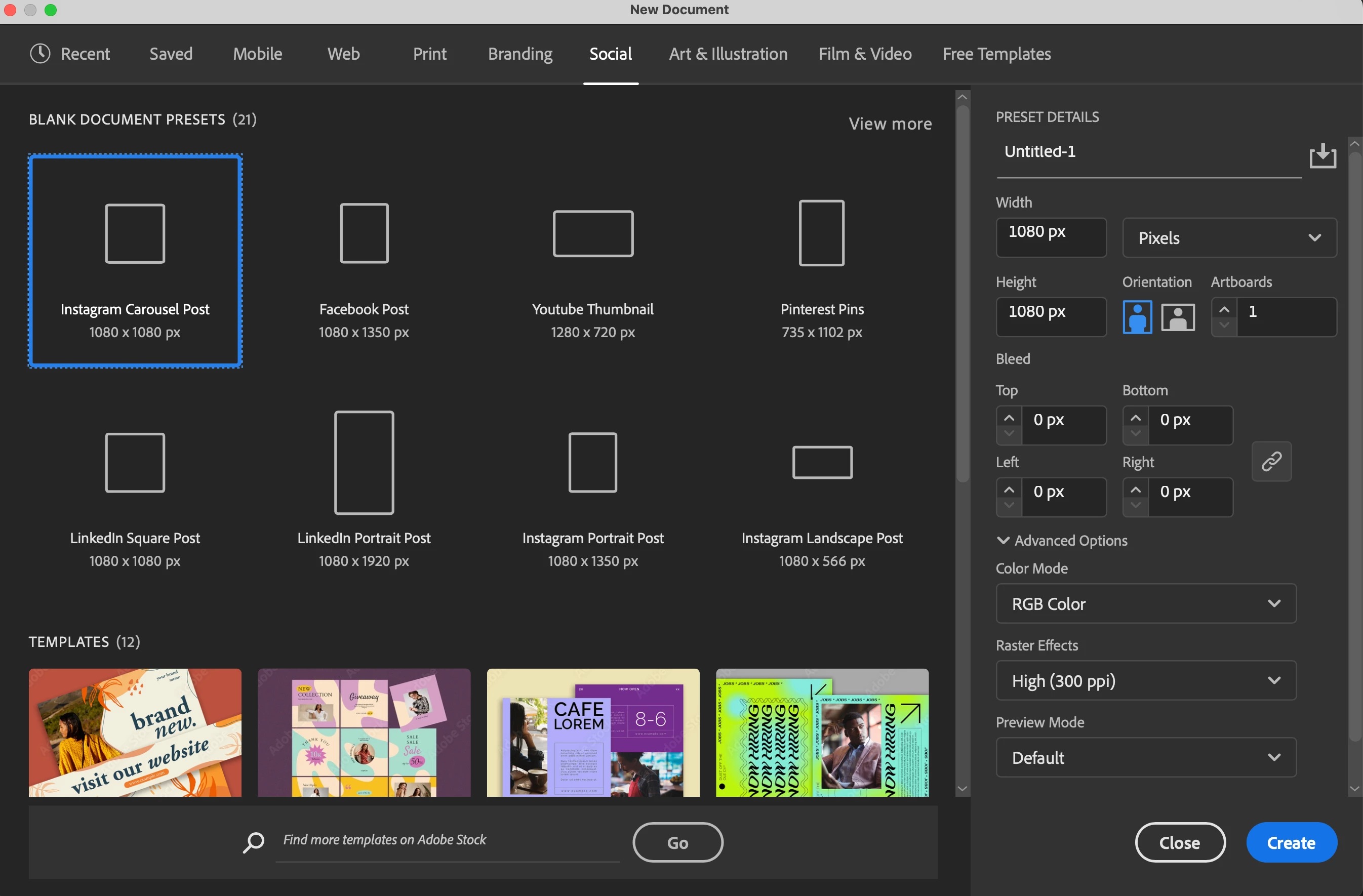
If you already have Illustrator (since this is the forum for this app), you can import and crop (via clipping mask) images and easily overlay text, like your Dolby example. There are templates for social, print, web, etc in Illustrator as well (image below). You can also easily resize your artboard to whatever size you need. Then, export as a png or jpg for social media. You can create graphs and charts. Illustrator is vector-based, so if you create something in Illustrator, that is purely vector, you can scale infinitely without losing quality. This is perfect for any print media you may need (campaigns across various media). 


Another great feature with Adobe apps is libraries. If you have all your vector files for logo, branding elements, colours, etc, add them to your library. When you switch into another app, such as Adobe Express, all of these elements are accessible in your library within that app too!


Personally, as a graphic designer (for digital, print and web), I couldn't be without Photoshop as well. Generative Expand is amazing for adding a little extra imagery to extend a photo larger. The remove tool, stamp, etc is handy for cleaning up images. There's a LOT of awesome features....but if you don't need to do any in-depth editing to Photos, you might not need it...?


Hope this helps 🙂

 

1 reply

Tina_Irvine
Community Expert
Tina_IrvineCommunity ExpertCorrect answer
Community Expert
May 9, 2025


Hi @hardcore_gamer29,


I highly recommend that you check out Adobe Express, if you haven't yet. It's super quick for content resizing and social media. It has preset template sizes - banners, posts, reels, etc. Everything you need. Even video editing. You can add audio as well as animations to text and images in there, too.


If you already have Illustrator (since this is the forum for this app), you can import and crop (via clipping mask) images and easily overlay text, like your Dolby example. There are templates for social, print, web, etc in Illustrator as well (image below). You can also easily resize your artboard to whatever size you need. Then, export as a png or jpg for social media. You can create graphs and charts. Illustrator is vector-based, so if you create something in Illustrator, that is purely vector, you can scale infinitely without losing quality. This is perfect for any print media you may need (campaigns across various media). 


Another great feature with Adobe apps is libraries. If you have all your vector files for logo, branding elements, colours, etc, add them to your library. When you switch into another app, such as Adobe Express, all of these elements are accessible in your library within that app too!


Personally, as a graphic designer (for digital, print and web), I couldn't be without Photoshop as well. Generative Expand is amazing for adding a little extra imagery to extend a photo larger. The remove tool, stamp, etc is handy for cleaning up images. There's a LOT of awesome features....but if you don't need to do any in-depth editing to Photos, you might not need it...?


Hope this helps 🙂