



Question
Black Box
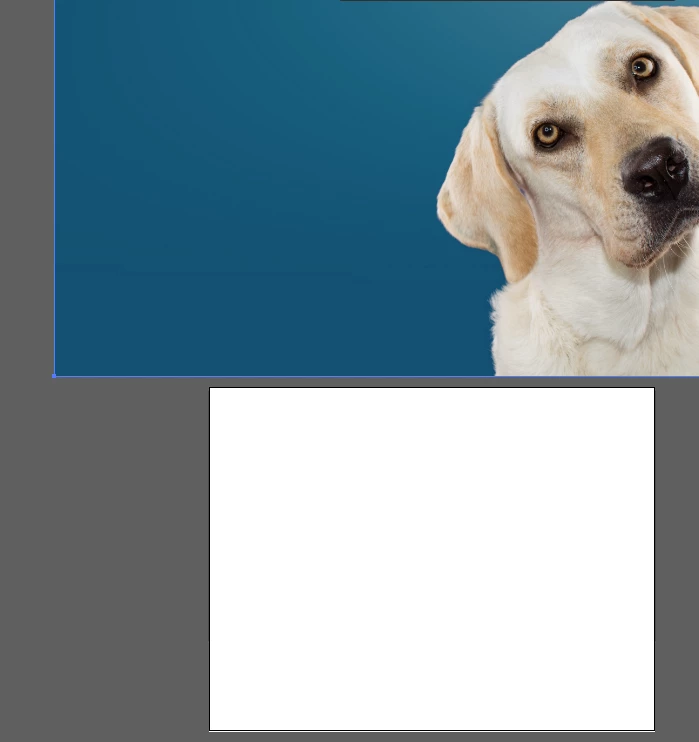
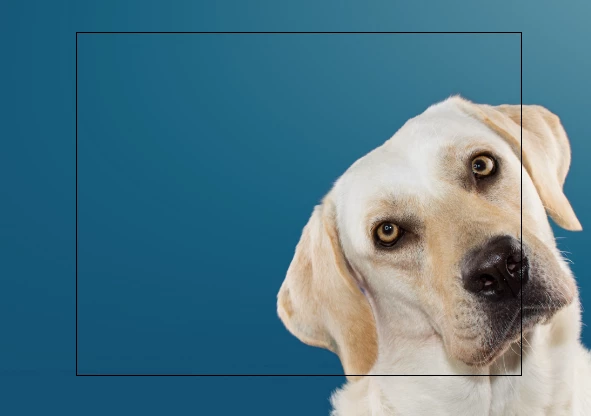
How do I get rid of this black box? Recently, when I open an image in Ai this black box suddenly started to appear. I don't recall hitting any ubsurd buttons or combination of buttons.
When I move the image, this white box underneathe appears.
I can't use the brush tool. I can use the pencil, and pen tools though.
Just open = choose from downloads. Presto I have a magic black box. I am limited by where I can work if I am on that layer with the black box. Working non distructively, I open a different layer to create the project.


 AdChoices