
Participant
March 9, 2017
Answered

Black box over vectors

  • March 9, 2017
  • 2 replies
  • 479 views

Hello,

I am very new to illustrator and I am working on a master study for my class. I started it at school and need some more time to work on it. I downloaded illustrator as a free trail. However, every time I lay down a vector a black box covers it. I have to zoom in and out to get it to go away. Any solutions? And why is this happening?
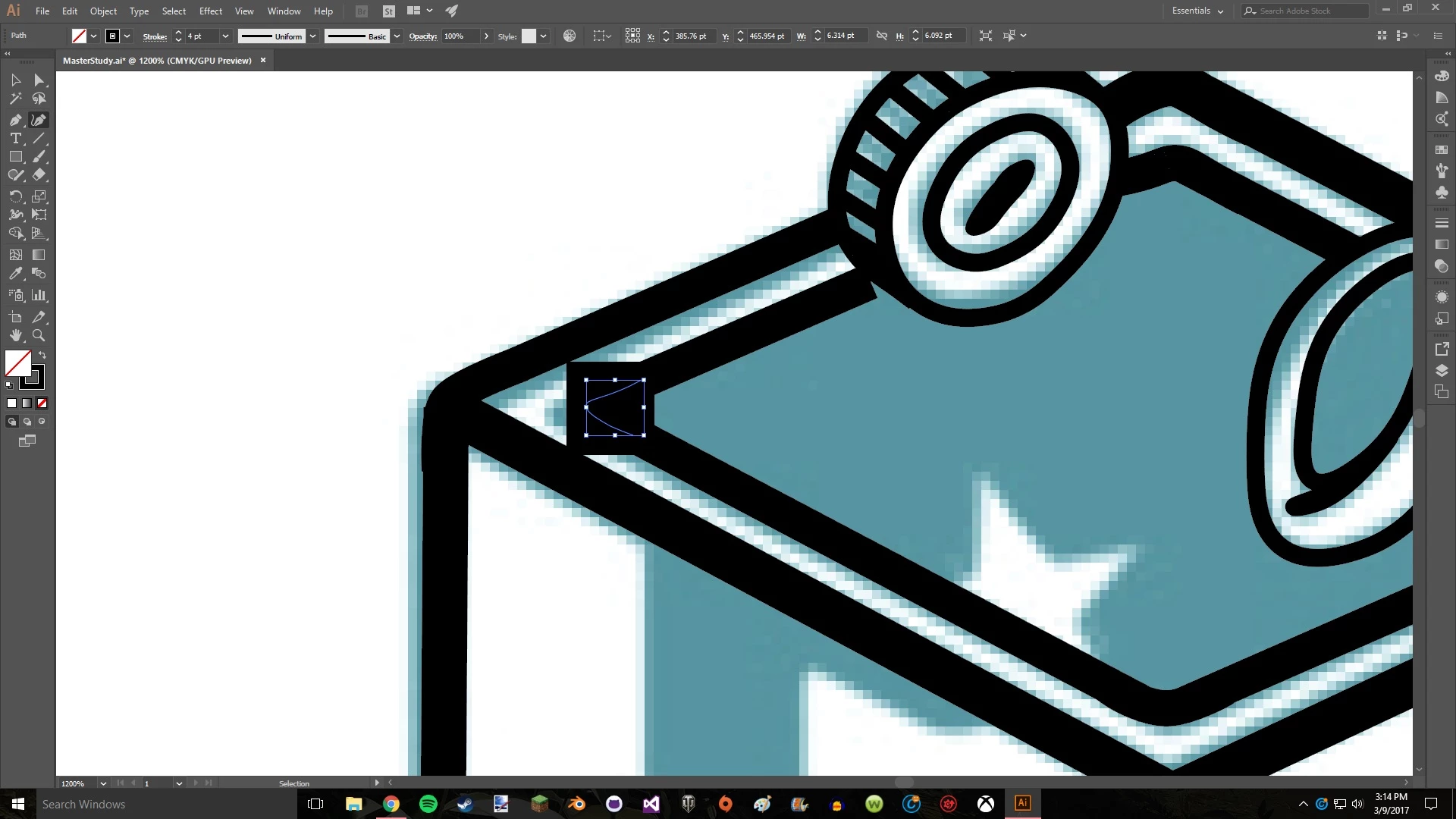
Here is an example
    This topic has been closed for replies.
    Correct answer John Mensinger

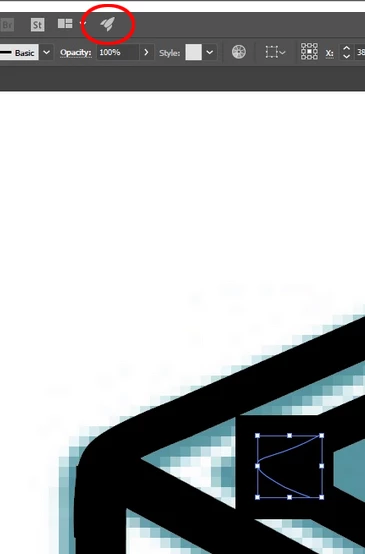
    Try toggling GPU preview by clicking the rocket icon.

    2 replies

    Simmer1
    Community Expert
    Community Expert
    March 9, 2017

    Hi,

    It seems like you have a black bounding box which I have never seen before. Try resetting your bounding box.

    If this fails you can report a bug here: Feature Request/Bug Report Form

    I hope this helps.

    Thanks,

    Sim

    John Mensinger
    Community Expert
    John MensingerCommunity ExpertCorrect answer
    Community Expert
    March 9, 2017

    Try toggling GPU preview by clicking the rocket icon.

    Participant
    March 9, 2017

    That seemed to work! Thanks