

Blend Option : non-proportional?
I want to replicate this artwork :
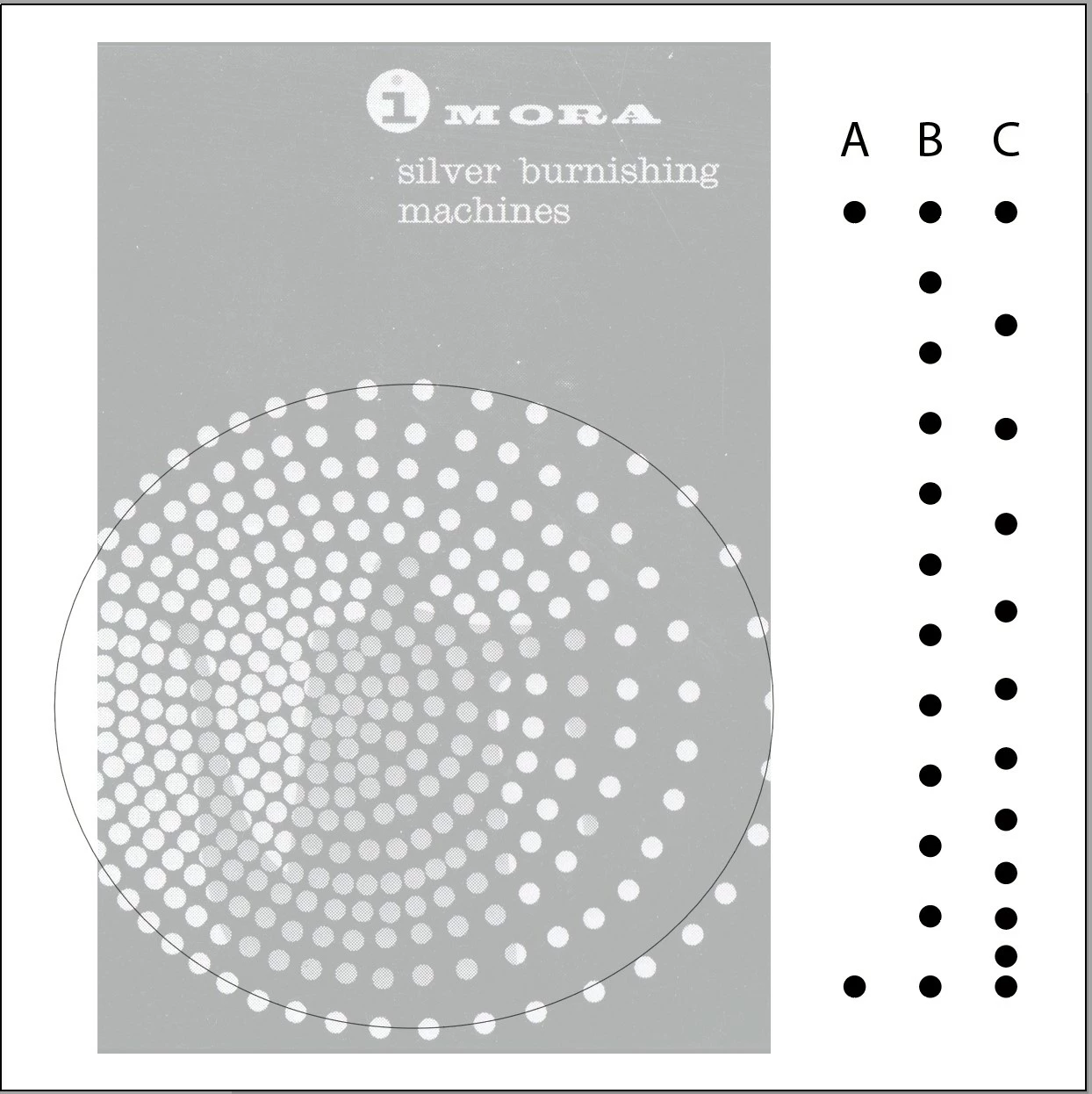
As you can see, it's a series of "dots" on a path, a series of decreasing circle sizes, but for the life of me, I can't figure how to recreate this using Illustrator? I tried creating a Brush to no avail: there are no way to control the spacing between the dots?
I also tried using a Blend but, again, there is no way to control the spacing between the dots?
On the right of the figure (an old German magazine cover) are three series of "circles".
Under Column A are the two circles I used to create a basic (linear) Blend.
Under Column B is the resulting initial Blend.
Under Column C is the Blend with modified initial and ending "Spine" anchor points, to "increase" and "decrease"' the spacing between the circles.
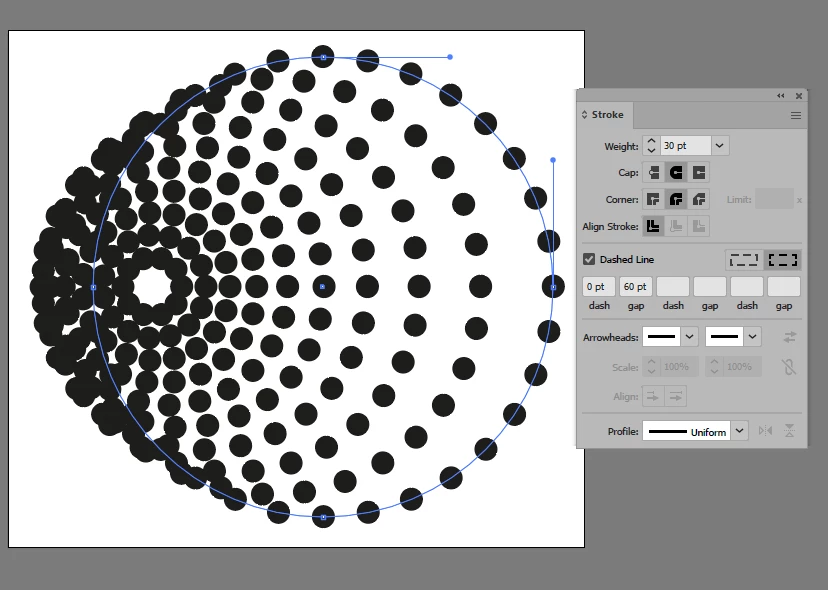
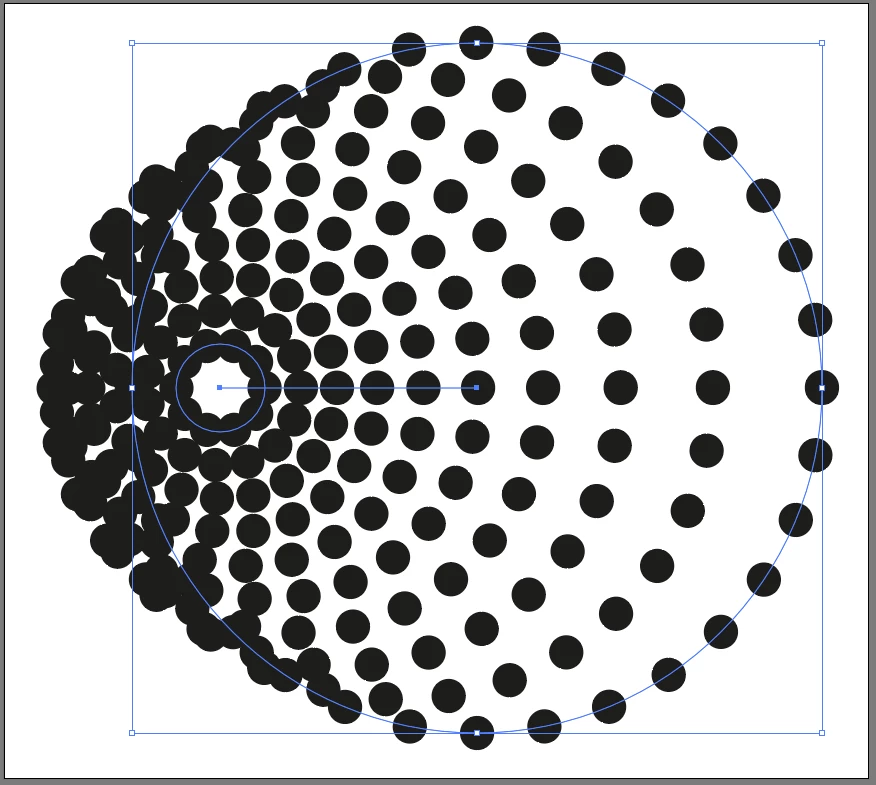
I thought I had it made when I selected both the oval and the Blend and hit Object > Blend > Replace Spine but doing so resetted the spacing between circles to a constant value??
i'm kind of going in "circle".
Any help is appreciated.



 AdChoices