
danielk20
Participant
October 14, 2019
Beantwortet

Blend to transparent doesn't work!

  • October 14, 2019
  • 3 Antworten
  • 428 Ansichten

Hey,

I'm trying to blend this world map into transparent. It works just fine with a rectangle. I also tried increasing or decreaing the steps and different blend options, nothing works..
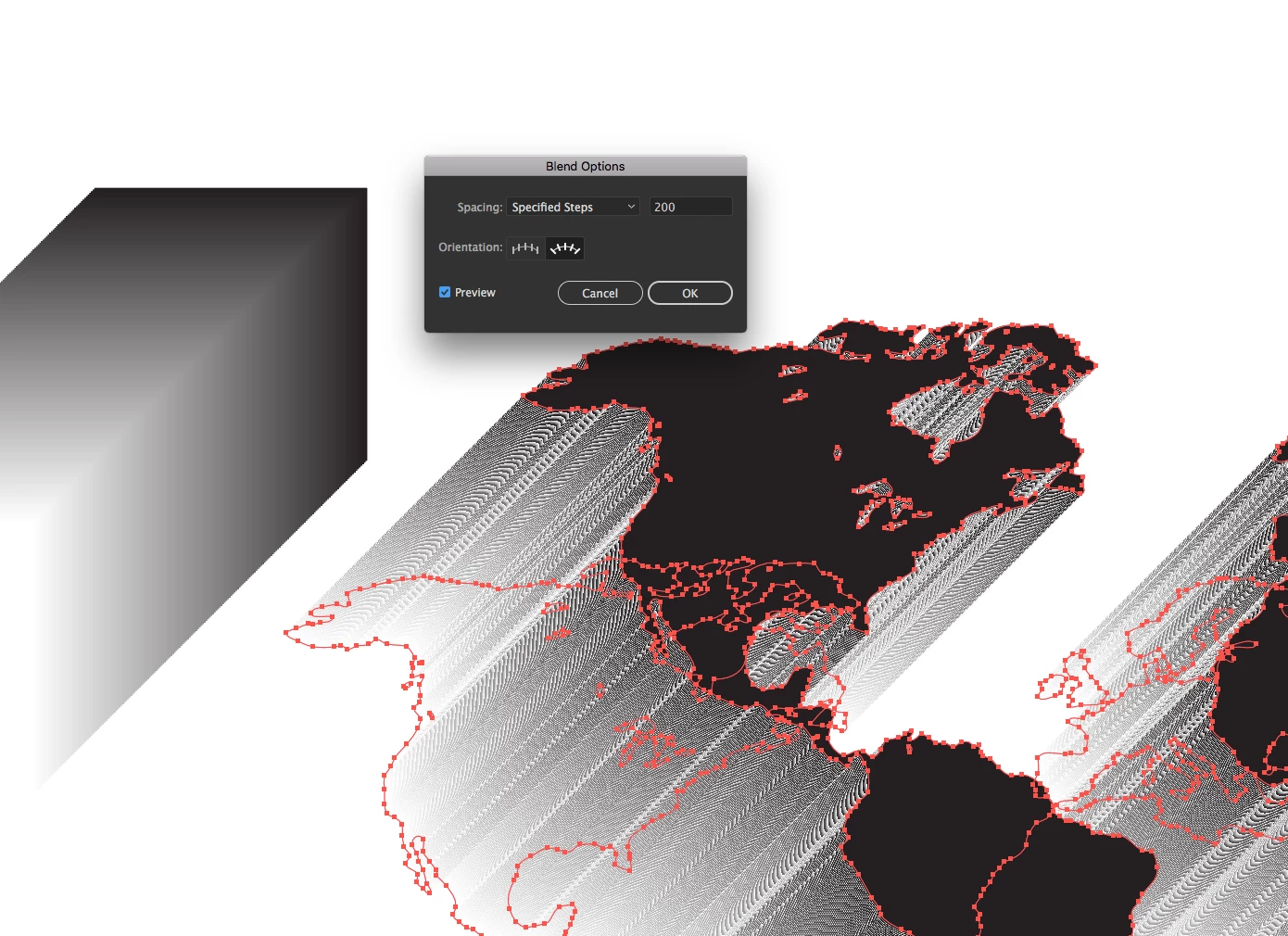
 

Anyone how I can achieve this effect with this map?


Thank you!

    Dieses Thema wurde für Antworten geschlossen.
    Beste Antwort von danielk20

    Hey it was just a bad preview!

    3 Antworten

    rcraighead
    Legend
    October 14, 2019

    Just curious; is there a white stroke on your artwork? One of the screen images appears that way.

    danielk20
    danielk20AutorAntwort
    Participant
    October 14, 2019

    Hey it was just a bad preview!

    federicoh31997127
    Participating Frequently
    October 14, 2019

    The copy of the vectorised world map displaced to the left, must be below, under the black filled one. Fill and stroke must be set to none. Alternatively you can select it and use a 0% Opacity, though I think the first approach gives better results. Double click the Blend icon, to reduce the steps to 10-20 first, then,when you have everything ready, change that number to a higher one, 256 or more.

    danielk20
    Participant
    October 14, 2019

    I keep having a stroke, even thought there is no stroke on the map..