aaron_j_ellis
Participant
January 9, 2019
Answered

Blend tool creates odd spacing and gaps in specified steps

  • January 9, 2019
  • 1 reply
  • 2436 views

Hello there,

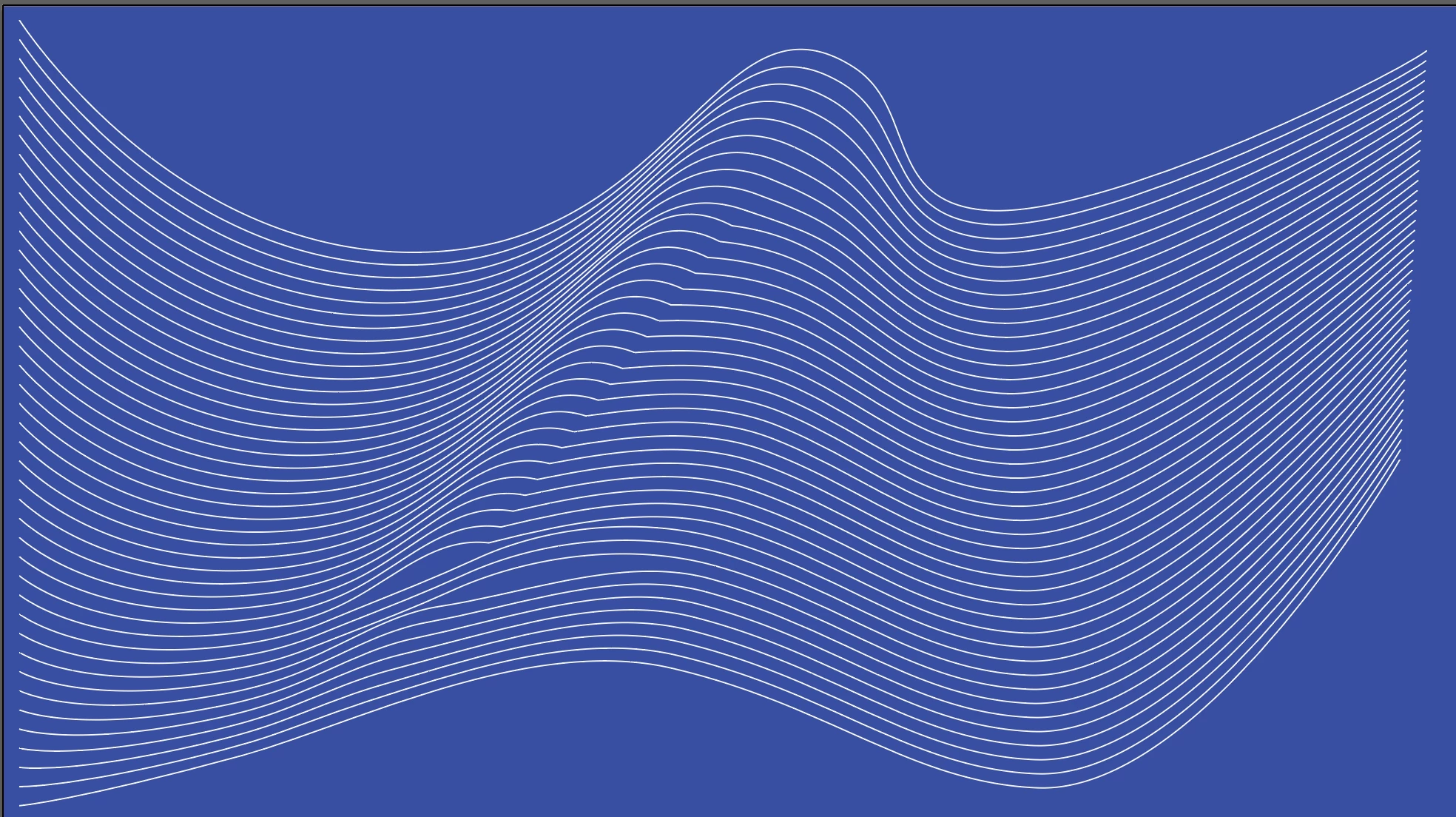
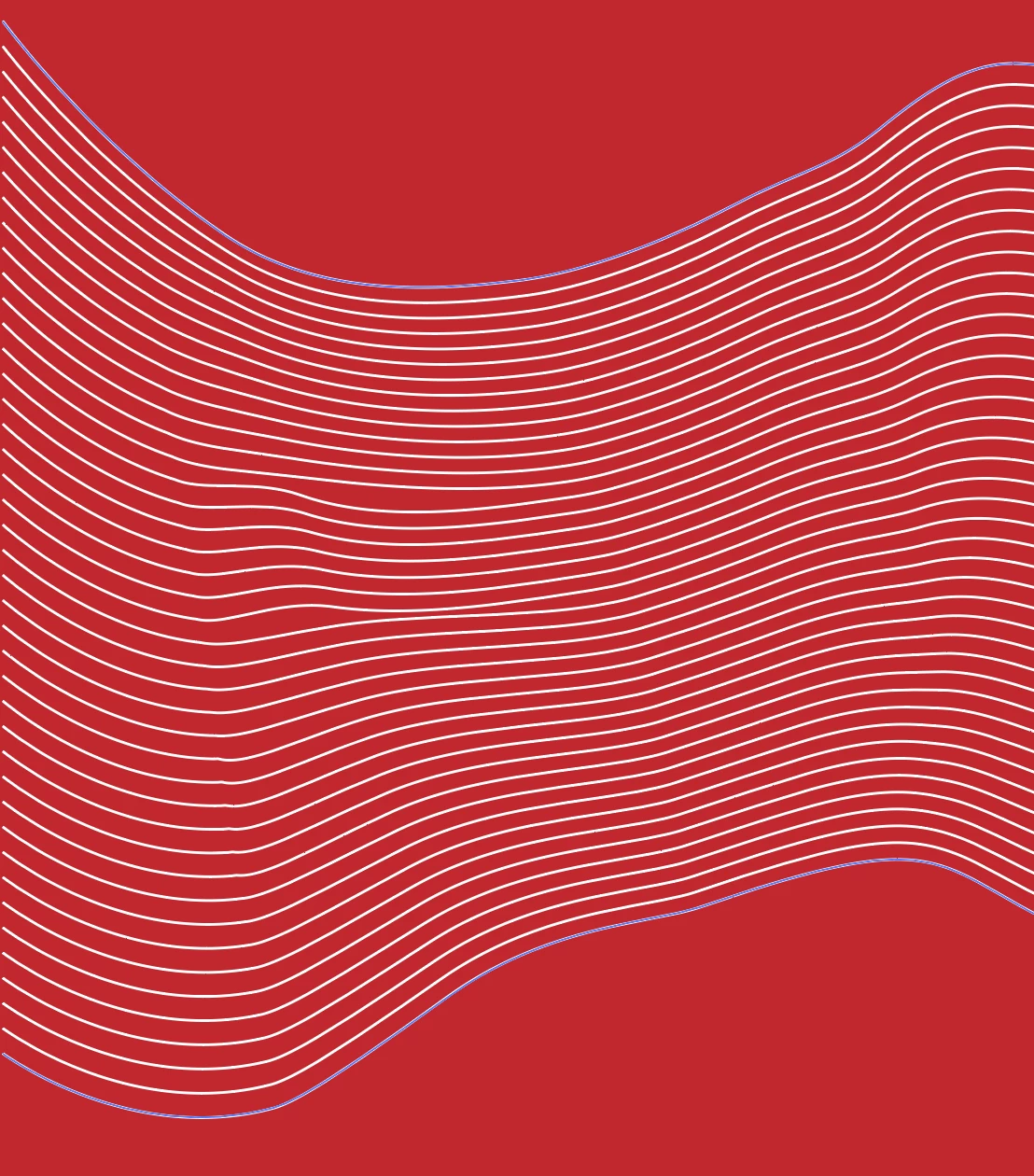
We're toying around with using Moiré patterns in some background work and we noticed as we create certain curves and paths with the pen tool, then do specified steps in the blend tool it creates odd gaps and inconsistent spacing in the moiré pattern.

We've noticed it does this when there's an inconsistent number of anchor points between the two paths, but that's part of the beauty of the moiré pattern.

Unfortunately it's inconsistent so reproducing it is a little more difficult, and even in some fewer anchor point paths it still occurs. Here are a couple examples of the problem.

Any thoughts?
Correct answer tromboniator

Try playing around with the lengths of the handles, as well as the angles. I can usually get rid of the worst of the inconsistencies that way.

Peter

Edit: And yes, what Monika said.

1 reply

Monika Gause
Community Expert
Community Expert
January 9, 2019

In the top image it looks like there are just too many points on your path.

aaron_j_ellis
Participant
January 9, 2019

https://forums.adobe.com/people/Monika+Gause  wrote

In the top image it looks like there are just too many points on your path.

As I mentioned in the original post the number of anchor points doesn't matter. This is with 3 total anchor points in each path. The endpoints and a single anchor point in the middle.

Number of anchor points doesn't seem to affect outcome, nor is angle of the handles.

Monika Gause
Community Expert
Community Expert
January 9, 2019

Does it get better when you create the blend by clicking on two corresponding anchor points using the blend tool? Not just the paths, but points.