
Answered
Blend tool irregularities, gradient to fix the problem?
Hi everyone
I'm having some difficulties blending. Watched some tutorials and forums but can't seem to find the solution. I want to make a beam from the objects on the left, using a Smooth Color blend. When I blend certain parts, it would give me a weird shape like the right image. Blending some parts, like displayed in the middle, creates no issues, it's only when adding some of the shapes, that it creates the gaps and strong lines.
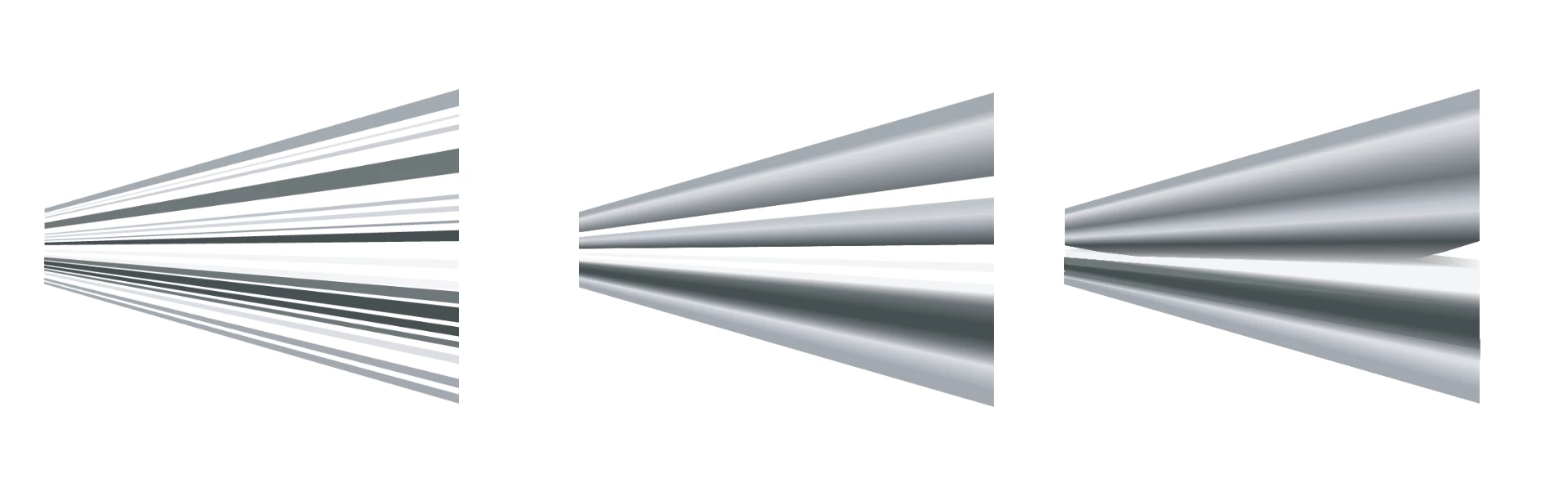
It's all filled shapes with no outline and just four anchor points at the corners.
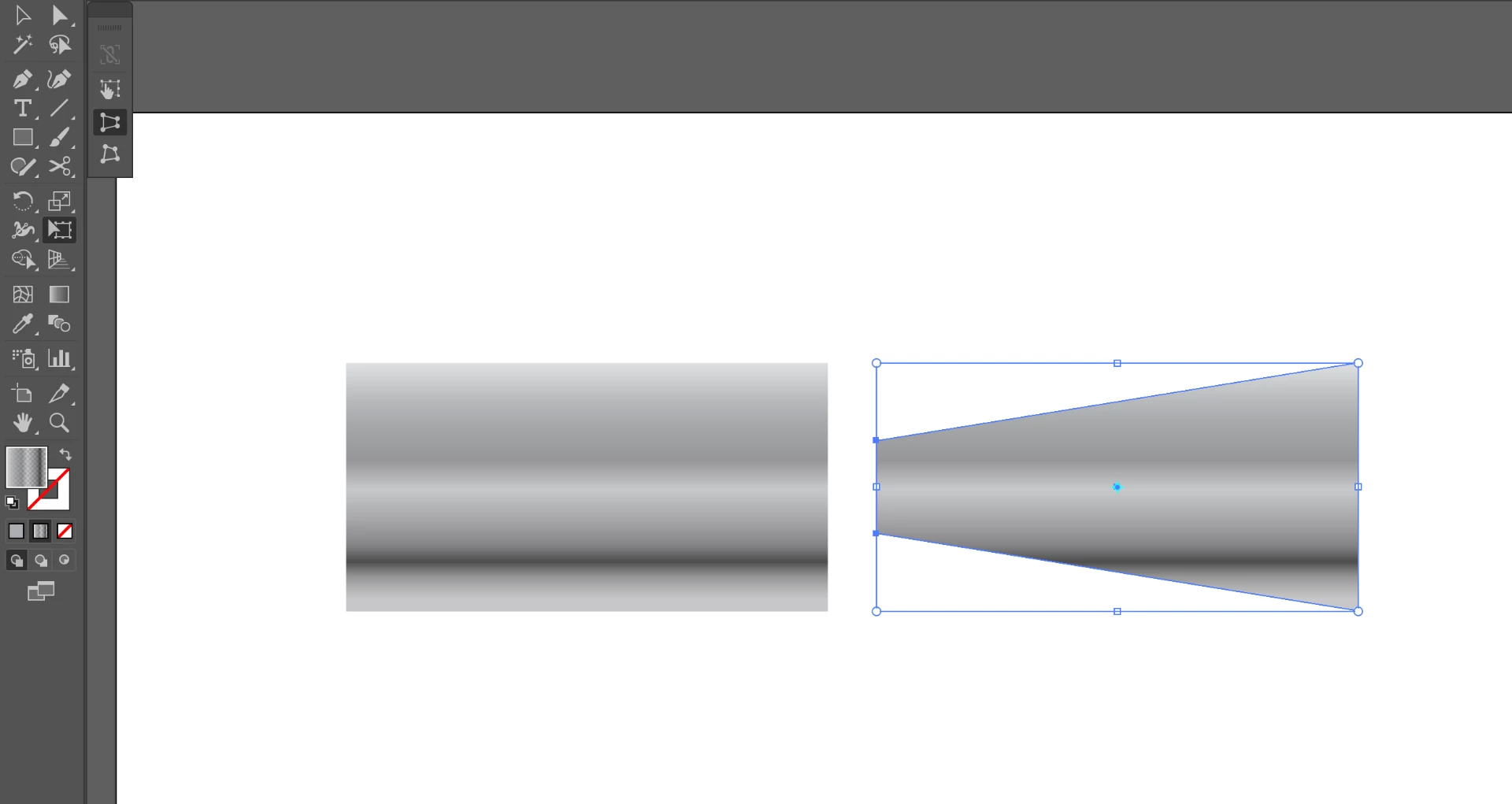
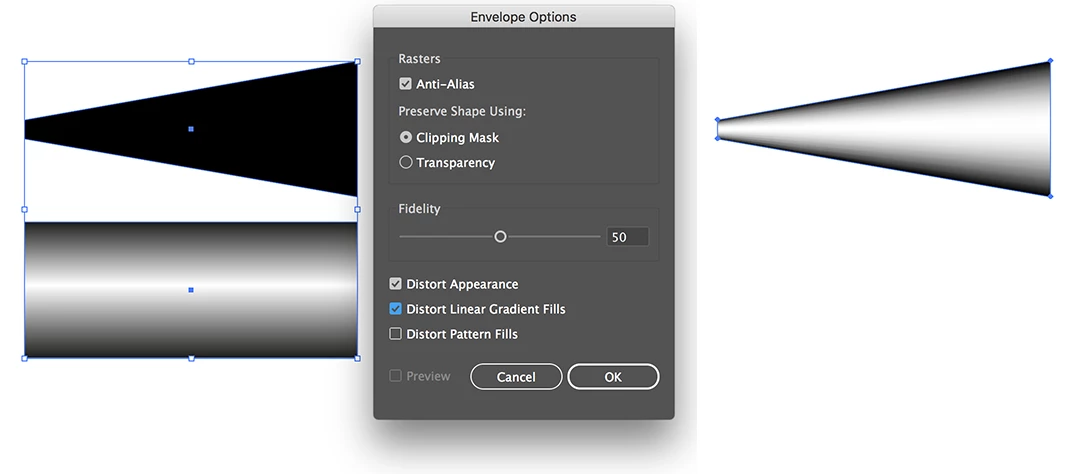
I also thought of using a regular gradient, but when I use a Perspective distort, the gradient will still be horizontal,is there any way to have the gradient follow the directions of the outline of the shape?
Thank you!
 AdChoices