Answered
blend tool not working in expanded shape
I try to make windows on my isometric building, but after I use 3d rotate and choose to expand appearance the blend tool just doesn't work. I can't choose to make a blend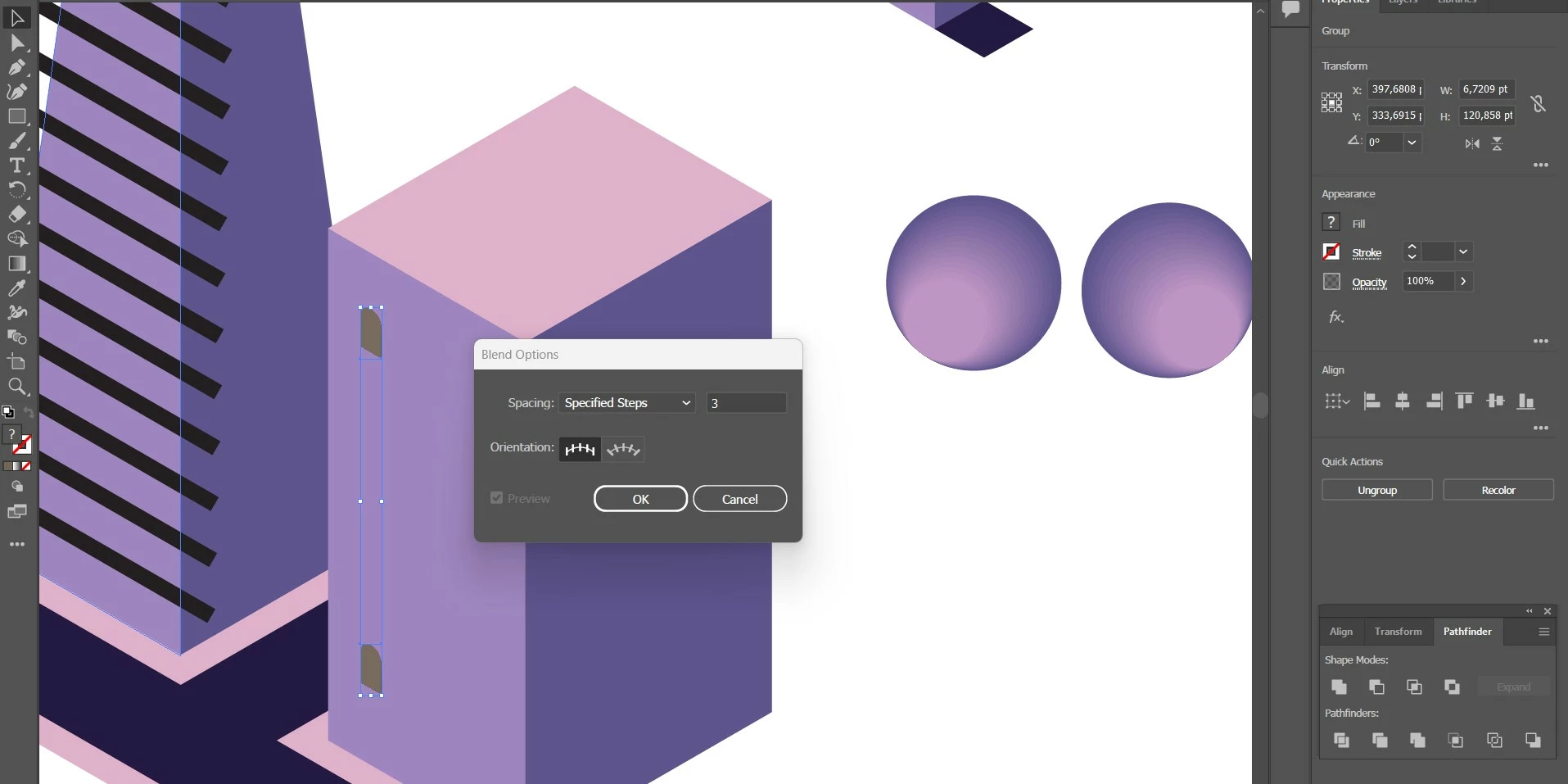
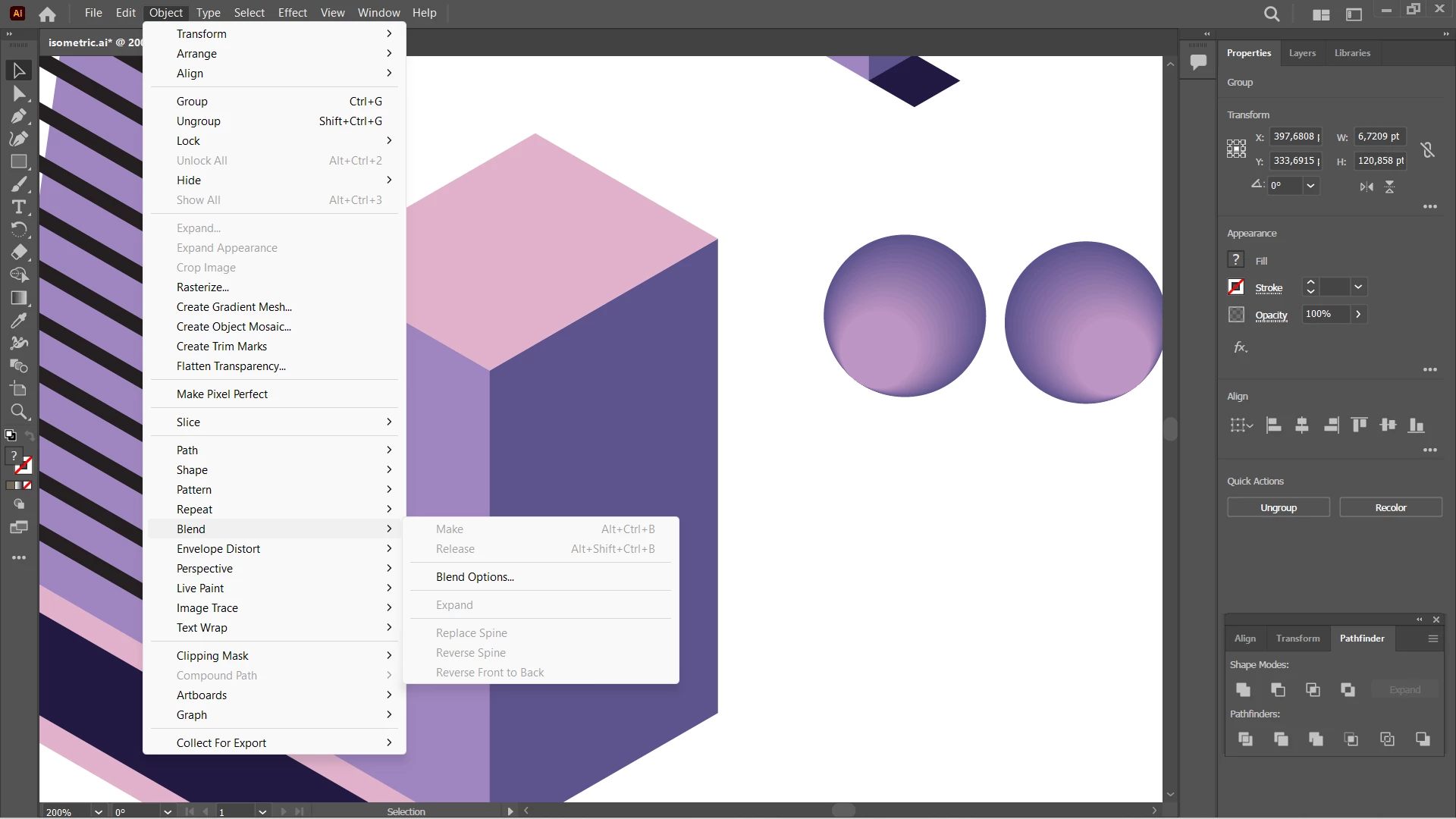

I try to make windows on my isometric building, but after I use 3d rotate and choose to expand appearance the blend tool just doesn't work. I can't choose to make a blend
Which 3D did you use? The legacy one or 3D & material? 3D & materials most probably has created pixels, which is why the blend doesn't work.
This is just isometric, so shearing or the SSR method does not work for distoring the window?
Already have an account? Login
Enter your E-mail address. We'll send you an e-mail with instructions to reset your password.


 AdChoices