


Inspiring
July 16, 2025
Answered

blend tool objects Interval
  • July 16, 2025
  • 3 replies
  • 235 views

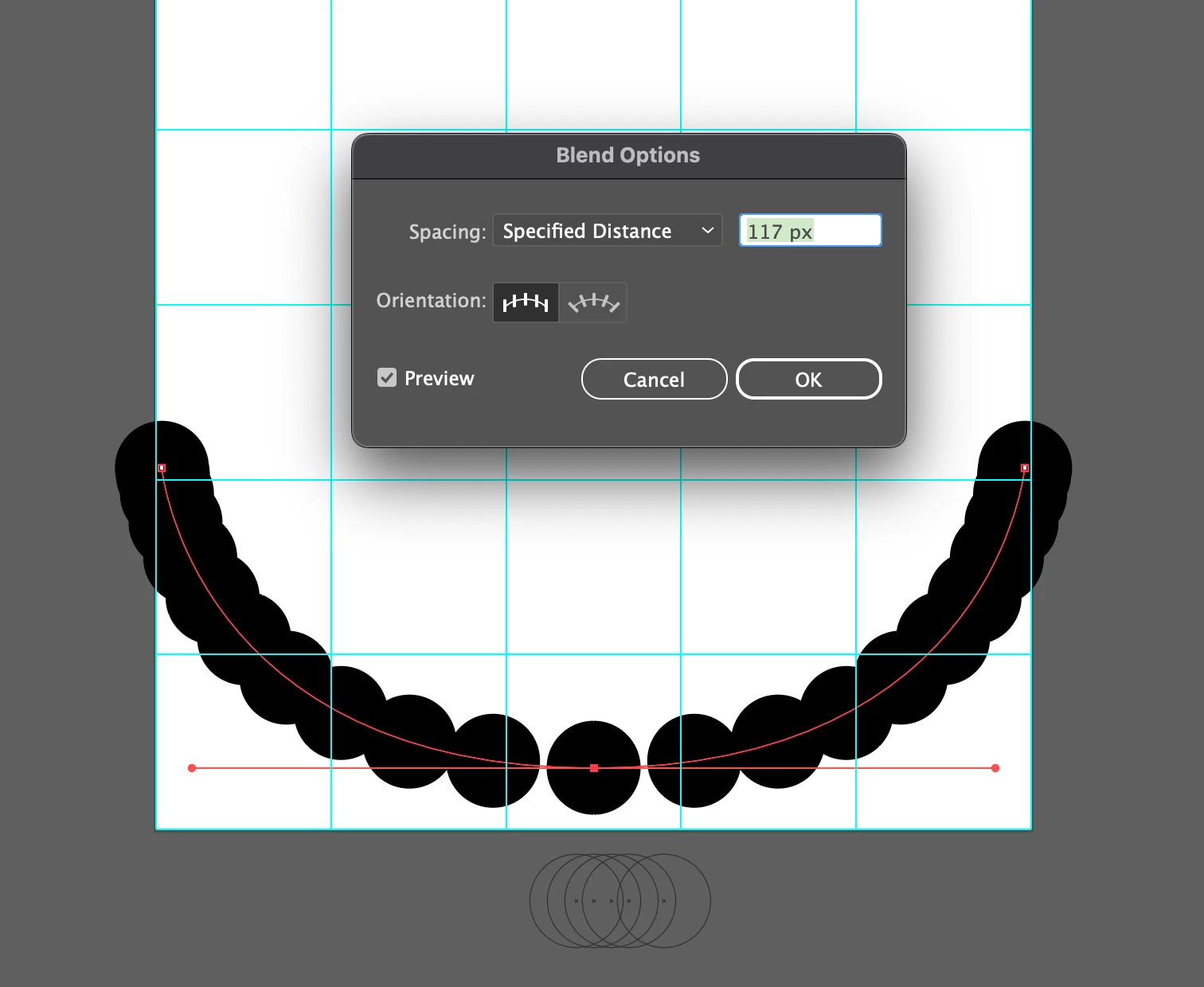
 I used the blending tool in the image as well, and I worked on the centerline with a curve. The spacing is not constant, is there a way to list it consistently along the curve?
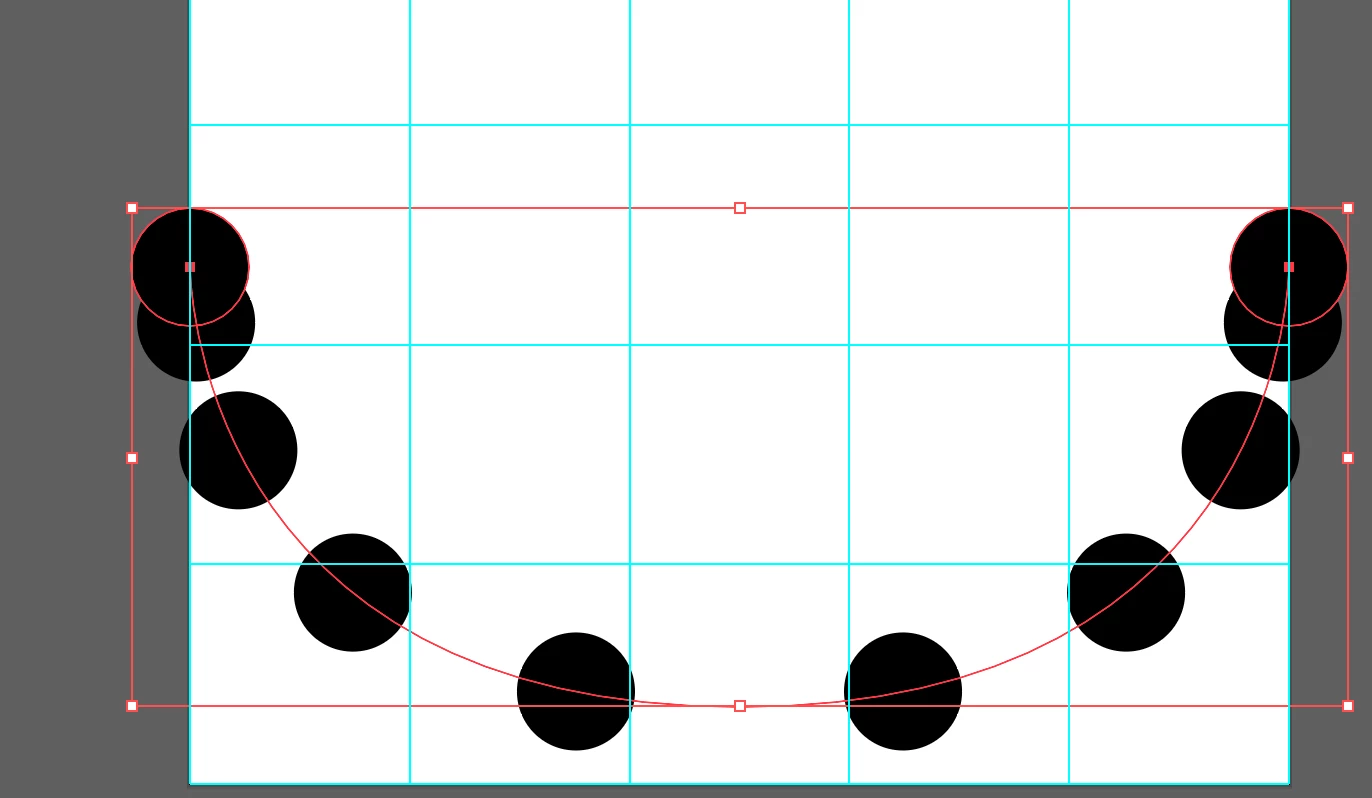
 This is Replace Space. No matter what I do, the interval is not constant.

Correct answer Jacob Bugge

remadem,


If you are stuck with Blends, a simple way of revamping the blend spine as menitoned by Kurt without changing the shape, is to select it and apply Object>Path>Add Anchor Points until it behaves.


You can make a backup of the original path to fall back on in case you need to edit the shape. If you try without it, you will know why.


3 replies

Jacob Bugge
Community Expert
Jacob BuggeCommunity ExpertCorrect answer
Community Expert
July 17, 2025

remadem,


If you are stuck with Blends, a simple way of revamping the blend spine as menitoned by Kurt without changing the shape, is to select it and apply Object>Path>Add Anchor Points until it behaves.


You can make a backup of the original path to fall back on in case you need to edit the shape. If you try without it, you will know why.


Kurt Gold
Community Expert
Community Expert
July 16, 2025

If you use a recent version of Illustrator, you may also try Objects on a Path objects instead of revamping the blend spine.

Community Expert
July 16, 2025

The new objects on path feature is a pretty good easy solution. It needs improvements in certain respects, but it's a good start.

Monika Gause
Community Expert
Community Expert
July 16, 2025

You need to create handles on all the anchors and then make the handles in the way that they have equal length