
Blending gradients of different shapes?
Hi forum!
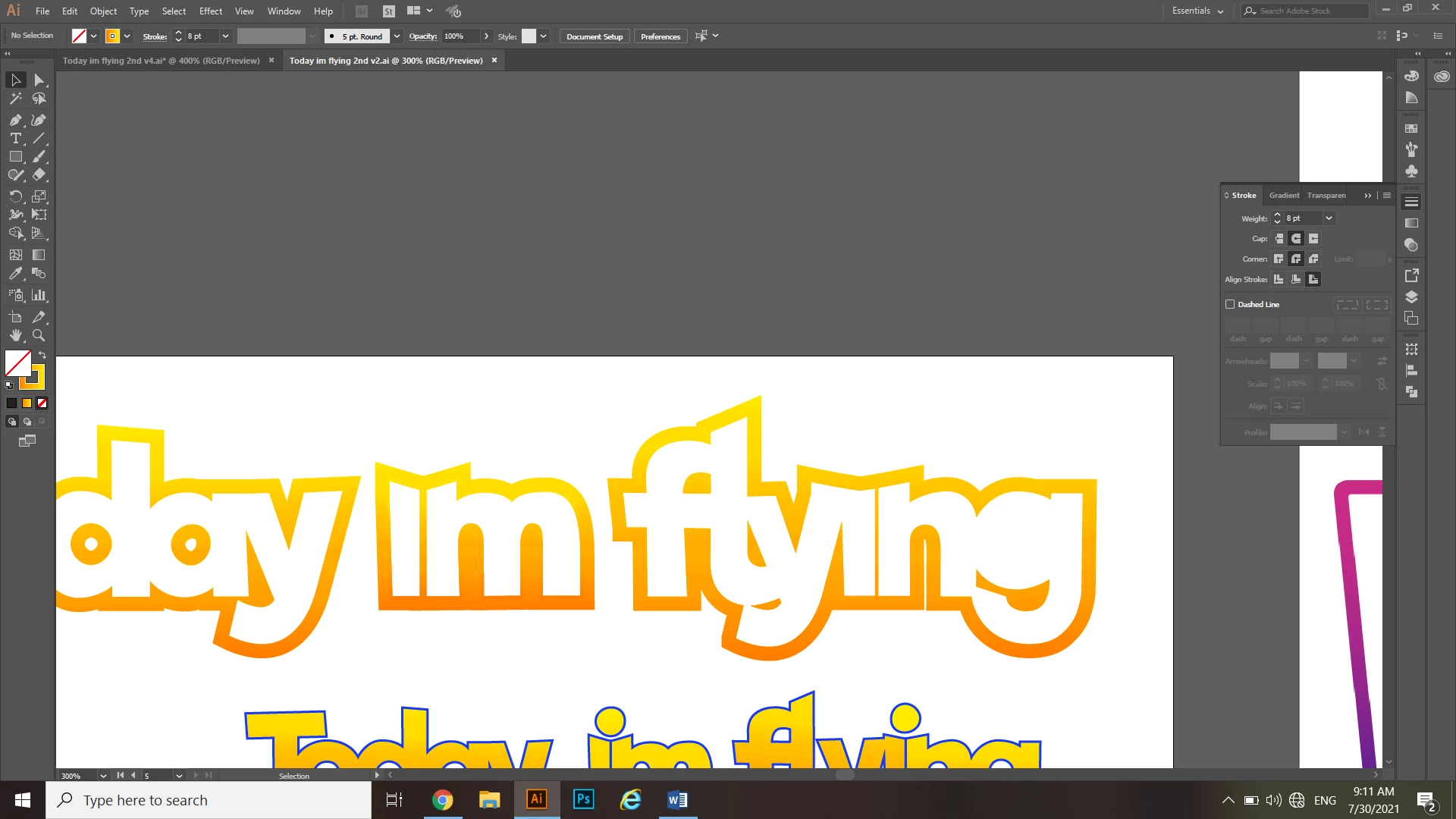
I’m making a text logo for the phrase ‘Today im flying’, I joined the letters in each word with the shape builder tool except for the ‘im’ and the ‘in’ (attaching a picture), I want to make an option without a fill and with a large stroke with a gradient.
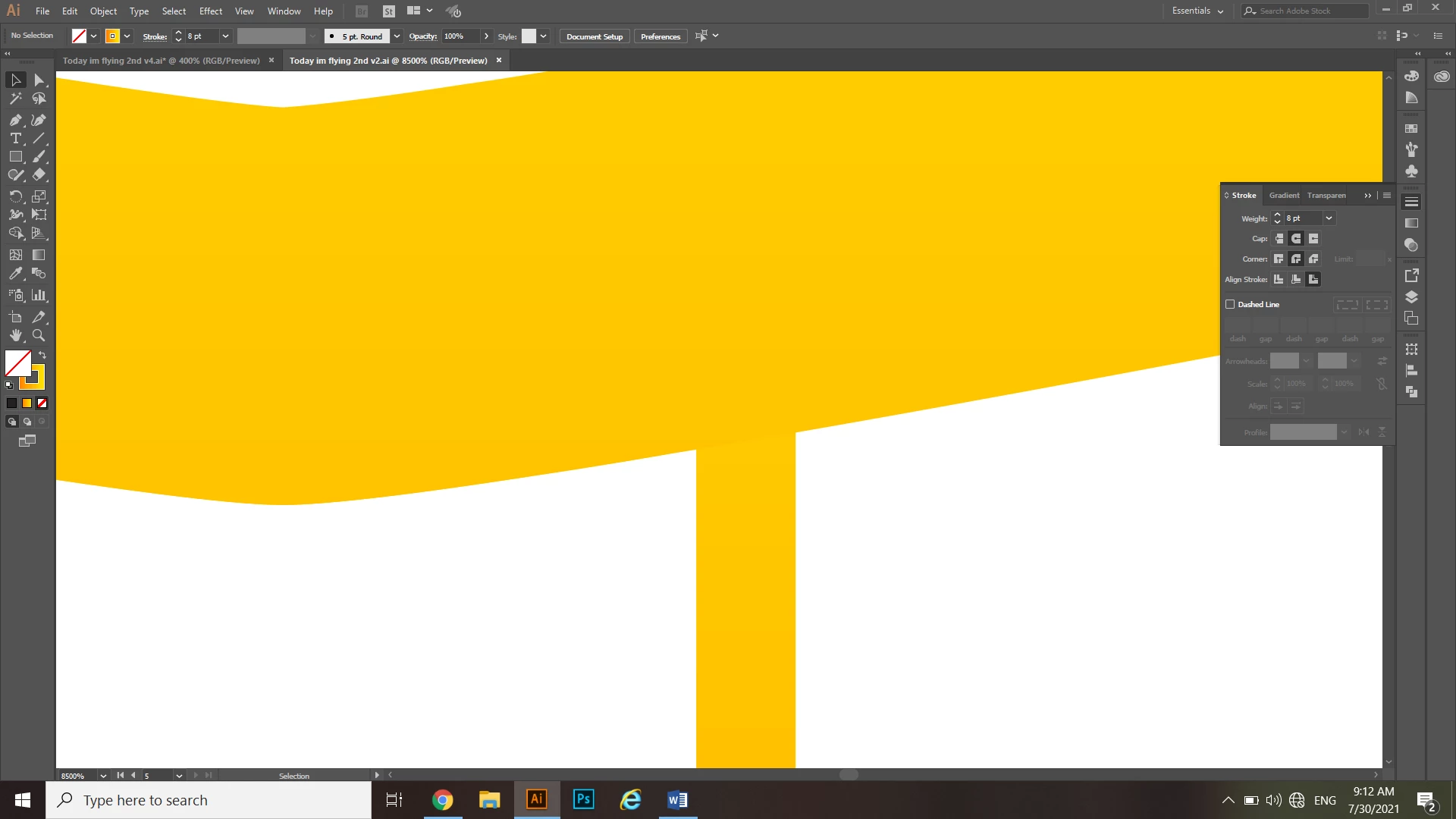
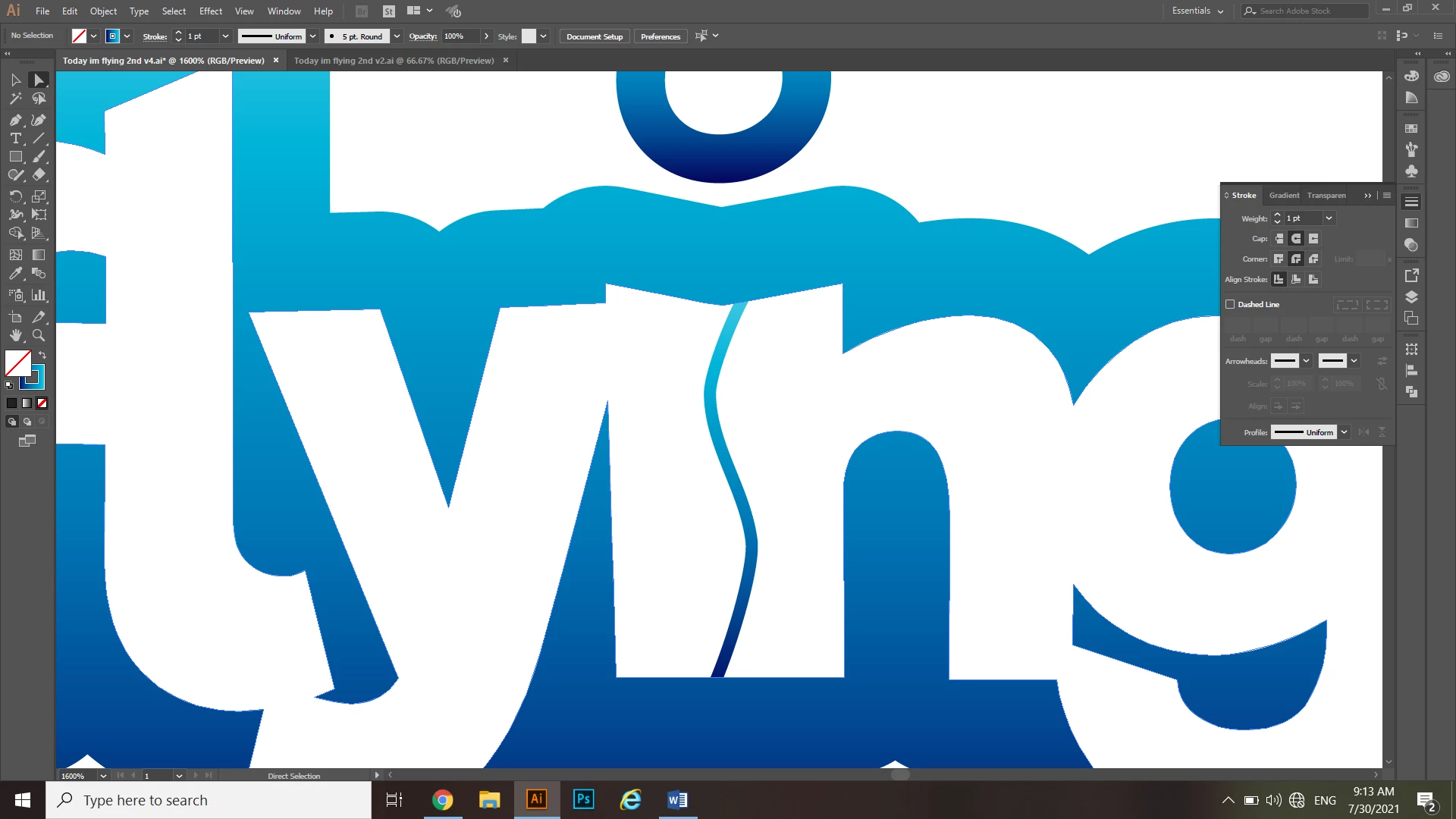
So I tried to make a copy of the logo, then in the original I joined all the letters incl. the ‘im’ and ‘in’ with the shape builder tool and then increasing the stroke to 8, and in the copy version to keep the stroke on 1 and then dragging it over the original and placing it underneath so that only the 1stroke lines of the ‘im’ and ‘in’ will be visible. I also tried to join everything with the shape builder tool and draw a line in the 'im' & 'in' but I get the same problem...
The result would have been good if I wanted to have a solid color, my problem is that I want to make a gradient and I can’t make the 2 – 1stroke ‘im’ & ‘in’ lines’ gradient to blend smoothly with the 8stroke gradient.
I hope that’s clear (:
(I tried many other methods as well but nothing is working!)
Thank you so much!
 AdChoices