
Answered
Blending mode is not working to preview in ai file when shapes have transparency
Blending mode is not able to show in working file when one of the shape is transparent, it happen only when the shapes have transparency, when they are both solid it's fine.
It can't fix even i reboot my imac, update ai or uninstall ai. But it looks fine when i export it, just cant do my work smoothly when this problem is still existing. I'm so confused and it just happen for no reason recently.
 (multiply)
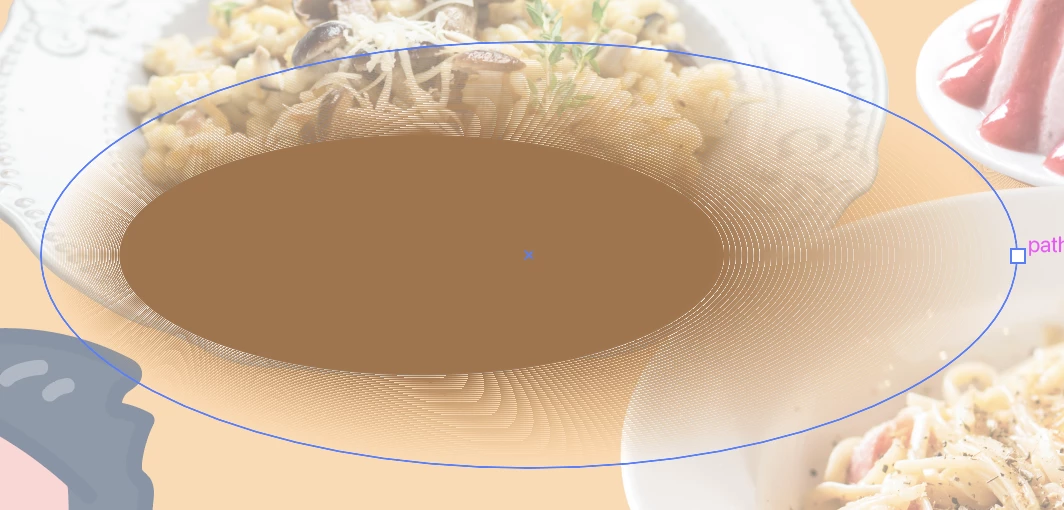 (normal with one shape opacity 0%)
 (normal with both shape opacity 100%)
I opened a file which have done before this problem appear already, and they are all infected.

But when i export it, they all look fine


anyone can fix this problem for me plsssssss
 AdChoices