chrism9002341
Participant
Aug 20, 2024 11:02 AM UTC
Question

Blending Mode on by default - can't make normal

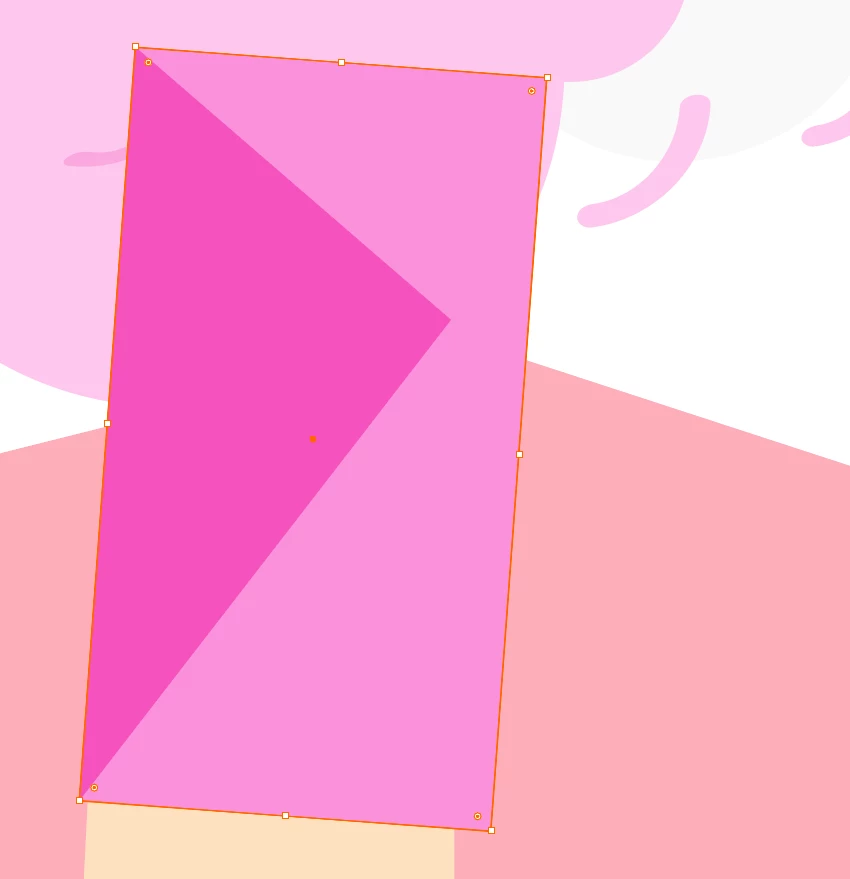
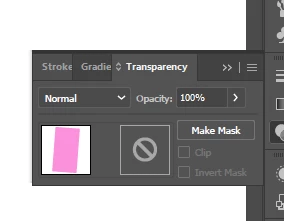
Hey folks, odd one, my shapes seem to be stuck on a blend mode, multiply was the last I notice, but when I go to check, it's on normal, no effects are and and opacity is at 100%

This topic is closed to new replies. Start a new post to keep the conversation going.

3 replies

Inspiring
Aug 21, 2024 6:41 AM UTC

Maybe they're just overprinted?


Translate
Monika Gause
Community Expert
Community Expert
Aug 20, 2024 11:55 AM UTC

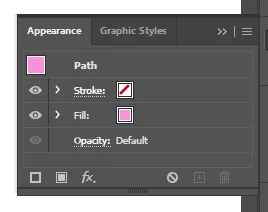
There's nothing on a group or layer, but you can click open the "Fill" in the Appearance panel. Inside there is an opacity slider as well.


https://youtu.be/zXvRbN03MzQ

Translate
Anshul_Saini
Community Manager
Community Manager
Aug 20, 2024 11:22 AM UTC


That sounds frustrating! It seems like your shapes are visually behaving as if they're in a blend mode like "Multiply," even though everything is set to "Normal" with no effects and full opacity.


This could be due to a different issue, such as a layer or group having a blending mode applied. Could you try selecting the shape and checking the blending mode and opacity at both the object, layer & group levels? If that doesn't resolve it, you might also want to double-check your Appearance panel to see if any unexpected effects are applied. 


Also, is this happening in a particular file or all files? Please confirm which version of Illustrator you are currently using.


Let me know if that helps or if you're still facing issues!


Best,

Anshul Saini

Translate