
Question
Blending Modes in PNG Export
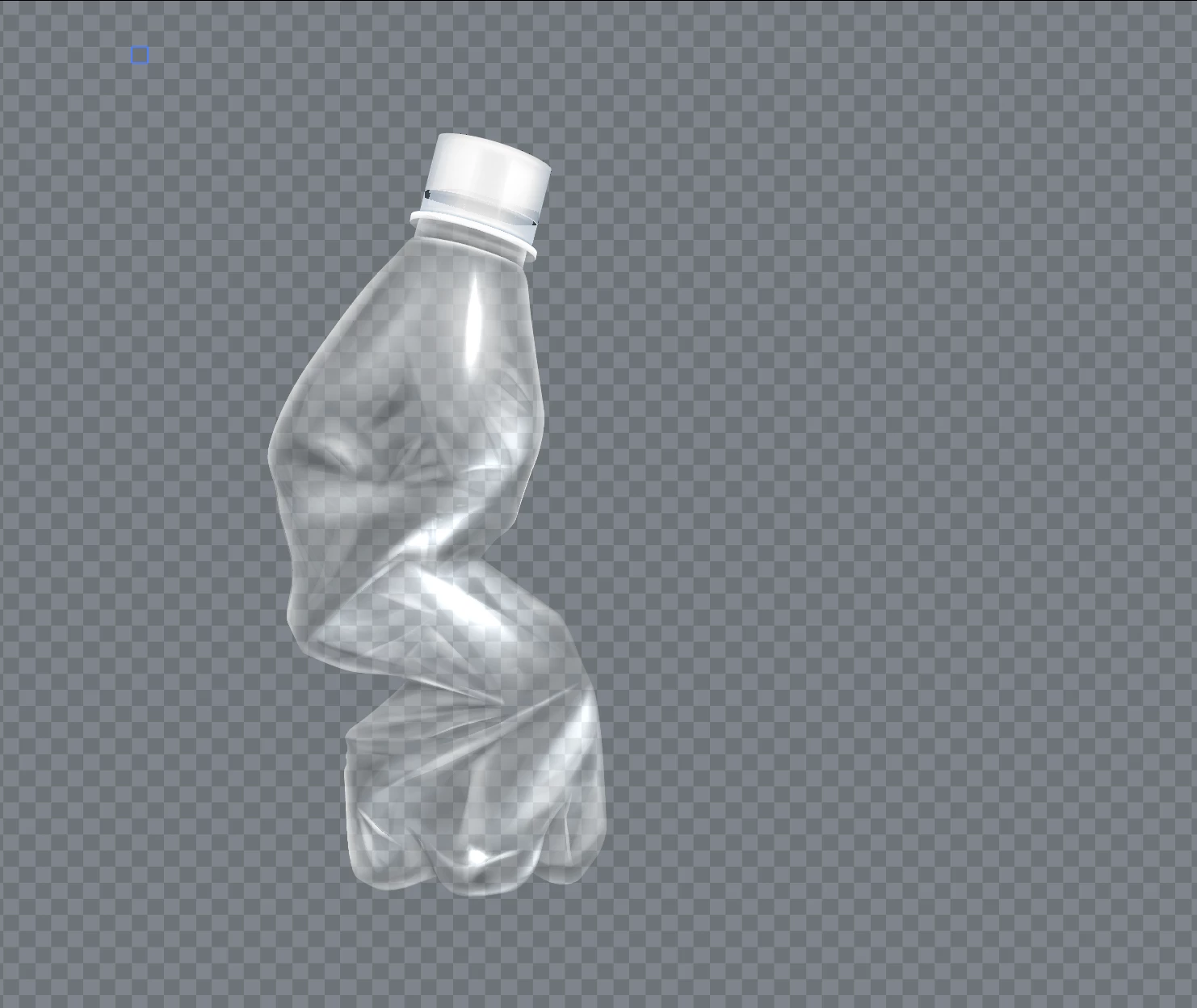
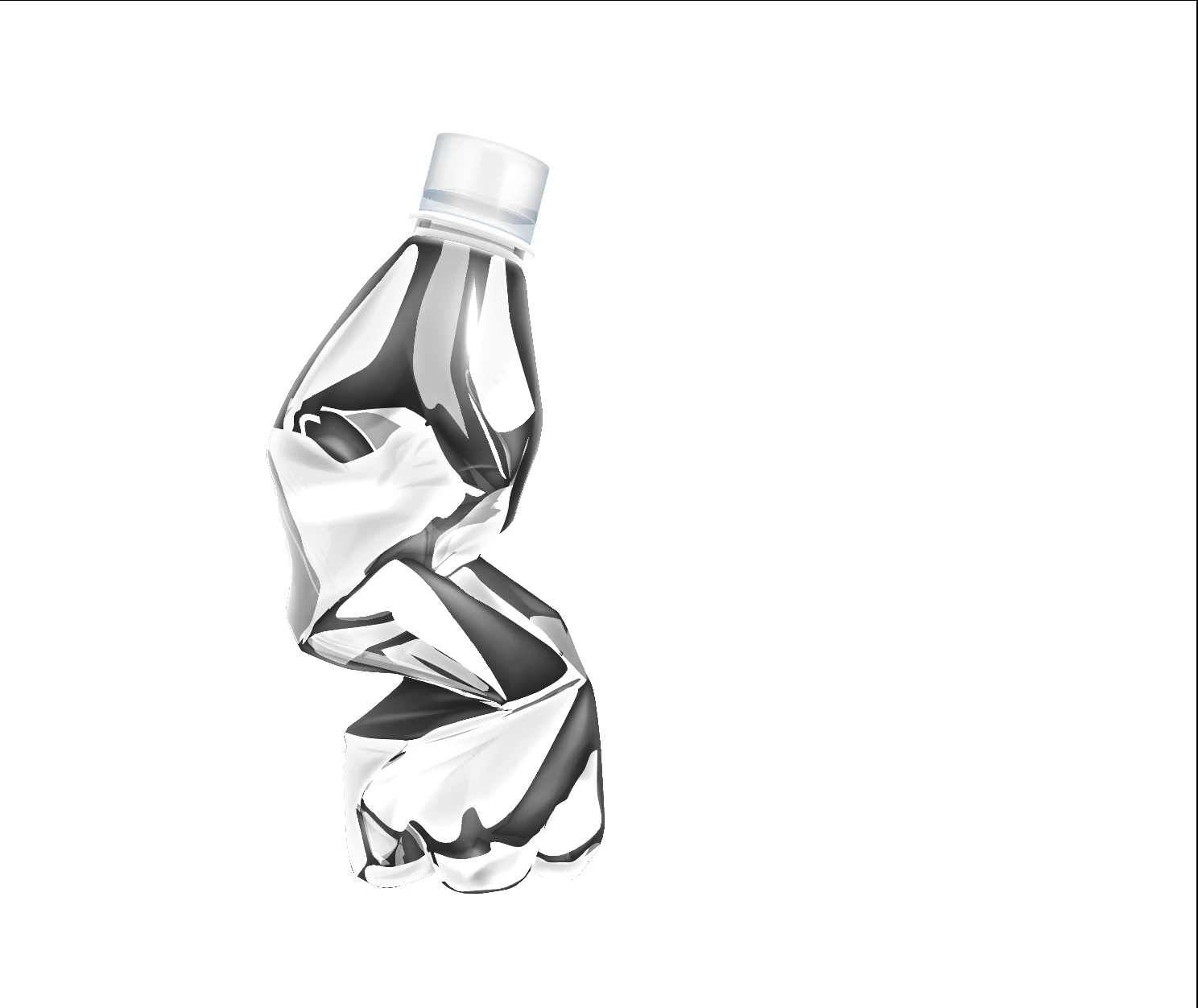
Hi all, I have an extremely basic question (I'm very new to Illustrator). I've purchased an .eps stock image and have gone into Illustrator to isolate it from the background to use as a .png element in After Effects (about the extent of my AI knowledge so far). However, the layers all have varying degrees of transparency and different blending modes, so when I turn off the background layer, it throws everything out of whack. Is there a way I can export some version of the image without a background and retain how it's meant to look? Sorry for the total newb question. 🙂
 AdChoices