



Blending Modes/Transparency not work!?
Not sure what is going on. I've tried switching between view and color modes, restarted, made sure "Isolate Blending" is unchecked. I've been using illustrator for quite some time and never had this happen...
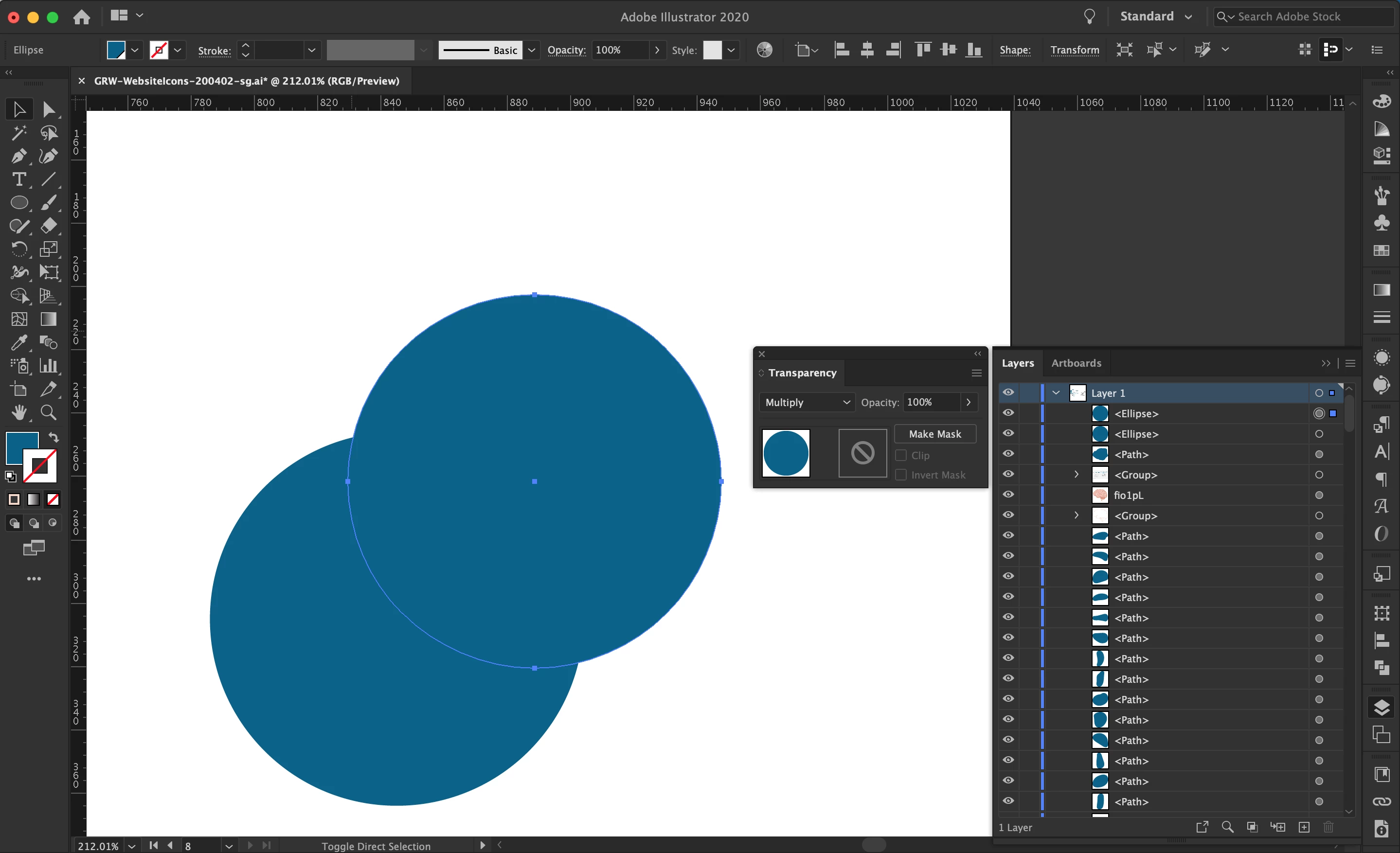

Not sure what is going on. I've tried switching between view and color modes, restarted, made sure "Isolate Blending" is unchecked. I've been using illustrator for quite some time and never had this happen...

Is the effect being applied to the layer?
In the Layers panel, click on the circle to the right of "Layer 1" to make the entire layer selected.
Check the transparency effect panel.
Is it set to "Normal"?
Is the "Knockout Group" unchecked?
Already have an account? Login
Enter your E-mail address. We'll send you an e-mail with instructions to reset your password.