IAmChrishonda
Inspiring
May 7, 2020
Question

Blendng in Illustrator

  • May 7, 2020
  • 2 replies
  • 521 views

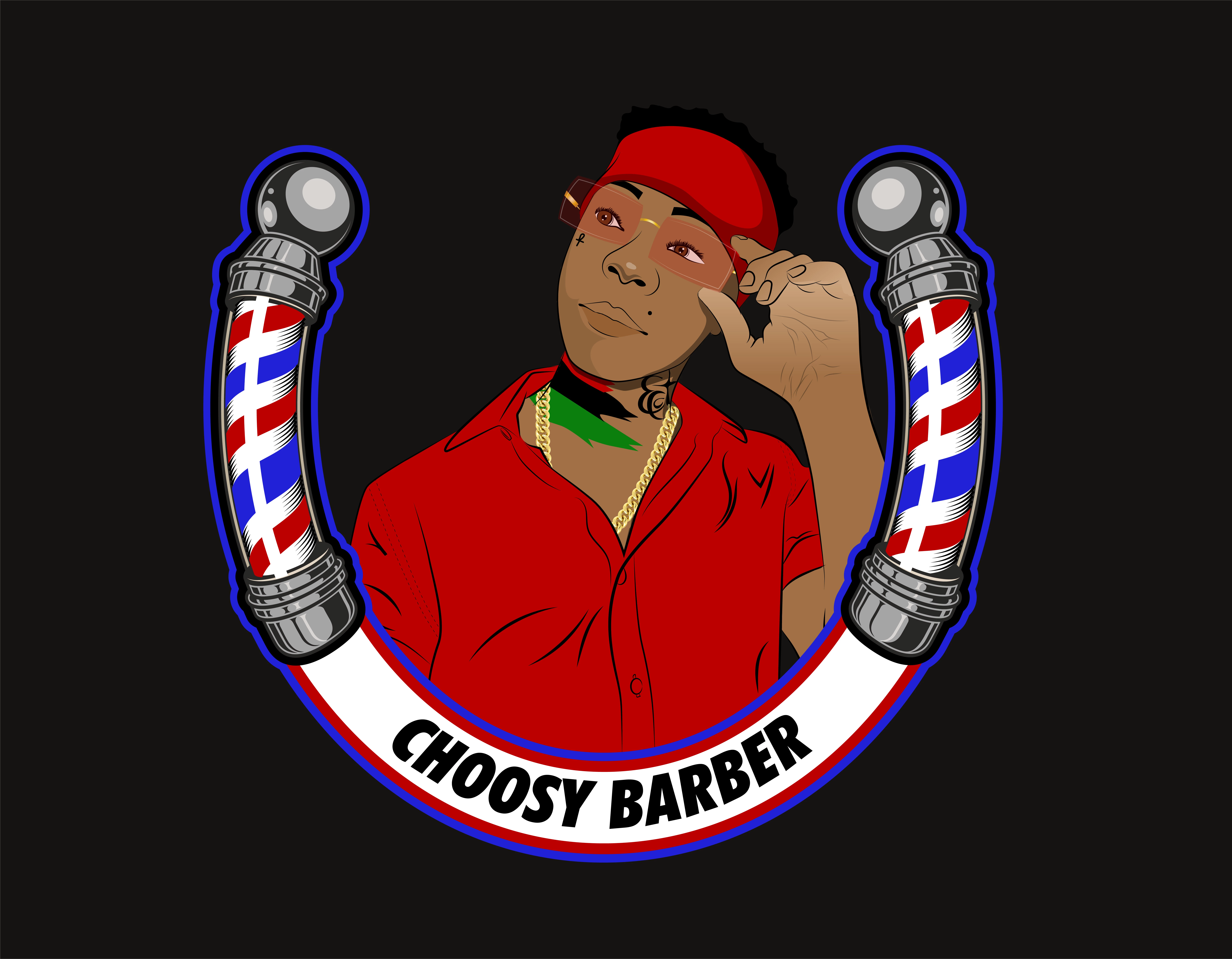
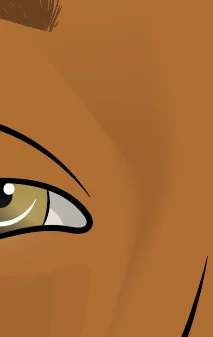
Does anyone know why sometimes the blending tool works and sometimes it doesn't. As you can see, above her eyebrow, it looks pixelated kind of. The second photo is the effect that I like because it looks more blended. I'm not sure why it stopped working all of a sudden.

 

This topic has been closed for replies.

2 replies

Doug A Roberts
Community Expert
Community Expert
May 7, 2020

Use specified steps and increase the number of steps in the first example, if you really want to use blends for this. In this particular instance, it would be much better to use a gradient fill.

Mylenium
Legend
May 7, 2020

Start by checking your hardware acceleration and reverting to software-only rendering. Aliasing issues are a common problem with GPU stuff due to the limited hardware resources sometimes not being able to e.g. deal with complex antialiasing. that aside of course the underlying math can't be defeated. Even your "good" image has harsh lines, which is a clear indication that you may be compressing the underlying shapes and mesh lines way too much for their own good. You may want to work on your technique and explore other options to create those effects.


Mylenium