Known Participant
July 7, 2025
Question

Blob Brush Creating Small Unattached Paths

  • July 7, 2025
  • 1 reply
  • 312 views

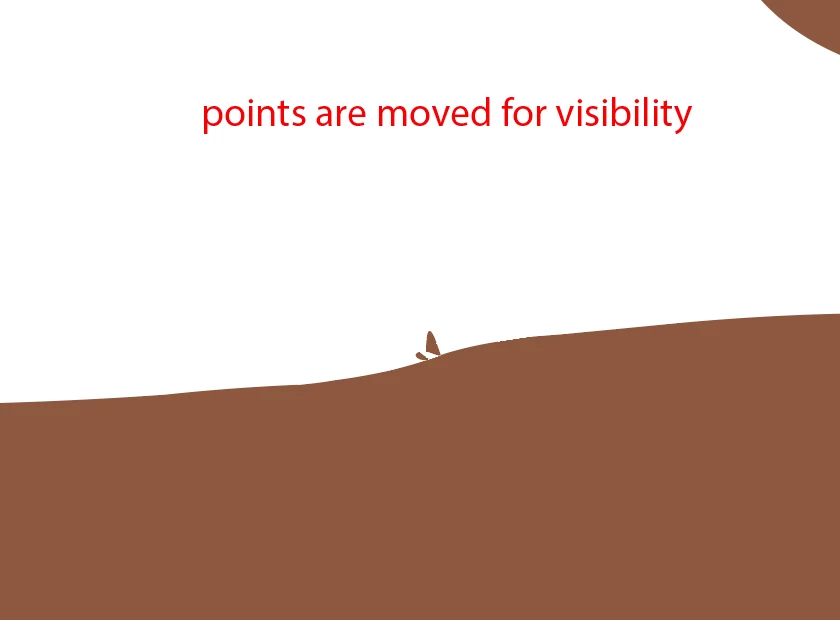
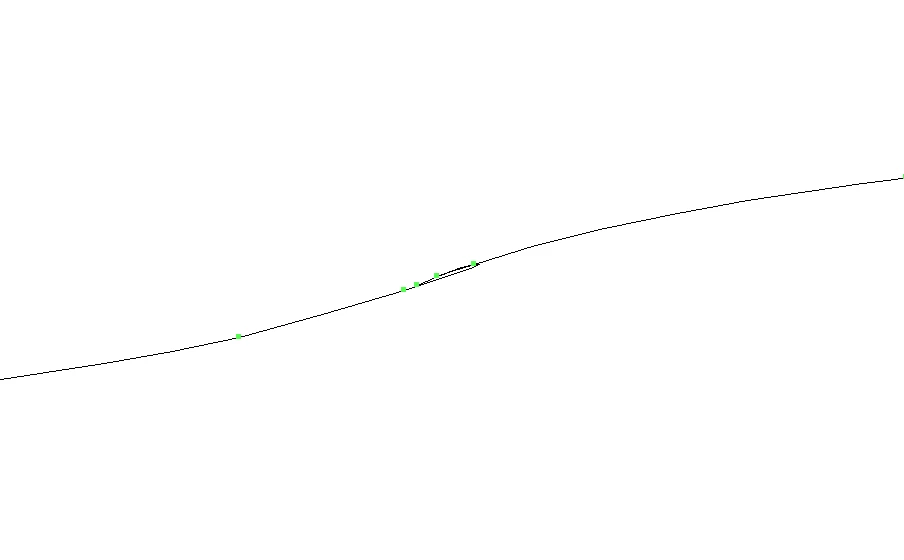
Hello. I have noticed that my blob brush tool often creates a lot of very strange acute points and loops. Typically it isn't a big deal since I smooth them away, but sometimes it creates a few very small unattached shapes in addition to the blob. They are extremely small, and are typically two or three anchor points. Because they aren't connected to the main blob, I cannot smooth them away, and have to manually select them and delete them in order to remove them which is very annoying. I assume this is some kind of calculation error when using a tablet with pressure sensitivity? 


I very much would like the blob brush to not create any strange actue points, random loops, or other unepxected shapes other than the main blob. 


I am using a Wacom Intuos on a 2019 Mac Book Pro. I've attached screenshots. Note the screenshots are zoomed in as much as is allowed in Illustrator.



1 reply

Tommy StAuthor
Known Participant
July 17, 2025

Can someone from Adobe at least confirm this is happening? I feel like this isn't the intended functionality for the blob brush.

Abhishek Rao
Community Manager
Community Manager
July 17, 2025

Hi @Tommy36537612v1by,


Thanks a lot for sharing the detailed explanation and screenshots. From what you've described, it does sound like the Blob Brush might be interpreting quick or slight pressure changes from the tablet as separate strokes, which could be why those tiny, unattached paths are being created.

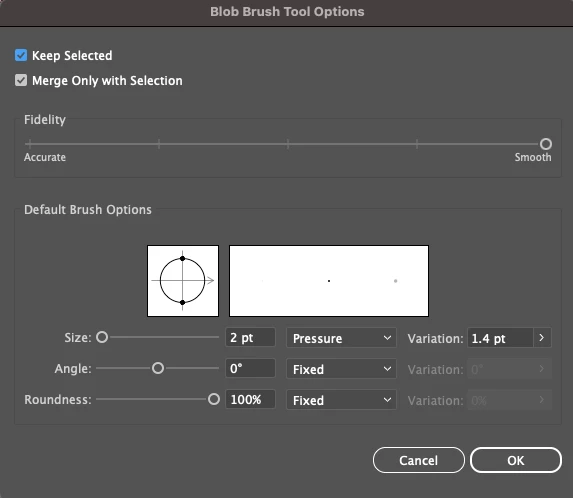
To help narrow this down, could you please confirm the version of Illustrator you're currently using and also check if your Wacom driver is fully up-to-date? You might also try temporarily switching off pressure sensitivity in the Blob Brush options and see if that prevents those extra points from being generated.

Let me know how it goes after trying that, and I'll be happy to check further with the team if the issue continues.


Looking forward to your update.

Abhishek

Tommy StAuthor
Known Participant
July 17, 2025

Thank you for your reply!


My Illustrator version is 29.5.1 and all of my Wacom drivers, both software and firmware are up to date.

I am only making a single stroke, usually overlapping on itself in order to create a solid shape (not a compound shape). I do not lift up the pen. It doesn't happen on every stroke, maybe 1 in 10. I notice when after I create a solid shape using the blob brush the toolbar recognizes it as a Group, not a Path. 


I tried turning off the pressure sensitivity in the blob brush settings, and it appears to not create the issue. But I do need to use pressure sensitivity in my work, so that isn't a viable option for me.


If I were to guess at the cause of the issue, I think whatever solver function that figures out how to create a shape from the blob brush tool input sometimes fails when it may be when using varied pressure and overlapping strokes.


I've included a few more screenshots as examples.