Participant
March 11, 2023
Answered

Blob Brush Not Merging?

  • March 11, 2023
  • 1 reply
  • 831 views

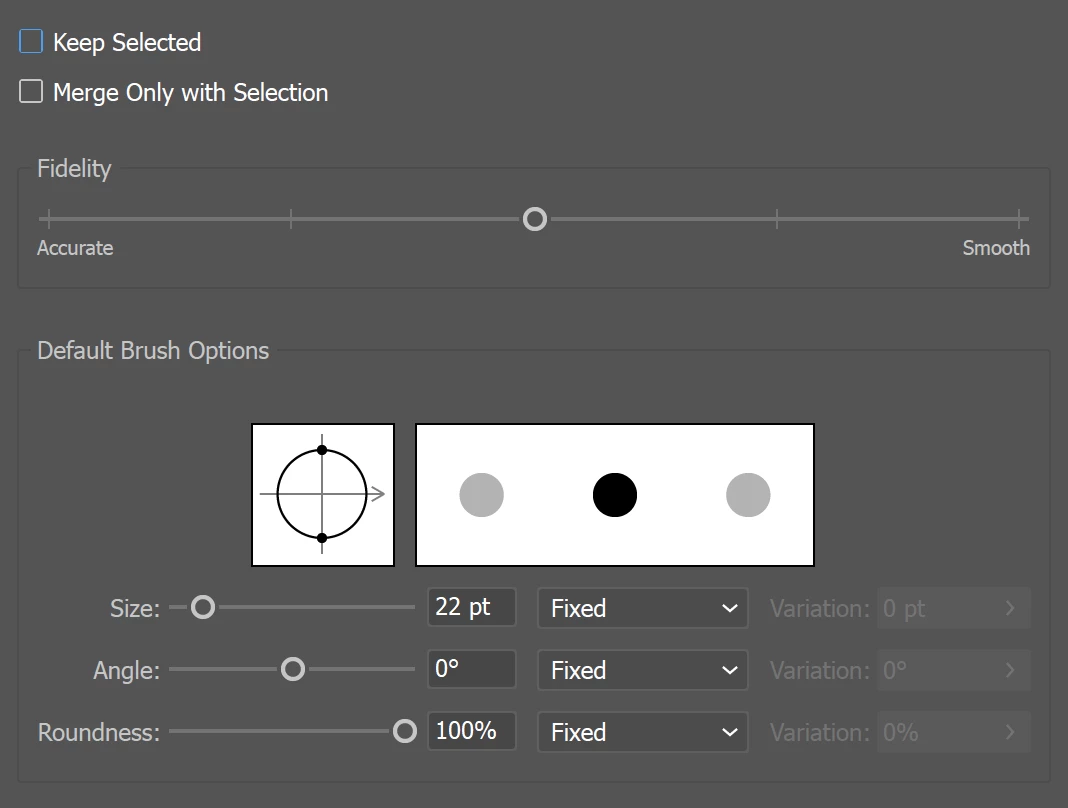
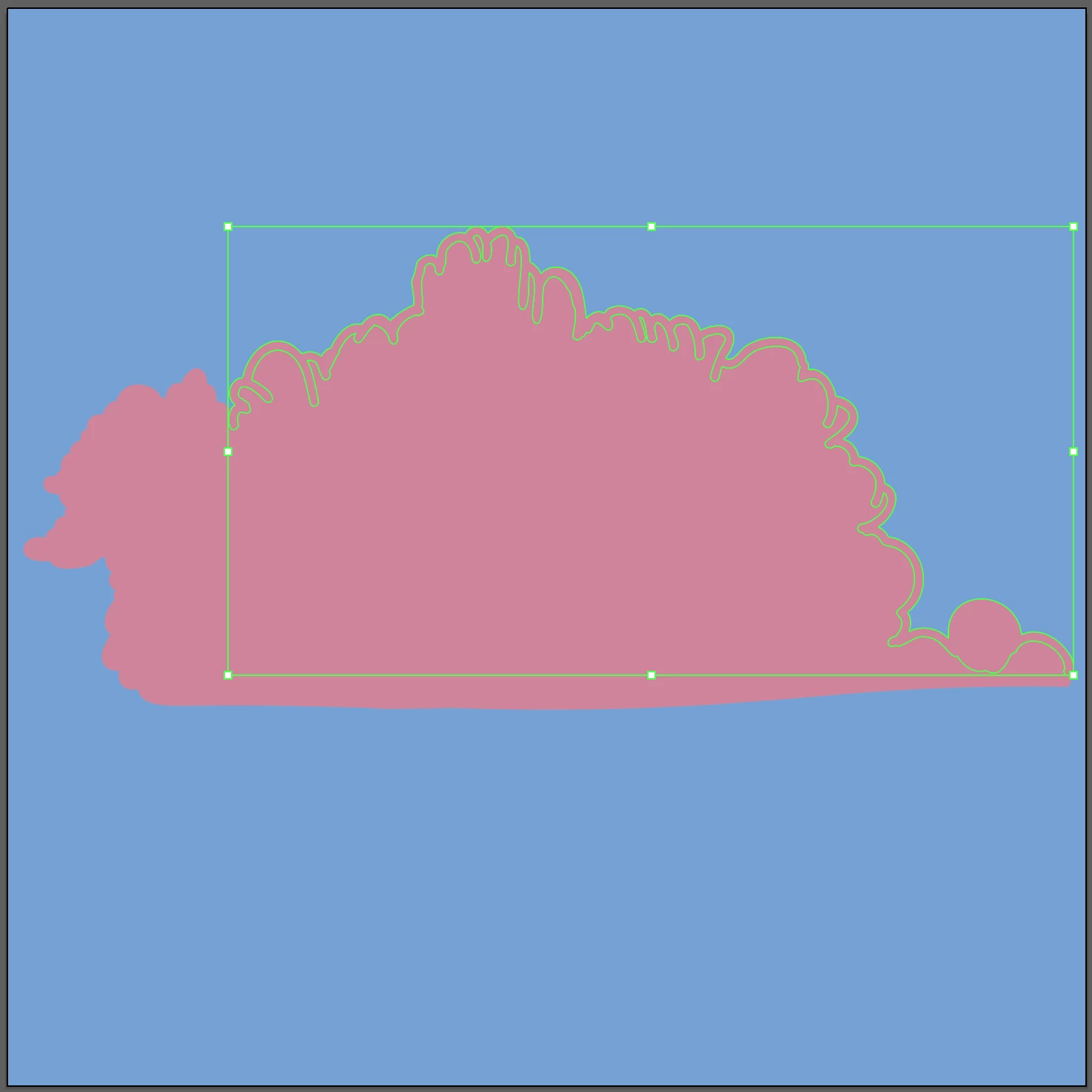
I'm having an issue with the Blob Brush. Instead of merging into a single path like usual, it has decided to make a separate group. The colors are both the same, I have not changed any settings, it just suddenly stopped merging. I, unfortunately, did not notice this until  I had already done a lot of other work. I really need this to be a single shape. Is there a way to fix this? Or is the only answer to redraw?

Here are screenshots of the not merging group and the blob brush settings.


This topic has been closed for replies.
Correct answer Riley O.

Ohp it suddenly fixed itself???? I ungrouped the group (had tried this before), fiddled with the stroke colors for a few minutes, noticed that it said "path" instead of "merged objects", and then drew a stroke to try to merge the two paths. Boom! It worked; one shape. Still don't know why this happened, curse you Illustrator.


1 reply

Riley O.AuthorCorrect answer
Participant
March 11, 2023

Ohp it suddenly fixed itself???? I ungrouped the group (had tried this before), fiddled with the stroke colors for a few minutes, noticed that it said "path" instead of "merged objects", and then drew a stroke to try to merge the two paths. Boom! It worked; one shape. Still don't know why this happened, curse you Illustrator.


Monika Gause
Community Expert
Community Expert
March 11, 2023

To merge objects, use the Pathfinder panel.